Zijn LinkedIn berichten prive? Wat recruiters moeten weten
Ontdek wie jouw LinkedIn berichten kan zien, hoe InMail-zichtbaarheid werkt in Recruiter en wat de GDPR betekent voor kandidaatcommunicatie.
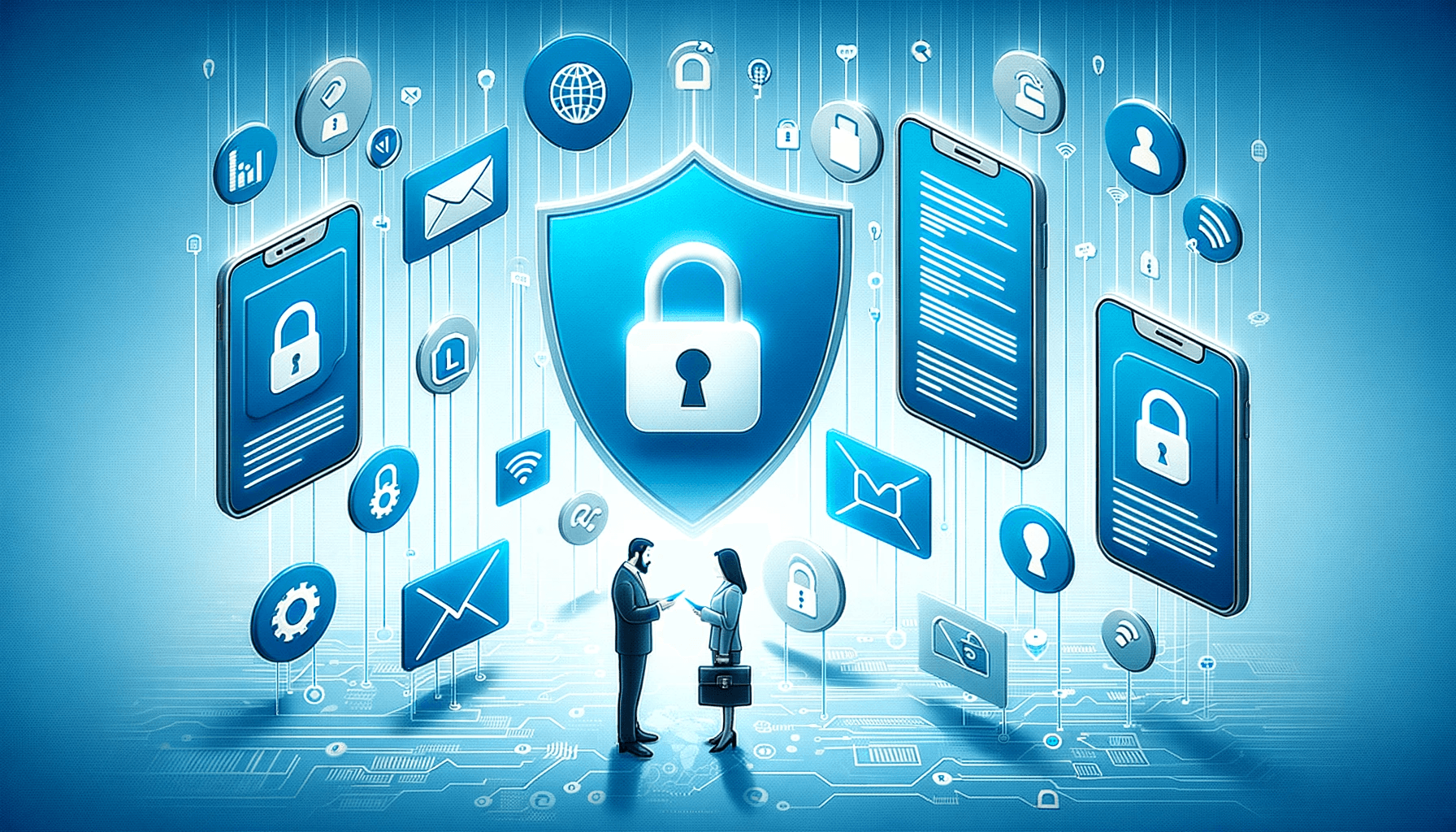
Technically private, but functionally public if screenshotted. Never send generic spam that a candidate would mock on their public feed. Reputation is key.
Als recruiter verstuur je dagelijks berichten via LinkedIn. Connectieverzoeken, InMails, follow-ups, salarisonderhandelingen. Maar hoe zit het eigenlijk met de privacy van die berichten? Zijn LinkedIn berichten prive? Het korte antwoord: ze zijn afgeschermd, maar niet waterdicht. En als je in een Recruiter seat werkt, is de situatie complexer dan je denkt.
In dit artikel leggen we precies uit wie jouw LinkedIn berichten kan zien, hoe de zichtbaarheid binnen LinkedIn Recruiter werkt, en wat de GDPR-regels zijn waar je als Nederlandse recruiter rekening mee moet houden.
Wie kan mijn LinkedIn berichten zien?
LinkedIn berichten zijn in principe alleen zichtbaar voor de afzender en de ontvanger. Andere gebruikers, je connecties, je volgers of willekeurige LinkedIn-leden, hebben geen toegang tot jouw inbox. Dat geldt voor gewone berichten, InMails en groepsberichten (waarbij uiteraard alle groepsleden meelezen).
Maar er zijn een paar belangrijke uitzonderingen.
LinkedIn zelf kan meelezen
LinkedIn gebruikt TLS-versleuteling (Transport Layer Security) voor berichten in transit. Dat beschermt tegen onderschepping door derden. Maar er is geen end-to-end encryptie. Dat betekent dat LinkedIn zelf technisch in staat is om berichten te lezen. Ze doen dit in specifieke gevallen:
- Handhaving van gebruiksvoorwaarden: als er een melding binnenkomt over spam, intimidatie of ander misbruik.
- Spamdetectie: geautomatiseerde systemen scannen berichten op verdachte patronen.
- Gerechtelijke bevelen: als een overheidsinstantie of rechter inzage vordert, is LinkedIn wettelijk verplicht om mee te werken.
- Productverbetering: LinkedIn kan geanonimiseerde berichtdata gebruiken voor het trainen van algoritmes.
Praktisch advies: schrijf elk LinkedIn bericht alsof het ooit publiek kan worden. Geen gevoelige informatie over kandidaten, geen interne afwijzingsredenen, geen salarisdetails. Gebruik voor dat soort communicatie een versleuteld kanaal zoals e-mail of telefoon.
Kan mijn werkgever mijn LinkedIn berichten zien?
Nee. Je werkgever heeft geen toegang tot jouw persoonlijke LinkedIn-berichten. LinkedIn deelt deze data niet met werkgevers of IT-afdelingen, ook niet als je LinkedIn op een bedrijfsnetwerk gebruikt. Dit wordt beschermd door zowel de GDPR (in Europa) als de ECPA (in de VS).
Maar let op: als je berichten stuurt vanuit een LinkedIn Recruiter seat die door je werkgever wordt betaald, dan is de situatie anders. Meer daarover in het volgende hoofdstuk.
Zichtbaarheid binnen LinkedIn Recruiter
Dit is waar het voor recruiters interessant wordt. Binnen LinkedIn Recruiter zijn berichten niet zo prive als je misschien denkt. De zichtbaarheid hangt af van je rol en de instellingen op contractniveau.
Admin vs. reguliere seat holder
LinkedIn Recruiter kent twee rollen met verschillende zichtbaarheidsniveaus:
- Admin seat holders zien alle seat holders op het contract, hun vacatures, gedeelde projecten en recruitingactiviteit op kandidaatprofielen.
- Reguliere seat holders zien elkaars recruitingactiviteit en gedeelde projecten, maar niet elkaars privénotities (tenzij de "Public Notes Viewer"-permissie is ingeschakeld).
InMail-zichtbaarheidsinstellingen
Admins kunnen de standaard InMail-zichtbaarheid op contractniveau instellen. Dit bepaalt of collega-recruiters de InMails kunnen zien die je verstuurt. Alleen de auteur van een bericht kan de zichtbaarheidsinstelling achteraf wijzigen.
Controleer dus altijd de instellingen van je contract. Als de standaard op "zichtbaar voor het team" staat, leest je collega mee met elk bericht dat je stuurt. Dat kan handig zijn voor samenwerking, maar vervelend als je vertrouwelijke gesprekken voert met kandidaten.
Delegated Inbox
Met de Delegated Inbox-functie kun je een collega toegang geven tot jouw inbox. Die collega kan dan jouw conversaties lezen en namens jou reageren. Antwoorden worden verstuurd vanuit hun eigen account, maar ze zien je volledige berichtgeschiedenis.
Gebruik deze functie alleen als het echt nodig is, bijvoorbeeld tijdens vakantie. En informeer kandidaten als iemand anders jouw inbox beheert.
Screenshots en doorsturen
LinkedIn biedt geen screenshotdetectie. In tegenstelling tot Snapchat of Instagram stuurt LinkedIn geen notificatie als iemand een screenshot maakt van je bericht. De ontvanger kan jouw bericht dus vrijelijk kopiëren, screenshotten of doorsturen.
Dit geldt ook na het verwijderen van een bericht. Als de ontvanger je bericht al heeft gelezen of gescreenshot voordat je het verwijdert, is het te laat.
Let op: berichten die je hebt verstuurd via InMail of reguliere messages blijven zichtbaar bij de ontvanger, zelfs als je je LinkedIn-account verwijdert. Eenmaal verstuurd is verstuurd.
GDPR en kandidaatprivacy voor Nederlandse recruiters
Als Nederlandse recruiter werk je onder de AVG/GDPR. Dit heeft directe gevolgen voor hoe je LinkedIn-berichten gebruikt in je recruitmentproces.
Mag je kandidaten zomaar benaderen via LinkedIn?
Ja, onder voorwaarden. Als een kandidaat een openbaar LinkedIn-profiel heeft, kun je een beroep doen op gerechtvaardigd belang als verwerkingsgrondslag. Dat geldt vooral als het profiel duidelijk maakt dat de persoon openstaat voor nieuwe kansen, bijvoorbeeld via de "Open to Work"-badge of een expliciet vermeld zoekprofiel.
Maar je moet wel aan een aantal voorwaarden voldoen:
- Je benadert de kandidaat voor een relevant aanbod dat past bij hun profiel.
- Je biedt een eenvoudige manier om bezwaar te maken tegen verdere contactmomenten.
- Je documenteert je verwerkingsgrondslag vooraf.
Bewaartermijnen voor kandidaatgegevens
Data die je uit LinkedIn haalt, of dat nu profielinformatie is of berichtgeschiedenis, valt onder jouw verwerkingsverantwoordelijkheid. De GDPR schrijft voor dat je persoonsgegevens niet langer bewaart dan noodzakelijk.
In de praktijk hanteren veel bureaus een bewaartermijn van maximaal 1 jaar na het laatste contact. Documenteer je bewaartermijnen en zorg dat je een proces hebt om gegevens te verwijderen wanneer die termijn verloopt.
Rechten van kandidaten
Kandidaten hebben onder de GDPR het recht op:
- Inzage: welke gegevens je over hen hebt opgeslagen.
- Rectificatie: correctie van onjuiste gegevens.
- Verwijdering: het wissen van hun gegevens als er geen grondslag meer is voor verwerking.
- Bezwaar: het stopzetten van verdere contactmomenten.
Als een kandidaat vraagt om verwijdering, moet je daar binnen 30 dagen gehoor aan geven. Dat geldt voor je ATS, je e-mail en je LinkedIn-notities.
Praktische tips voor recruiters
Op basis van alles hierboven, een concrete checklist:
- Controleer je InMail-zichtbaarheidsinstellingen in LinkedIn Recruiter. Weet wie er meeleest.
- Stuur geen gevoelige informatie via LinkedIn. Salarisonderhandelingen, medische gegevens of interne feedback horen niet in een LinkedIn bericht.
- Gebruik persoonlijke connectieverzoeken in plaats van generieke templates. Dat is niet alleen beter voor privacy, maar ook voor je responsrate.
- Documenteer je GDPR-processen. Bewijs dat je weet welke data je verwerkt, waarom en hoe lang.
- Informeer kandidaten als iemand anders toegang heeft tot je inbox via Delegated Inbox.
- Wees voorzichtig met screenshots. Ga ervan uit dat alles wat je schrijft gedeeld kan worden.
Zijn LinkedIn berichten veilig genoeg voor recruitment?
LinkedIn berichten zijn afgeschermd voor andere gebruikers en bieden basisbescherming via TLS-versleuteling. Voor de meeste recruitmentcommunicatie is dat voldoende. Maar het is geen end-to-end versleuteld kanaal, en binnen Recruiter-contracten is de zichtbaarheid breder dan veel recruiters beseffen.
De kern: LinkedIn berichten zijn technisch prive, maar functioneel semi-openbaar. Je collega's kunnen meelezen, screenshots zijn niet te voorkomen, en LinkedIn zelf heeft toegang. Behandel elk bericht met de professionaliteit die je verwacht als het ooit openbaar zou worden. Dat is niet alleen beter voor je privacy, maar ook voor je employer brand.
Keep your outreach reputation flawless?
Elvatix ensures every message you send is highly personalized and respectful, completely eliminating the "spam risk" to your brand.