LinkedIn Recruiter Seat: Cost, Features and ROI in 2026
LinkedIn Recruiter seat: what it costs, what Lite and Corporate each include per seat, and how to work out when an extra seat pays for itself.
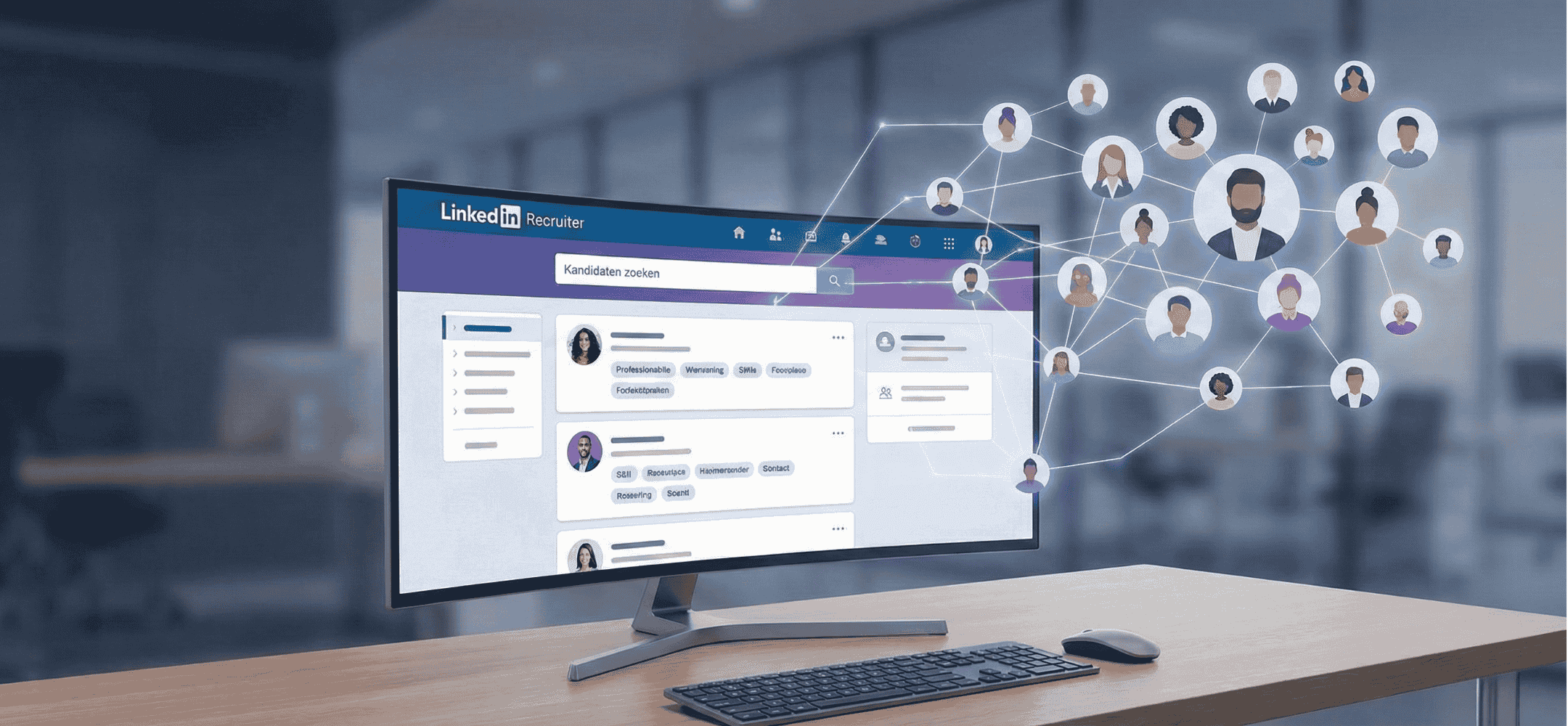
What is a LinkedIn Recruiter seat?
A LinkedIn Recruiter seat is an individual user licence for LinkedIn Recruiter. Every recruiter on your team needs their own seat to use the platform. Seats are billed monthly and each includes its own pool of InMail credits.
30 InMails/month
100 InMails/month
150 InMails/month
Adding an extra seat in 4 steps
Navigate to your company settings in LinkedIn Recruiter and select 'Manage seats'.
Select the type of licence (Lite, Professional or Corporate) you want to add.
Enter the email address of the recruiter who will use the seat.
Once confirmed, the seat is active immediately. The recruiter receives an invitation by email.
- An extra seat pays off if your recruiter spends more than 4 hours a week searching manually
- Don't share seats between multiple users. That violates LinkedIn's terms
- Use Elvatix on every seat for personalised messages at scale
- Don't get extra seats if your current InMail credits aren't being used up
A LinkedIn Recruiter seat costs €2,000–€10,000+ per year. This article covers exactly what you get, when a seat pays for itself, and how to get more out of every seat.
A LinkedIn Recruiter seat is a personal licence that lets you search for, approach and follow up with candidates at a professional level within the LinkedIn ecosystem. You get access to advanced search filters, extra InMail credits and tools for project management and collaboration. This licence is built for the active recruiter who fills multiple vacancies at once and wants more grip on the sourcing process. With 2026 approaching, when efficiency and data-driven working are the norm, this tool gives you the structure you need to stay competitive.
In this article we explain exactly what a LinkedIn Recruiter seat includes, what costs to expect and how to get the most out of every feature. We give practical explanations, ready-to-use search queries and tips for faster results. We also show how AI support, such as Elvatix, helps you work even more personally and efficiently within that same familiar environment.
- A LinkedIn Recruiter seat is a single licence for a single user, giving access to the full database, filters and project tools.
- The investment ranges from a few thousand euros (Lite) to well over ten thousand euros (Corporate) per year.
- You sharpen your search with powerful filters, Boolean logic and smart Spotlights for the best matches.
- A seat only pays for itself with active use per vacancy and a clear ROI.
- Elvatix lets you communicate faster and more personally within LinkedIn, without switching to external platforms.
What a LinkedIn Recruiter seat actually is, and what you get with it
What is a seat in LinkedIn Recruiter?
A LinkedIn Recruiter seat is your individual ticket to the most powerful recruitment platform in the world. With this seat you unlock in-depth search functionality and communication options that stay hidden from standard users. You search for candidates far beyond your own network, message them directly through InMail, and keep track of everything through project folders and reporting. Important to know: every seat is strictly personal and cannot be shared with colleagues.
The difference with a free profile and Premium
A free LinkedIn profile is excellent for networking, but falls short for proactive sourcing. A Premium account does offer more insight, such as who viewed your profile, but lacks the heavy-duty engine built for recruitment. Only a LinkedIn Recruiter seat lets you search the entire market, combine complex filters and contact talent directly outside your network. For official details on the packages, you can check LinkedIn's product page.
Who is a LinkedIn Recruiter seat worth it for?
LinkedIn Recruiter is built for the power user: think recruiters at agencies, staffing firms or corporate recruitment teams with high hiring volumes. If you identify and follow up with talent every day, a seat offers essential advantages over a standard profile. You get the most out of it when you're managing several vacancies at once, or searching for scarce profiles within complex target groups.
LinkedIn Recruiter seat cost, and how to judge the price per seat
Indicative price ranges for Lite and full Recruiter
LinkedIn doesn't publish official price lists; rates are usually calculated on a custom basis. The cost depends on the number of seats, the region, the contract length and the type of organisation. On average, LinkedIn asks a few thousand euros per year for Recruiter Lite. A full LinkedIn Recruiter seat (Corporate) usually falls between €10,000 and €12,000 per user per year. For an exact quote, you'll need to contact LinkedIn sales directly.
When does an extra seat pay for itself?
An extra licence is only a smart investment if the recruiter uses it intensively, every day. Look at the number of open vacancies, the volume of messages sent, and whether these lead to quality conversations and hires. If a seat is only used sporadically, the high cost doesn't outweigh the benefit.
Common mistakes when buying seats
Organisations often buy too many seats, or hand them to people (such as hiring managers) who don't actively source. This leaves expensive accounts sitting unused, wasting thousands of euros a year. It's smarter to start small and scale up based on proven need and usage data.
Before you decide whether an extra seat is worth the investment, do the maths first. The calculator below shows, based on your team and hires per month, from what point a seat pays for itself, and where you're better off sticking with your current seats.
Calculate: do you really need an extra seat?
A seat costing €860 a month is a significant fixed cost. Enter your team and hires to see whether an extra seat pays for itself, or whether you can work smarter with your current seats.
The key features of a LinkedIn Recruiter seat in practice
Finding candidates with LinkedIn Recruiter filters
With a LinkedIn Recruiter seat you get access to advanced search filters that let you segment very precisely. You can filter, for example, by:
- Location: a specific country, region, city or radius.
- Job title: current roles, but also past experience.
- Skills: hard skills such as JavaScript and Salesforce, or specific recruitment skills.
- Education level: type of degree, field of study or a specific institution.
- Work experience: sector, seniority or years of experience.
- Language skills and availability (e.g. 'Open to Work').
These filters make sourcing with LinkedIn Recruiter considerably faster and more targeted. Start broad with location and job title, then refine step by step.
Boolean search in LinkedIn Recruiter, explained simply
Boolean search is the key to finding the right candidates in LinkedIn Recruiter. By combining logical operators, you build powerful search strings:
- AND: Both conditions must be present. For example:
"UX designer" AND Amsterdam. - OR: One of the conditions is enough. For example:
"data engineer" OR "data scientist". - NOT: Excludes specific terms. For example:
"account manager" NOT "junior".
LinkedIn Recruiter Spotlights and other smart signals
Spotlights show you which candidates are likely to respond faster. You immediately see who has been active recently, who follows your company page, or who has previously replied to an InMail. In the 2026 hiring climate, these Spotlights help you prioritise 'warm' leads, so you invest your time where the chance of success is highest.
How do LinkedIn Recruiter InMail credits work?
A seat gives you a monthly allowance of InMail credits to approach professionals outside your network. With LinkedIn Recruiter Lite this is often around 30 per month, while a full seat (Corporate) offers considerably more. Unused credits often expire after a while, and buying extra ones is expensive. Read more about writing smart InMails to maximise your response rate.
Step-by-step: how to use your LinkedIn Recruiter seat from intake to hire
From intake to a sharp search profile
A successful hire starts with a crystal-clear intake. Ask the hiring manager for the exact job title, location, must-have skills, company culture and salary range. This is how you build a search profile that reflects reality. It prevents mismatches and saves you a lot of time later in the process.
Building a search with filters and Boolean
Translate the intake into a concrete search. Combine the standard filters (location, job title, experience) with specific Boolean strings. A few examples:
("frontend developer" OR "UI developer") AND Berlin("project manager") NOT "junior" NOT "intern"
Sourcing is iterative: look at the results, sharpen your search and repeat until you have the right population in view. This is the foundation of sourcing effectively with LinkedIn Recruiter's filters.
Starting a project and building a shortlist
Create structure by setting up a project for each role, for example "HR Manager London – Q1 2026". Save promising profiles into it and use statuses such as "contacted" or "in conversation" to track progress. This is how you build a clear, organised pipeline.
Approaching and following up with candidates
The right approach is bespoke. Sometimes a connection request with a short note is enough; other times a detailed InMail is needed. Make sure your message is personal, with a clear reason for reaching out and a concrete call to action. In our collection of LinkedIn Recruiter tips for recruiters you can read how to boost your conversion.
LinkedIn Recruiter vs Recruiter Lite: which seat fits your situation
What do you get with LinkedIn Recruiter Lite?
LinkedIn Recruiter Lite is the entry-level version of the platform. You get access to basic filters, projects and Boolean search, but you're searching a smaller pool (up to your 3rd-degree network) and have fewer InMail credits. Lite is ideal for independent recruiters or small teams with lower hiring volumes.
Extra capabilities of the full LinkedIn Recruiter seat
The full version (Corporate) unlocks the entire database, offers more filters, a larger number of InMail credits and advanced reporting. On top of that, you can collaborate seamlessly with colleagues in shared projects, which is essential at higher volumes. For organisations that hire continuously, this is the most efficient choice.
A decision guide for individual recruiters and teams
Are you a freelance recruiter with limited volumes? Then LinkedIn Recruiter Lite is often enough. Do you work in a team, split vacancies between colleagues, or is data analysis critical? Then the full seat is the logical next step. This is especially true for recruitment agencies that run many searches every day and collaborate closely.
Setting up your LinkedIn Recruiter projects and pipelines smartly
Defining pipeline stages that fit your process
Define clear stages for each project, such as 'Sourced', 'Contacted', 'In conversation', 'Submitted' and 'Hired'. By consistently moving candidates to the right status, you can see straight away where the action points are. This prevents duplicate work and keeps the process tight.
Notes, labels and team collaboration
Enrich profiles with notes about conversations or specific details. Use labels (tags) such as “good fit for later” or “high potential” so you can filter quickly in future. Working with colleagues? Then they see each other's activity straight away. This keeps your LinkedIn Recruiter projects and pipelines up to date and organised, even with dozens of vacancies running at once.
Using saved searches and alerts
Why keep searching from scratch? Save your best search and turn on an alert. LinkedIn will then send you new profiles that match your criteria on a regular basis (daily or weekly). This is a huge time-saver for ongoing hiring or hard-to-fill roles.
Getting more out of your InMail credits with better messages
When do you choose an InMail, and when a connection request?
Already have a shared connection, or do you know someone by name? Then a connection request is often effective and personal. Is the contact cold, or do you want to give more context? Then choose an InMail. Use your limited credits strategically, on candidates where the match and the chance of a reply are highest.
Building a personal InMail in three blocks
- Start personal: reference a detail from the profile, such as their current employer, a project or a shared interest.
- The 'why': explain briefly and powerfully why this specific person and this role are a match.
- Close with action: ask an open question or suggest a low-key introductory call.
LinkedIn Recruiter tips for recruiters: higher response without spam
Keep messages short and relevant. Avoid clichés and copying job ad text word for word. Use templates as a starting point, but always personalise. Tools such as Elvatix help with this by generating unique, personal InMails without you having to type everything by hand. Learn more about writing smart InMails for maximum results.
You now know the theory. The difference between a seat that pays off and an expensive one gathering dust is in the messages you send. Try below, for free, what a personal message looks like on the profile of a real candidate.
Get more out of the InMail credits you already have
A seat only pays off once your messages get replies. Enter a name and see within 30 seconds what a personalised Elvatix message delivers.
Getting more return from every LinkedIn Recruiter seat with Elvatix as your copilot
How Elvatix works inside LinkedIn Recruiter and Recruiter Lite
Elvatix works as a smart layer on top of LinkedIn. You install the Chrome extension and work directly from your familiar Recruiter or Lite environment. The tool analyses candidate profiles and suggests fully personalised messages. You never have to open a separate dashboard; you stay in control, while working at the speed of AI.
Example: sourcing a mid-level Java developer with Elvatix
Say you're looking for a Java developer in Berlin. You build your search and select a shortlist of 30 candidates. Elvatix scans these profiles and generates a unique draft message for 25 of them, referencing their specific skills or projects. This saves you hours of copywriting, while the quality of your outreach goes up. The work stays human, but the process becomes scalable.
Staying inside LinkedIn while still saving time
Elvatix integrates seamlessly with your existing LinkedIn Recruiter seat. You review, edit and send every message right there on the platform. The extension respects LinkedIn's terms of use; there's no risky automation involved. See how the LinkedIn integration works. Want to see how this scales inside a large organisation? Read the full Vibe Group case study.
Summary: staying in control of your seat, your costs and your results
A LinkedIn Recruiter seat offers unmatched possibilities for the professional recruiter. You can search in real depth, manage projects tightly and follow up with candidates effectively. Good use is what makes the difference between a cost item and a strategic weapon. By building your searches smartly and keeping projects up to date, you work faster and more precisely.
Heading into 2026, take a critical look at your licence usage: who's actually getting a return from it? And if you want to save time without losing personal attention, a tool such as Elvatix helps you optimise your outreach and boost your response rate. Get in touch with Elvatix if you'd like to talk through how you use seats, team efficiency and the future of sourcing.
Get more return from your Recruiter seat
Elvatix works as a layer on top of your LinkedIn Recruiter: personal InMails at scale, without an external platform.