How to remove or block a LinkedIn connection, and when to choose which
How do you remove a LinkedIn connection, and when should you block instead? See the step-by-step guide, the difference, and tips for recruiters.
Choose to remove connections for general network upkeep, and use the block feature only to fully shield your privacy and visibility.
You can remove a LinkedIn connection quickly from that person's profile or from your own connections list. The other person doesn't receive any notification when you do this. If you want to shut someone out completely, blocking is the better option: they can no longer see your profile or contact you at all. This article walks through both routes step by step, and explains when each one makes sense.
- Removing means you're no longer connected, and the other person isn't notified.
- Blocking stops all visibility and contact between you.
- Messages you've already exchanged stay in your inbox after removing.
- Unfollowing is a safer middle ground if you're not sure yet.
Quick answer: removing or blocking a LinkedIn connection explained
Removing a LinkedIn connection simply breaks the link between your two profiles. You disappear from each other's network, but you can still find one another and reconnect at any point. A common question is whether LinkedIn tells the other person, and it doesn't. No notification is ever sent.
Blocking a LinkedIn connection goes a step further. The other person can no longer see your profile or send you messages. This is the option to use for unwanted contact or when you need to protect your privacy. Removing suits general network housekeeping, while blocking is designed to shut someone out entirely.
How to remove a LinkedIn connection from their profile
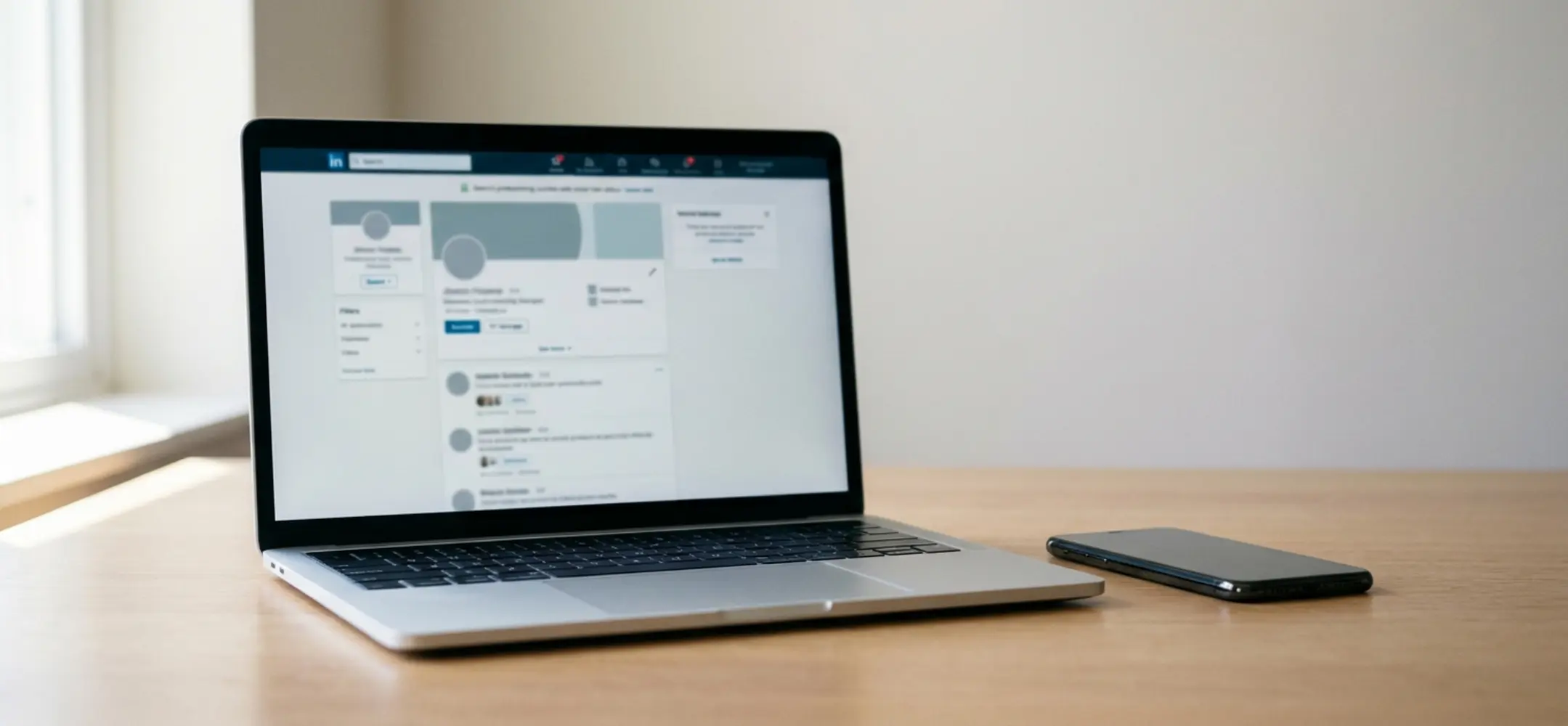
Follow these steps to remove a connection directly from their profile. Add your own screenshots where useful, so you can see exactly where to click.
- Step 1: Go to the person's profile.
- Step 2: Click "More".
- Step 3: Select "Remove Connection".
- Step 4: Confirm your choice.
This route works best when you want to remove one specific contact. You can see straight away that you've got the right person, which avoids awkward mistakes.
Removing a LinkedIn connection from your connections list
If you want to give your LinkedIn network a proper clear-out, working from the connections list is much faster. It lets you work through several profiles one after another.
- Step 1: Go to "My Network" in the menu.
- Step 2: Open the "Connections" overview.
- Step 3: Find the person you're looking for.
- Step 4: Click the three dots next to their name.
- Step 5: Select "Remove Connection" and confirm.
Use screenshots here too if you're sharing this process with colleagues internally. It makes the steps clear at a glance and saves you answering the same questions twice.
Tip: Elvatix gets more out of every InMail credit. Higher response rates, lower cost per contact.
See how →What happens after you remove a LinkedIn connection?
Once you remove a LinkedIn connection, you're no longer first-degree connections. The other person doesn't get a separate message about it. They can, of course, notice if they check your profile directly and see you're no longer linked.
Earlier conversations simply stay in your inbox. You can always look back at what was discussed before. And you can send a new invitation at any later point, so it's never a permanent split.
Removing or blocking a LinkedIn connection: the difference explained
The real difference between blocking and removing on LinkedIn comes down to visibility and the ability to make contact. After removing, someone remains visible and you can reconnect later. Blocking, on the other hand, makes the profile disappear from view entirely, in both directions. Getting in touch is then simply not possible any more.
Choose removing when you're purely tidying up your network or want to reduce less relevant contacts. Choose blocking instead for spam, unwanted messages, or privacy and safety concerns around a particular connection. That choice gives you immediate peace of mind and control over your own profile.
When it makes sense to remove a LinkedIn connection
Removing a LinkedIn connection is genuinely useful once your network has grown too large or hard to navigate. Old contacts with no current relevance can be cleared out with a clear conscience. Your feed becomes calmer as a result, and you spot the updates that matter to you much faster.
This helps you work in a far more targeted way. You find the right people more quickly, and your business conversations become noticeably more manageable.
When blocking a LinkedIn connection is the better choice
Sometimes removing simply isn't enough. If you're dealing with spam, pushy messages, or an obvious fake account, block rather than remove. That way you stop the person reaching you again and protect your own digital space straight away.
It's also the right call whenever you seriously doubt someone's intentions behind an account. This keeps you firmly in control of your own visibility and communication on the platform.
Why removing a LinkedIn connection isn't always smart for recruiters
For recruiters, network management works a little differently. A large network extends your reach and visibility. Old candidates can also suddenly become relevant again when a new role opens up. That's why it pays to be deliberate about removing LinkedIn connections if you work in recruitment.
Recruiters who actively manage relationships often choose structure over ruthlessly pruning their list. Many teams use connection request management to keep a clear overview. For organisations working with recruitment agencies, the value of a network is tied directly to the results it produces.
You can also choose to unfollow someone instead of removing the connection outright. That way the valuable link stays intact, while your feed shows far less noise.
Alternatives to removing a LinkedIn connection
Still not sure? There are gentler options available too. Unfollowing someone simply means their updates no longer appear in your feed. Adjusting your notification settings also helps you cut down on distractions structurally. This gives you the breathing room you need, without losing valuable business relationships.
Anyone looking to sharpen their processes further could look at working more efficiently within LinkedIn, so the right tools fit even better into daily use. Our case studies show clearly how other professionals approach this, and the choices they make along the way.
Frequently asked questions about removing a LinkedIn connection
Does someone see it if you remove a connection on LinkedIn?
No, LinkedIn never sends a notification for this. The only way someone might notice is by checking your profile directly and seeing you're no longer linked.
Can you reconnect after removing someone?
Yes, absolutely. You can always send a new connection request later, unless that person has blocked you in the meantime.
What happens to existing conversations?
Earlier messages simply stay in your inbox. You don't lose any of your message history.
Which is better: blocking or removing?
Removing is what you'd use for everyday network housekeeping. Blocking is for when you genuinely want no further contact and want to fully limit your visibility to that person.
Want to handle this kind of process more smartly within your own team? Feel free to get in touch with us. We'll be glad to look at what works best for the way you work.
Write a personal message right here
Enter a name or LinkedIn URL and get a personalised message within 30 seconds. No account needed.
Want to clean up your network strategically?
Elvatix helps you optimise talent pools with advanced sourcing filters and smart database management features.