AI copilot for recruiters: intake calls with live transcription and notes
An AI copilot for recruiters transcribes intake calls, suggests better questions live, and hands you ready-to-use notes. See how it works and its GDPR limits.
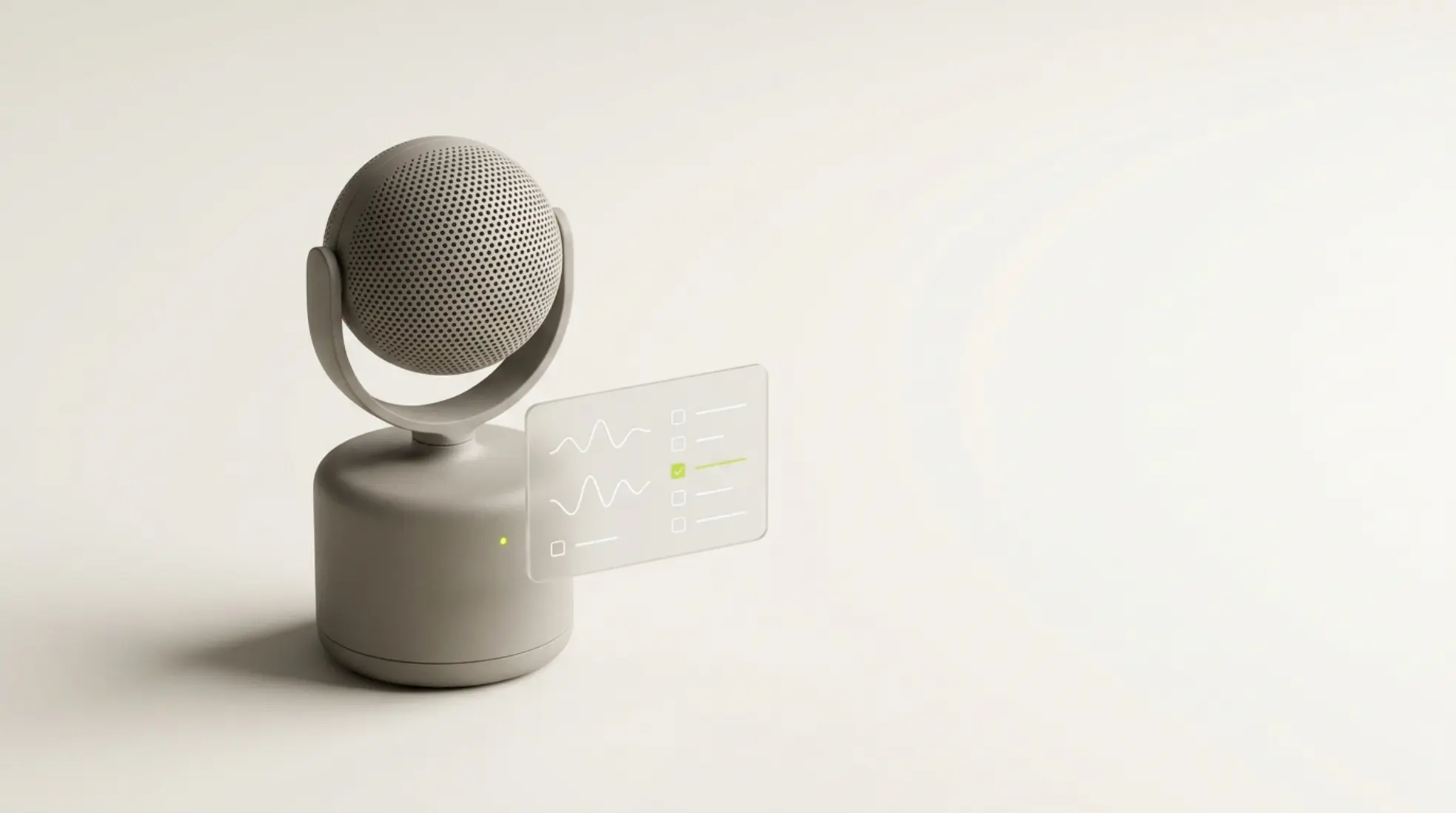
An AI copilot automates recruitment transcription and offers live suggestions during intake calls, preventing information loss and speeding up the search.
An AI copilot for recruiters supports you during intake calls by listening in, turning the conversation into text, and offering suggestions as you go. That means you miss less information, work faster, and walk away from every call with something you can drop straight into your ATS or CRM. This article covers how it works, when it's worth using, and where the limits sit.
- You get an instant transcript and summary of every intake call.
- You ask better questions thanks to live suggestions during the conversation.
- You stop losing information between the intake and the search.
- You stay GDPR-compliant, provided you're transparent and careful about how you use it.
What an AI copilot for recruiters does during intake calls
An AI copilot for recruiters supports you during an AI-assisted intake call with a hiring manager or candidate. The tool listens in and turns the conversation into text, a process often called recruitment transcription. The system recognises who's speaking and makes the conversation instantly searchable. That means less typing for you, and more attention on the actual content.
During the call, you also get suggestions. If a hiring manager mentions that communication matters, the recruitment copilot nudges you to dig deeper. Think concrete examples, or the level they're really after. That makes an intake far more thorough, without you having to think of everything yourself.
Many tools check whether every key topic has been covered, such as salary, team structure and the required skills. Afterwards, you get AI-generated recruitment notes you can save immediately. During an AI-assisted intake with a hiring manager, the tool can even draft a first version of a job profile automatically.
A familiar example: you're running an intake for an IT role and the conversation is mostly about culture. The interview copilot flags that the technical requirements haven't come up and gives you a reminder, saving you having to go back and cover it later.
How an AI copilot for recruiters lifts productivity across recruitment teams
The biggest win sits in time and handover. Information from intake calls tends to get scattered. Manual notes are often incomplete or hard to share. With an AI copilot for recruiters, the content stays intact and is immediately usable.
This helps most in teams, when one recruiter runs the call and another starts the search. Clear output means the brief is better understood. That speeds up writing vacancies and approaching candidates considerably.
After an intake, you want to move fast and turn the information into action, such as job ad copy or outreach. That's where our post-intake AI instructions help, translating conversation data into concrete prompts. That keeps the quality of your communication consistent every time.
When an AI copilot for recruiters is worth it, and when it isn't
The impact depends heavily on how you work. Teams running plenty of intake calls see the benefit quickly. Think agencies with several recruiters and a large number of calls each week. In that context, recruitment agencies running lots of intake calls gain enormously from a fast, clear handover.
As a rule of thumb, you tend to see real impact from around five recruiters and ten intake calls a week upwards. Below that, the gains are relatively small. In small teams with few calls, a simple note-taking tool may already be enough. That's why it's worth taking a hard look at your own volume and process first.
Tip: Elvatix gets more out of every InMail credit. Higher response rates, lower cost per contact.
See how →What an AI copilot for recruiters shouldn't do during a call
There are clear limits, though. An AI copilot for recruiters has no business analysing emotion from someone's voice or tone. Applications like that carry real risk under EU and UK rules on AI in recruitment, because they can lead to unwanted profiling.
An AI meeting assistant for recruitment also shouldn't record conversations without the participants knowing. Transparency simply isn't optional. Nor should a tool score candidates automatically without a human checking the result. Making the actual decision stays human work.
GDPR and an AI copilot for recruiters when it comes to recordings and transcripts
During an AI-assisted intake call, you're processing personal data, sometimes sensitive personal data. Under GDPR rules on recording conversations, you need a valid legal basis for that, such as explicit consent or a legitimate interest, and you need to explain this clearly in advance.
In practice, that means telling people at the start of a call that it's being transcribed. Explain what you're storing, why, and for how long. You also need to make clear that people can object.
Staff consultation and the internal use of conversation data
When you use conversation data to monitor or assess staff, you may well need to consult employee representatives before you do, and, depending on the scope of the processing, run a data protection impact assessment. This comes up, for example, with performance reviews or comparing recruiters against each other.
A careful approach helps avoid pushback. Explain the purpose clearly, limit how the data is used, and make sure staff can see their own data. That keeps the process transparent as well as workable. Rules on staff consultation vary by country, so check what applies to your own organisation before you roll this out.
Transparency and the rules around AI in recruitment in practice
EU and UK rules around AI in recruitment set strict requirements for clarity and control. People need to know that AI is being used during a call. That obviously applies to candidates and hiring managers alike.
Choose tools that purely support note-taking and structuring. Avoid systems that make judgement calls on their own. Transparency and human oversight bring the risk down considerably.
The differences between an AI copilot for recruiters and other tools
There's a clear difference between an AI copilot for recruiters and more general-purpose tools. A recruitment copilot is built specifically for intake calls and fully understands the recruitment context. A general AI meeting assistant, by contrast, is built mainly for standard meetings.
When you choose a tool, pay close attention to language recognition, especially accents and regional variation. Look too at integrations with your ATS or CRM, and find out exactly how the data is stored. Together, these factors decide how usable, and how safe, the tool really is in practice.
From intake to action with the output of an AI copilot for recruiters
The real value only shows up after the call. With AI-generated recruitment notes, you can move a lot faster. Writing job ads, drafting interview questions and kicking off targeted searches all become easier.
In our recruitment team case studies, you can see exactly how structured intake output leads to better communication and less noise across the whole process. That means you work in a noticeably more consistent and efficient way.
When to start using an AI copilot for recruiters in your team
The decision starts with three core questions. How many intake calls do you run each week? How big is your team? And how well sorted are your processes around privacy and staff consultation? If you run a lot of calls and regularly lose information between steps, starting here is the logical move.
This technology touches both collaboration and compliance, so rolling it out carefully matters a great deal. Read more about how we think about AI in recruitment and how we put that into practice. Want to talk through your own situation? Head to our contact page to talk about AI in your recruitment process.
Frequently asked questions about the AI copilot for recruiters
What does an AI copilot for recruiters do during a call?
The tool listens in, produces a transcript, suggests questions as you go, and delivers a summary afterwards that you can use straight away.
Is transcription allowed under GDPR?
Yes, provided you have a valid legal basis and you're fully transparent about what you're recording and why. Participants must always know that the conversation is being processed.
Do you need staff consultation first?
Yes, if you're using conversation data to monitor or assess staff. In other cases, it depends on the specific purpose and how the data is used.
Can AI assess candidates during a call?
No. Automatic scoring without a human check carries too much risk, and doesn't fit within current regulation either.
Write a personal message right here
Enter a name or LinkedIn URL and get a personalised message within 30 seconds. No account needed.
Want to automate intake calls with Elvatix?
Elvatix helps you turn conversation data directly into AI-driven job descriptions and prompts, for a faster handover into sourcing.