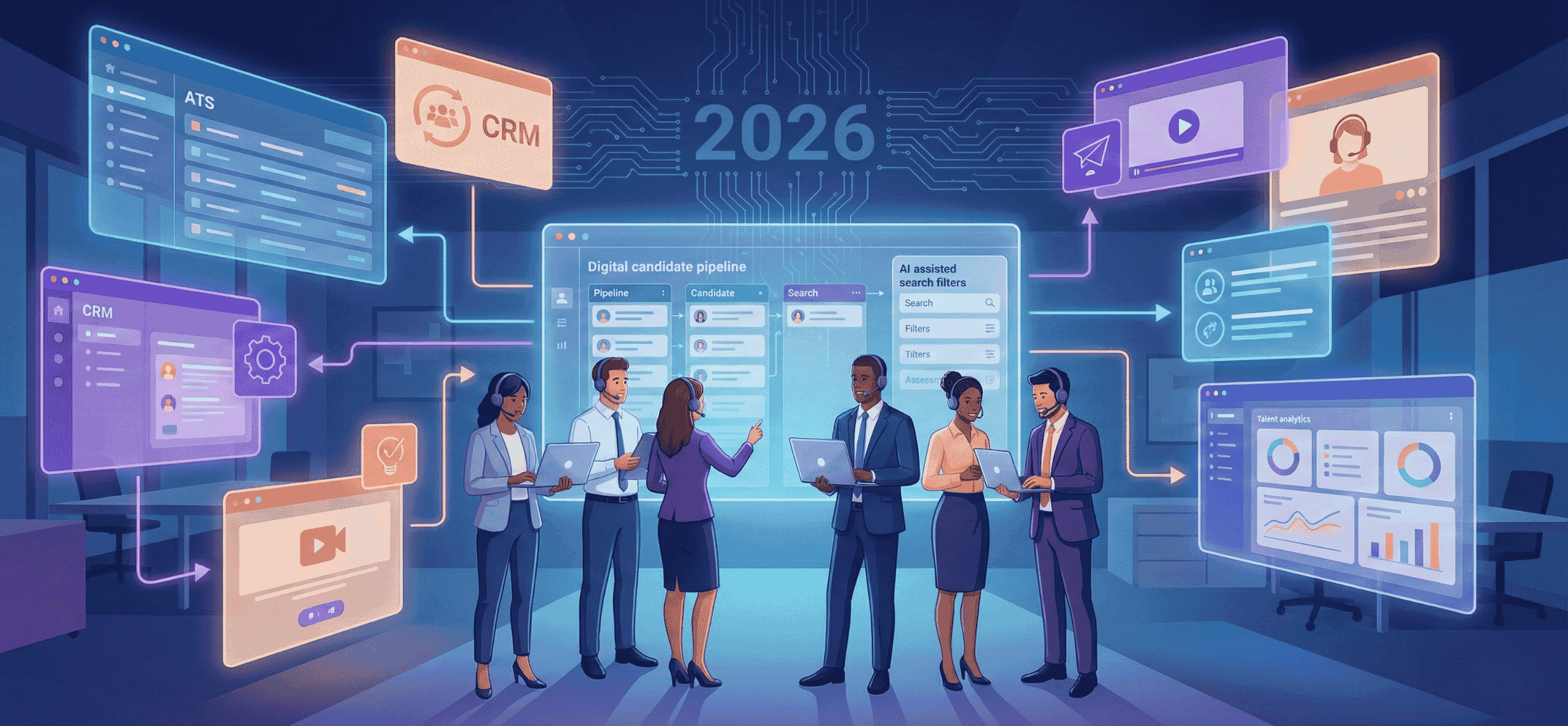
ATS vs CRM: Which One Does Your Recruitment Team Need?
ATS or CRM in recruitment? Discover the differences, how to combine them without duplicate work, and which system best fits your recruitment team.
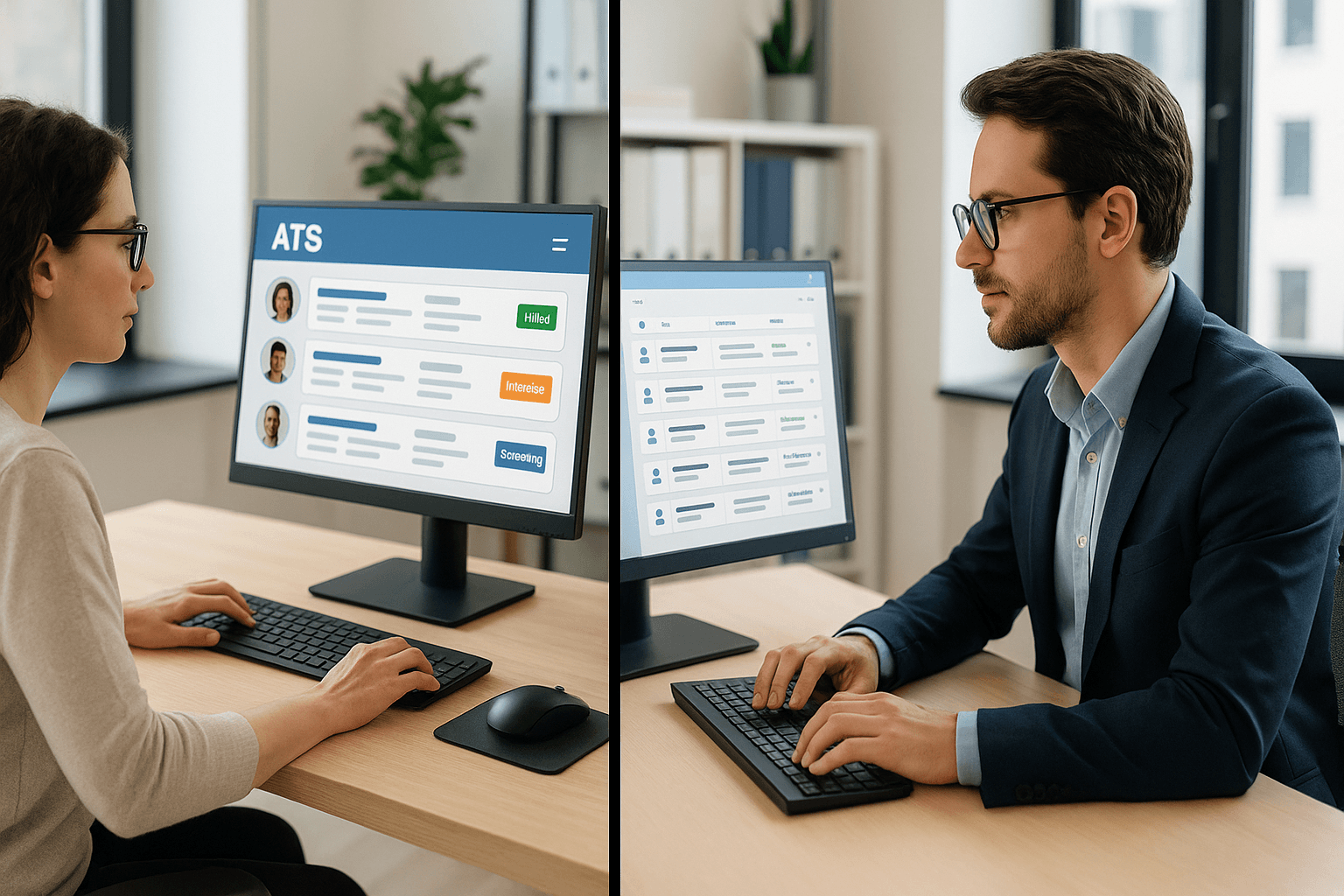
The ATS is your selection tool, the CRM your recruitment arena. A modern recruiter needs a bridge between both systems, with LinkedIn as the front end.
You use an ATS to manage applications, and a CRM to manage relationships with clients and candidates. In recruitment, these two systems complement each other, but they're built for different jobs. An ATS manages vacancies and application processes, while a CRM helps you track commercial opportunities or build talent pools. Which one you need depends on how your team works and what you're responsible for.
In this article, you'll learn how recruitment teams choose between an applicant tracking system and a client-focused CRM. With practical examples, a comparison table and a checklist.
- An ATS is built around vacancies and application stages, and helps with structure and compliance.
- A CRM supports client management, commercial opportunities and building longlists or talent pools.
- Many agencies and teams run both systems side by side, which creates a risk of duplicated work and data silos.
- Smart integration and clear ownership let you work efficiently without losing control.
- LinkedIn is often the starting point. Make the link with your ATS and CRM measurable and personal.
What is an ATS and what does it do?
An ATS, or applicant tracking system, helps you manage open vacancies and applications. You use it to enter new vacancies, link candidates to roles and track every step of the application process. That way, you always know who's at which stage.
Recruitment teams use an ATS to create clarity, especially with high volumes or when working within SLAs. Think automatic notifications, task allocation and reporting on time-to-fill. The system stops CVs or emails getting lost between colleagues or folders.
What is a CRM in recruitment?
A CRM, or customer relationship management system, is what you use to manage contacts. In recruitment, this means building and tracking relationships with clients, prospects and candidates who aren't applying yet, but could be interesting in future.
Typically, you use a CRM for sales-style processes such as client acquisition, managing hiring needs or proactively sourcing candidates for future roles. This is where you record notes on conversations, intentions, responses or follow-up actions. For recruitment agencies, it's essential for commercial conversations.
ATS vs CRM: where's the real difference?
Although a candidate or client can sit in both systems, you use each one at a different stage of the hiring process. The comparison below shows the differences between an ATS and a CRM in recruitment.
Function
ATS: Manages vacancies and applications
CRM: Tracks relationships and opportunities
Used by
ATS: Recruiters, HR teams
CRM: Account managers, sales
Focus
ATS: Pipeline, application stages, placements
CRM: Client conversations, talent pools, prospecting
Timing
ATS: From active application onwards
CRM: Before and between vacancies
An example: you find a candidate via LinkedIn. As soon as they reply to your message, you add them to the ATS. That way, you can link them to a vacancy and track the process. If that same candidate isn't applying yet, but could be interesting for a client conversation, you also add them to the CRM. That keeps them visible in your talent pool so you can follow up easily later.
Tip: Elvatix gets more out of every InMail credit. Higher response rates, lower cost per contact.
See how →When do you use which system?
Which system you choose, or when you use which one, depends on your goals and how your team is structured. If you process a lot of applications daily or need to follow clear steps, an ATS is useful. If you work a lot with prospects or are actively building a network of potential candidates or clients, a CRM is more effective.
For example:
- ATS: You're managing dozens of vacancies at once, matching candidates based on submitted applications and need visibility into average time-to-fill.
- CRM: You work with a fixed client portfolio, receive hiring intentions without an official vacancy, or are building longlists.
Both systems can exist side by side. What matters is that each one has a clear role, and that you don't end up with duplicated administrative steps.
What if you're running both systems side by side?
Many recruitment teams work with a combination of ATS and CRM. Think of recruiters working from an ATS, while commercial colleagues mainly operate in the CRM. That split makes sense, but it needs clear agreements. If information is recorded twice, or status updates go missing, it costs time and leads to mistakes.
The key questions are: who enters LinkedIn contacts? What's the official profile? Where does the truth sit if a candidate appears in both systems? Without an answer, you get data silos or duplicate contacts.
A practical example from a recruitment team
Say an agency uses an ATS for vacancy management. All applications and active placements are tracked there. At the same time, the sales team uses a CRM to log client conversations and hiring signals. They reach out to candidates via LinkedIn, often well before the vacancy has even been published.
For this to run smoothly, you need clarity. Who registers the candidate? What happens after an InMail is accepted? When does a lead move from CRM to ATS? Structuring these actions with agreements or automation prevents confusion.
How do you keep working smoothly on LinkedIn?
LinkedIn is the starting point for almost every sourcing process. Recruiters use it to find candidates, send messages and stay in touch. That's why it helps to work quickly from LinkedIn without losing sight of your data.
Our tool supports you here. You keep working on LinkedIn the way you're used to, but you write better messages and track who responds and when. That speeds up the move from profile to conversation. Read more about better-performing InMails.
GDPR and data quality: how to stay on top of it
Storing profiles manually is error-prone and risky. That's why it helps to make clear agreements per system: register applications here, log client conversations there. Delete duplicate data promptly and only record what you actually need. Keep statuses up to date so you can search effectively later.
If you do move data between systems, use fixed fields or notes such as "interesting for the future" or "already spoken to client X". Limit exports, work securely and rely on fixed workflows. This stops the wrong data being used or candidates being accidentally forgotten. Read how this works with working within your own LinkedIn flow.
Smarter linking: aligning your systems
Where does registering a profile start? Who logs the outcome of an intake call? When do you do something manually, and when does automation make sense? Setting these triggers in advance prevents miscommunication.
Decide who's responsible for which status, and agree on when someone moves from CRM to ATS. For example, trigger standard tasks as soon as someone responds, or automatically label candidates on reply. That way, you stay in control of the process without extra workload.
What does it deliver? Measuring ROI and results
By getting ATS, CRM and LinkedIn working smartly together, you get a better grip on output. You see more clearly what works: which messages lead to conversations, and which steps help move candidates through faster. You can use tools to measure how many replies a given message gets, or how many intake calls follow from it.
Take a look at the results from practice, where better messages led to fewer no-shows and faster placements.
Common mistakes and how to avoid them
- No ownership of data: nobody knows who's keeping information up to date or checking it.
- Too many disconnected tools: this leads to duplicated work and misunderstandings.
- No follow-up structure: candidates get booked in, but aren't followed up without a signal or a task.
The solution? Start small. Give every team member a clear task, agree on who works where, and align your systems with how the work actually happens, not with paper processes.
Checklist: which system fits your work?
- Do you work with client conversations, hiring content and talent pools? Then a CRM is essential.
- Are you managing live vacancies, application rounds and placements? Then you need an ATS.
- Do you use LinkedIn as your main channel for contact? Make sure your messages are personal, structured and measurable.
Want to move faster without running two separate systems? Take a look at how it works for recruitment agencies that want to move fast.
From list to conversation: start small, measure and expand
What works for one team doesn't necessarily work for another. So start small, for example with a single campaign or team. Test your approach, measure responses and share insights across the team. That way, improvement becomes part of your process.
For follow-up, it helps to use structure. Think fixed opening lines, or a second message that refers back to your first attempt. Building this out into templates or libraries keeps it human and consistent.
Want to see it for yourself? Book a demo
Want to experience how your LinkedIn outreach connects directly with your existing systems, without replacing them? We're happy to show you in 20 minutes. Get in touch to book a demo.
Frequently asked questions about ATS vs CRM
What's the difference between an ATS and a CRM in recruitment?
An ATS focuses on managing applications and vacancies. A CRM manages client relationships and contacts outside the application process, such as prospects or talent pools.
When do you need an ATS?
When you're reviewing applications, filling vacancies and want to streamline processes. The ATS helps you follow up with candidates and produce reports.
When is a CRM more useful?
When you're managing relationships that haven't applied yet. Think clients, prospects or candidates you want to keep warm for future opportunities.
Can you use both systems at the same time?
Yes, you can. Many teams do. To avoid confusion, it's important to agree on how you use data and handle follow-up.
What does Elvatix do in these workflows?
We help you make personal outreach on LinkedIn better and more measurable, without you having to change your ATS or CRM.
Write a personal message right here
Enter a name or LinkedIn URL and get a personalised message within 30 seconds. No account needed.
The smart front end for recruitment?
Elvatix acts as the messaging layer between your CRM data and LinkedIn. Personalisation based on all available information.