AI recruitment software, supporting, not replacing
AI recruitment software helps you improve sourcing, screening and candidate experience. Includes guidance on control, GDPR and bias at every stage.
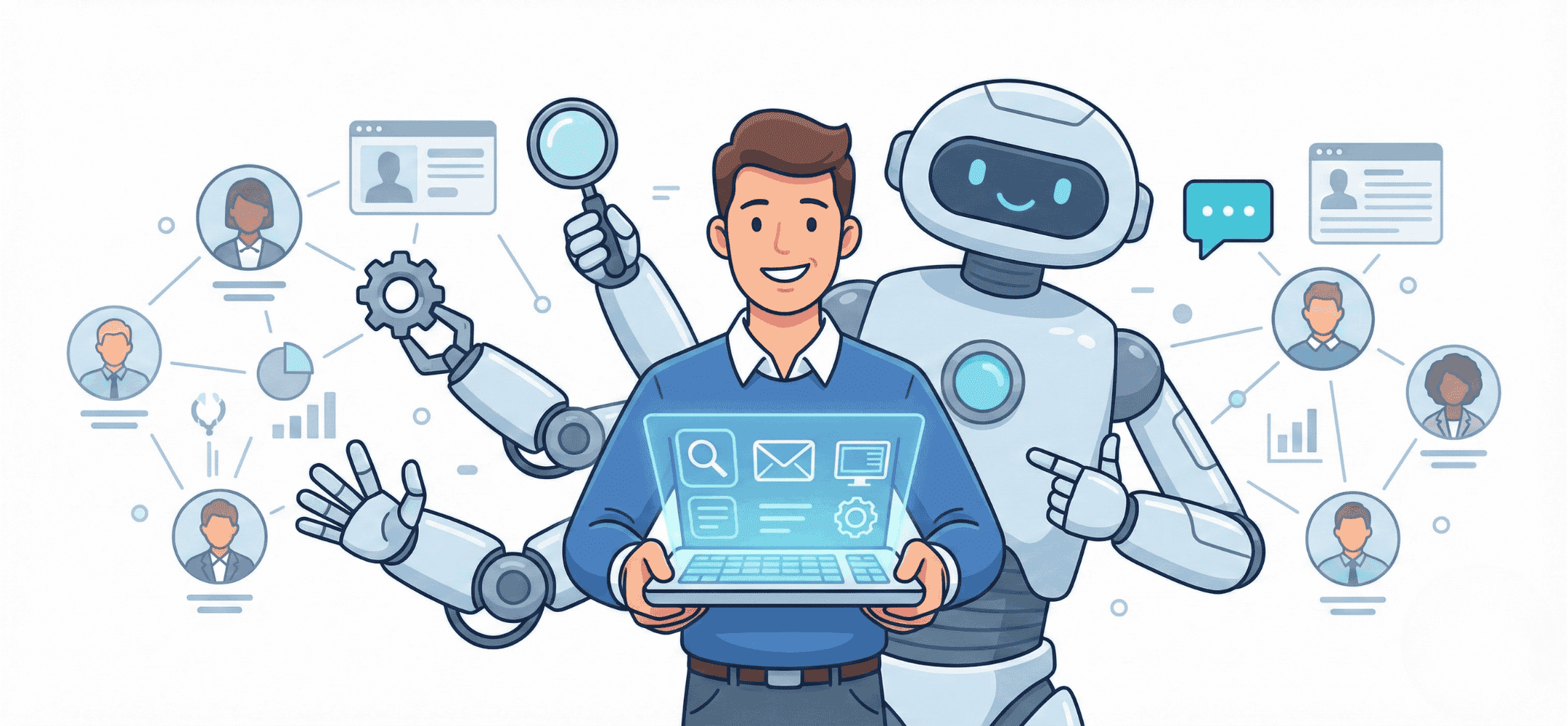
Investing in AI recruitment tools calls for due diligence: does it support the human, or does it unsafely take over control? Focus on the Copilot approach.
AI recruitment software helps recruiters find suitable candidates faster, review applications and send messages. The software uses artificial intelligence to recognise patterns in data and speed up repetitive tasks. As a recruiter, you always stay in control: you decide what gets posted or sent. This way, AI strengthens your work without taking it over. In this article, you'll read about the different types of AI recruitment tools, how they work, and what to look out for when choosing and using them.
- AI recruitment software supports tasks such as sourcing, screening, communication and scheduling.
- Recruiters remain responsible for decisions, conversations and the tone of contact.
- With the right tools, you save time, reduce bias and improve the candidate experience.
- Elvatix helps with personal LinkedIn outreach, without automated sending.
- Privacy, fairness and control are important conditions for the safe use of AI.
What do we mean by AI recruitment software in practice?
AI recruitment software is an umbrella term for digital tools that use artificial intelligence to support the hiring process. These can be systems that quickly scan CVs, suggest suitable profiles based on previous roles, or automatically generate messages. The software recognises patterns in data, such as work experience, education or keywords, and makes a suggestion based on that. The decision always stays with the recruiter.
Because AI in recruitment can be applied in many places, there are various AI recruitment tools. Some focus on finding profiles (AI sourcing), others on screening applications (AI CV screening), and others on communication or scheduling (recruitment automation software). The strength of AI lies mainly in speeding up time-consuming steps, giving you as a recruiter more room for conversations, selection and relationship management.
Where Elvatix fits
One example of AI recruitment software that works inside LinkedIn is Elvatix. Elvatix is a Dutch AI copilot for recruiters on LinkedIn, a Chrome extension that connects to LinkedIn Recruiter (Seat), Recruiter Lite or Sales Navigator. For sourcing, you describe who you are looking for in plain language; Elvatix builds the search, reads every profile in full and gives each candidate a score with the reasons, including why someone drops out. It then writes a personal InMail or connection request for each candidate in your tone, which you review before it goes out.
Roy Veerman of Bitbridge Connect used it to cut sourcing from a full working day to five minutes per vacancy; 38% of the 1,341 candidates he approached replied (Bitbridge Connect case study). Elvatix starts at €69 per recruiter per month, all features included (pricing).
Types of AI recruitment software across the recruitment funnel
Sourcing and talent discovery with AI for recruiters
In the first stage of recruitment, AI sourcing tools help find suitable candidates. This software analyses profiles, for example on LinkedIn, and looks at patterns in experience history, location or skills. Talent acquisition AI helps you quickly build a shortlist based on this data. The results depend heavily on the quality of your search criteria. Otherwise, surprising candidates stay out of view.
Faster shortlisting with AI CV screening and brief matching
With large numbers of applications, AI CV screening helps you make a first selection faster. The tool scans documents for relevant details, such as work experience, education or career path. This first selection is efficient and saves a lot of time. Still, as a recruiter, you need to be able to explain why someone was rejected. Transparency is essential. So only use AI recruitment tools that give you insight into the selection process and let you step in where needed.
Candidate experience AI and the role of the recruitment chatbot
Candidate experience tools create a smoother application journey. For example, through a recruitment chatbot that answers candidate questions, gives updates or does pre-selection. This creates less confusion and means you have to answer the same questions less often as a recruiter. Just make sure the tone of the answers fits your employer brand. A bot that comes across as too formal or too casual can undermine the experience.
Less manual work with recruitment automation software
Recruitment automation software supports administrative tasks. Think of scheduling interviews, sending reminders or automatically updating status in an ATS, a digital system for managing application data. This automation works well in stages where manual work adds little value. This leaves you more time for conversations with candidates and discussions with your team.
Better copy with AI job advert tools and other content
AI job advert tools help create attractive and inclusive copy. They analyse language, tone and search terms to write better job adverts, InMails or social media posts. This saves you time writing and increases your reach. The first draft is often already quite usable. Still, it's important that you make sure it fits your audience and add the right nuance to the tone of voice yourself.
End-to-end AI matching software and large suites
There are also AI matching systems that support the whole recruitment process, from posting a role to hiring. These suites combine several functions, such as screening, scheduling, communication and reporting. This type of AI recruitment software is useful for larger organisations with many roles open at once. For smaller teams, these platforms can be too big or too complex. Then you lose flexibility or overview.
Specialist AI recruitment tools for a single task
Not every team needs a large platform. AI tools that focus on one specific action are often quicker to use, easier to maintain and cheaper. Think of a tool that only helps with sending messages, scheduling calls or scanning CVs. Especially if you already work with LinkedIn or an ATS, a specialist tool can easily fit into your existing workflow.
Assessing AI recruitment software: supporting, not deciding
Which tasks do you let AI handle, and which stay human?
Use AI recruitment tools mainly for tasks that are repetitive and require little judgement. AI then helps you recognise patterns and save time. For tasks where empathy, nuance or complex context play a role, human judgement is essential. A good example: AI filters the profiles, you call the candidate. This way, you keep the personal contact and prevent AI from selecting based on the wrong assumptions.
How do you, as a recruiter, stay in control of selection and communication?
Good AI recruitment software always lets you, as the user, keep an eye on things and step in. You need insight into which selection criteria are applied, the ability to adjust messages, and control over when they're sent yourself. Software systems that reject applications without your approval are best avoided. This way, you keep influence over who you approach and how, and stay true to your own style and values.
Risks of over-automating selection and rejection
Some systems automatically reject candidates. That may seem efficient, but it reduces transparency. Sometimes you don't know which candidates are dropping out and why. That makes it hard for your organisation to explain what's happening. Past biases can also be baked into the dataset the system learns from. So only choose recruitment automation software where you can intervene and review everything. That's how you avoid mistakes or bias.
Frequently asked questions about AI in recruitment
Is AI recruitment software suitable for smaller agencies?
Yes. There are many lightweight solutions you can use for a single task, such as profile analysis or message generation. This keeps your process personal and efficient, without having to replace everything.
Will AI eventually take over recruiters' jobs?
That won't happen. AI helps with preparation and structure, but the conversation and the selection remain human work. The human connection and reading behaviour can't be replaced.
How do I prevent bias in AI CV screening?
Choose tools that are explainable. Ask about where the data comes from, what checks are in place, and whether you can adjust filters yourself. Stay in control of your process to select fairly.
Which AI recruitment tools fit a LinkedIn-driven approach?
Look for solutions that work well within LinkedIn, such as a LinkedIn AI tool that helps you prepare personalised messages. Just make sure you can review and adjust before sending.
Tip: Elvatix gets more out of every InMail credit. Higher response rates, lower cost per contact.
See how →Safe and fair use of AI recruitment software
Privacy, GDPR and data minimisation in plain language
Good software only collects and stores the data that's genuinely needed. Candidates should know why their data is being used, who has access to it, and how long it's kept. This is called data minimisation. You meet the privacy rules if you communicate this clearly and ask for consent. Recruiters are responsible for handling data properly, even when a tool is helping in the background.
Bias and fairness: what to watch for with AI in recruitment
Every AI tool learns from data. If the training data is one-sided, the outcomes usually are too. This is called bias. So make sure tools are developed with attention to diversity and explainability. Ask whether the system has been trained on a range of audiences and whether the outcomes have been checked for fairness. And above all, check as a team whether that effect is visible in practice.
What good team agreements do for candidate experience
Agree as a team on when you use AI tools and when you don't. Discuss who sends messages, who manages rejections, and how you communicate what happens with data. This prevents misunderstandings with candidates and keeps your team consistent and respectful. A clear workflow directly contributes to a better experience for applicants.
Where does Elvatix fit within AI recruitment software for LinkedIn?
Elvatix as a recruitment copilot for personal LinkedIn outreach
Elvatix focuses on one specific situation where AI can do a lot for recruiters. We help you create personal connection requests and InMails on LinkedIn. As a recruiter, you remain responsible for the content. Our software offers suggestions based on profile data and job information, so you can quickly spot relevant hooks and phrasing. Want to know exactly what that delivers? Take a look at our different modules for LinkedIn outreach.
How Elvatix works: making suggestions, the recruiter decides
You build a list of interesting candidates in LinkedIn. Our tool looks at this profile and creates a message suggestion that fits the specific role and tone. You choose whether to adjust it, accept it or skip it. Nothing is ever sent automatically. This keeps the outreach personal and true to your own style. See how our integration with LinkedIn Recruiter works.
Which recruitment teams Elvatix is best suited for
Elvatix works especially well for teams that actively recruit on LinkedIn and spend a lot of time on personal messages. Think of staffing agencies, sourcing teams or recruiters at fast-growing organisations. See who Elvatix is for to find out whether our tooling fits your way of working.
Practical examples of more impact in the same amount of time
Say a recruiter normally writes around ten InMails an hour. With Elvatix, that can become fifty to eighty, based on automated suggestions you only need to review. Because you adjust the tone before sending, the communication stays personal. Read more about this approach in practical case studies.
Next step: let's talk about AI that supports, not replaces
Do you work with LinkedIn and wonder how to communicate faster and more recognisably without losing your own tone? Or are you wondering which tool fits your team best? Feel free to get in touch to talk through AI recruitment software that genuinely strengthens what you, as a recruiter, already do well.
Write a personal message right here
Enter a name or LinkedIn URL and get a personalised message within 30 seconds. No account needed.
Ready for a smarter future?
Elvatix is built as a safe Copilot: you keep 100% ownership over who, what and when.