AI tool for LinkedIn messages: write smarter invites and InMails without losing your voice
An AI tool for LinkedIn messages helps recruiters write personalised invites and InMails faster, based on real profiles. No automation, just more replies.
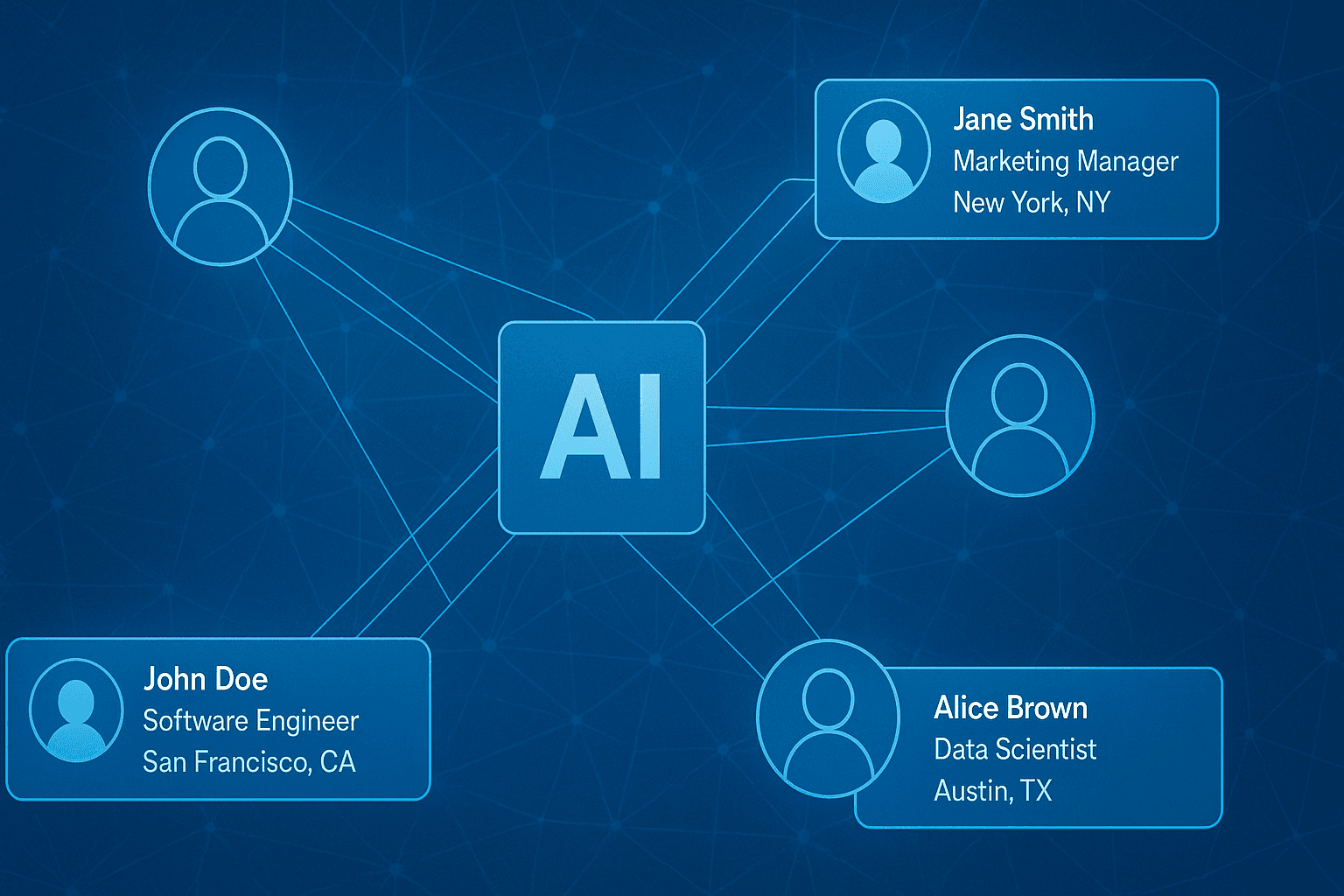
Use AI as a smart copilot to write personalised LinkedIn messages at scale, without losing control over your own style or platform rules.
An AI tool for LinkedIn messages helps recruiters write personalised invites and InMails faster. The tool suggests text based on profile data, but the recruiter stays in control. That means you can work quickly without sending generic messages or breaking LinkedIn's rules. It makes it much easier to approach larger numbers of candidates personally and get a better response.
In this article, you'll read how an AI copilot works within LinkedIn, who benefits most from it, and how to write messages that fit both your own voice and the candidate's profile.
- An AI tool for LinkedIn messages helps you draft personalised messages for candidates, without sending them automatically.
- You work within LinkedIn Recruiter, with suggestions based on profile signals such as role or location.
- Agencies and teams with a lot of open roles save the most time and see better response rates.
- You stay fully in control of the tone, timing and content of every message.
- With good follow-up, you can increase your reply rate even further without becoming pushy.
What does an AI tool for LinkedIn messages actually do?
An AI tool for LinkedIn messages supports recruiters in writing personalised connection requests and InMails. It works from profile signals such as job title, industry, shared interests or location. The tool makes a suggestion, but you choose what to send and when. There's no automatic sending and no data collection outside LinkedIn.
You use the tool as a copilot within your existing workflow. You keep working inside LinkedIn Recruiter and don't need to open extra apps or copy profiles across. That gives you speed, but also oversight and control.
Where Elvatix fits
One example of an AI tool for LinkedIn messages that also finds the candidates is Elvatix. Elvatix is a Dutch AI copilot for recruiters on LinkedIn, a Chrome extension that connects to LinkedIn Recruiter (Seat), Recruiter Lite or Sales Navigator. For sourcing, you describe who you are looking for in plain language; Elvatix builds the search, reads every profile in full and gives each candidate a score with the reasons, including why someone drops out. It then writes a personal InMail or connection request for each candidate in your tone, which you review before it goes out.
Roy Veerman of Bitbridge Connect used it to cut sourcing from a full working day to five minutes per vacancy; 38% of the 1,341 candidates he approached replied (Bitbridge Connect case study). Elvatix starts at €69 per recruiter per month, all features included (pricing).
Who does this approach suit best?
Recruiters and teams who regularly send a lot of messages benefit the most from an AI tool for LinkedIn messages. Think of:
- Recruitment agencies filling several roles at once. They save time and avoid repetitive text.
- In-house recruiters who want to stay consistent in tone and style, even at scale.
- Sourcers or team leads who want more structure in how messages are built and followed up.
You can read more about rolling this out across an agency team on our page for recruitment agencies.
How an AI copilot fits into your LinkedIn workflow
The AI tool works within LinkedIn Recruiter. You select several profiles at once. The tool scans traits such as current role, location, industry or shared connections and suggests a short message for each profile. You choose what to use, adjust the tone if needed, and send the message manually via LinkedIn.
Because everything happens within the same workflow, you don't lose time switching between systems. You can move quickly from profile selection to a personal, relevant message, with full control over content and timing.
Read more about how this fits into your process on our page about LinkedIn integrations.
Write a personal message right here
Enter a name or LinkedIn URL and get a personalised message within 30 seconds. No account needed.
What makes a good LinkedIn invite?
A strong connection request is short, personal and shows why you're reaching out. One or two sentences are usually enough. The text should say something that makes sense given the person's profile.
- Use one clear reason. This could be shared work experience or a role that matches your vacancy.
- Write the way you'd speak. Avoid generic opening lines or overly formal language.
- Keep it to an invitation, without asking for anything straight away.
Example:
"Hi [first name], I saw your experience with retail migrations. Could I run something past you from one of our IT client cases?"
InMails that read naturally and still get replies
An effective InMail has a clear structure. This helps candidates decide quickly whether to reply.
- Start with why you chose this person. Refer to their experience, skills or field of work.
- Make the content relevant to the recipient. Mention a role, location or project that matches what they've done before.
- Close briefly with one concrete question. For example, whether you can explain more on a quick call.
The AI tool makes sure suggestions differ per audience. A healthcare professional reads for different things than a data engineer. You decide the final content, but you don't have to start from a blank page.
You'll find more examples in our module for effective InMails.
Smart follow-ups without repeating yourself
Many candidates only reply after a second message. A well-timed follow-up increases your chances of a reply, without feeling pushy. The trick is to add something new rather than repeat what you already said.
- Wait a few days after your first message, ideally three to five working days.
- Use new words and content, so it doesn't feel repetitive.
- Refer to something current, an extra benefit, or ask a simple follow-up question.
By saving formats that work and reusing them via the AI copilot, you can follow up quickly and consistently. That keeps every follow-up personal but efficient.
What does it deliver? How to track results
The impact of an AI tool for LinkedIn messages shows up in three simple metrics:
- The acceptance rate of connection requests. Short, profile-driven invites get accepted more often than generic messages.
- The reply rate on InMails. Messages that match role or interest perform better.
- Time per message. Recruiters save several minutes on average per contact moment.
For example: IT profiles respond better to technical projects or tools. Healthcare professionals value clarity on working hours or location. Finance specialists engage faster with team size or project scope.
See how it works in practice in our case study from a large staffing agency.
Frequently asked questions about an AI tool for LinkedIn messages
What exactly is an AI tool for LinkedIn messages?
It's a tool that helps you write the right text for invites or InMails faster. It suggests text based on profile data, but you send everything yourself.
Is this allowed on LinkedIn?
Yes. As long as you send messages manually and don't use scraping or bulk sending, this stays within LinkedIn's rules.
What are the benefits for me as a recruiter?
You save time, write more consistently and increase your chances of a reply. The tool helps you get started, but you decide the tone and content.
How do I plan follow-ups without forcing it?
Leave a few days between messages. Use different words and add something relevant, such as new information or a concrete proposal.
Write a personal message right here
Enter a name or LinkedIn URL and get a personalised message within 30 seconds. No account needed.
Want to write personal InMails faster too?
Elvatix offers an AI copilot that makes suggestions directly within LinkedIn Recruiter, based on profile signals. This boosts your response rate while you stay in control of every message.