How to approach candidates on LinkedIn without sounding impersonal
Approach candidates on LinkedIn the right way: when to send a connection request versus an InMail, message examples, and common mistakes to avoid.

The cadence is sacred: start soft with a profile review, drop a connection request with context, then follow up with a DM full of pure insight.
Approaching candidates on LinkedIn works best when you're targeted and personal. You get the most out of short, relevant messages tailored to the candidate's profile. Depending on your goal and the situation, you'd use a connection request or an InMail. In this article we walk through exactly how to do this well, without it eating up your time.
- LinkedIn sourcing for candidates works better when you start with a sharp search
- A short, personal LinkedIn message increases your chances of a reply
- Use connection requests for low-pressure contact and InMails for more substantial proposals
- Adjust your tone and angle for active and passive candidates
- An AI tool for LinkedIn recruitment lets you personalise messages faster, without losing control
Why approaching candidates on LinkedIn matters so much for recruiters
LinkedIn is the go-to platform for recruiters to make direct contact with professionals. That's true both for people actively job hunting and for passive candidates who are open to something new if it feels right. LinkedIn lets you approach people on your terms and theirs, with no intermediary involved.
Approaching candidates on LinkedIn often starts with following people, commenting on posts, or simply sending a connection request. There's a lot of potential in that first step, especially once you follow it up with a personal LinkedIn message that opens the conversation. So let's zoom in below on the messaging stage: how do you make it personal and efficient at the same time?
Preparing properly before you approach candidates on LinkedIn
Building a sharp search profile
Effective recruiter outreach starts with a targeted search. Inside LinkedIn Recruiter you can search by job title, experience level, industry, location and languages. Combine this with boolean search (for example "Java AND Spring NOT freelance") to find better-matching candidates. Filtering sharply at this stage saves you time and stops you sending generic messages later.
Which profile signals give you a genuine hook
Always check the profile before you make contact. Look for recent roles, specialisms, shared connections, skills or activity. Someone who's just wrapped up a project, or posted about growth, gives you a natural hook. Pick one deliberately and weave it into your message. That way it feels personal, without you having to mention everything.
Approaching candidates on LinkedIn with connection requests and InMails in one funnel
When to choose a connection request
Sending a LinkedIn connection request is a good first step when you want low-pressure contact, for example when approaching passive candidates or growing your network. Use a short message of one or two sentences and focus on the shared field or a relevant hook.
Examples:
- "Hi Sarah, I came across your profile via [organisation] and read about your project in [topic]. Would be great to connect from within our field."
- "Congratulations on your new role at [company]! I'd love to add you to my network, if that works for you."
When to choose an InMail
LinkedIn InMails give you more room to add context. They suit situations where you want to put an opportunity forward straight away, or you're aiming for a quick reply. Even so, keep the message short and relevant. A good LinkedIn message example for recruiters has four parts: opening, context, hook, and an invitation to talk.
Example:
"Hi Tim, your work on sustainable energy systems at [company] caught my eye. Within our network we're looking for someone with similar experience. Fancy a 15-minute chat to see whether this could be something for you?"
Want to apply this kind of personal InMail at scale? You can generate and adjust variants within your own tone of voice.
Write a personal message right here
Enter a name or LinkedIn URL and get a personalised message within 30 seconds. No account needed.
Difference in tone when approaching candidates on LinkedIn: active versus passive profiles
How you approach a candidate depends on their situation. You'll recognise active candidates by an "Open to Work" profile or recent application-related activity. Passive candidates reply less readily, but sometimes stay open to something new if the role fits well.
Examples of tone by audience:
- Active: "I noticed your profile was recently updated and that you're looking for a new role as a DevOps Engineer. A position has just opened up at [company] that looks like a strong fit."
- Passive: "Your projects around data visualisation stood out. Open to a chat about how that's taking shape in product teams over at [organisation]?"
In both cases, keep it respectful and clear, with no pressure or vague promises.
Tone, structure and etiquette when approaching candidates on LinkedIn
Structure of a short connection request
A connection request ideally contains three elements:
- Greeting with a hook: "Hi Anna, I saw your recent TEDx talk on data ethics and got curious."
- Reason for contact: "I work a lot with data science teams and value connecting with peers in the field."
- Close: "If that works for you, I'd love to add you."
Structure of an effective InMail
A good InMail stays scannable and to the point:
- Start personally: "Hi Jordan, your talk on reusable packaging at [event] really stood out to me."
- Give context: "For a scale-up in circular commerce we're looking for someone with your experience."
- Connect to their profile: "Your projects in e-logistics fit this team well."
- Close with a choice: "Do you have time for a quick call, or would you rather read a bit more first?"
Examples of follow-up messages
Keep follow-up messages on LinkedIn deliberately compact. Wait at least four days between messages and briefly reference your earlier contact.
- "Hi Dan, I sent you a message last week about a great opportunity in e-mobility. Let me know if it's of interest?"
- "No problem if it's not the right time. If it becomes interesting further down the line, I'd love to hear from you."
Common mistakes when approaching candidates on LinkedIn, and how to avoid them
In practice, we see the same mistakes cropping up again and again, all of which cut the number of replies:
- Long, unstructured walls of text with no recognisable shape.
- Pasting an entire job description into the first point of contact.
- Clichéd language ("dynamic team", "unique opportunity") with no explanation behind it.
- Too many messages in a short space of time with no clear added value.
- Pushy phrasing such as "let me know today".
The best approach is to write the way you'd talk to a colleague: clear, friendly, and matched to whoever you're reaching out to.
From manual to scalable personalisation on LinkedIn
Many recruiters write every message by hand, or fall back on standard text. Either way, messages lose their impact, or the process eats up far too much time. This is a particular challenge for teams focused on scalable LinkedIn outreach for recruitment agencies.
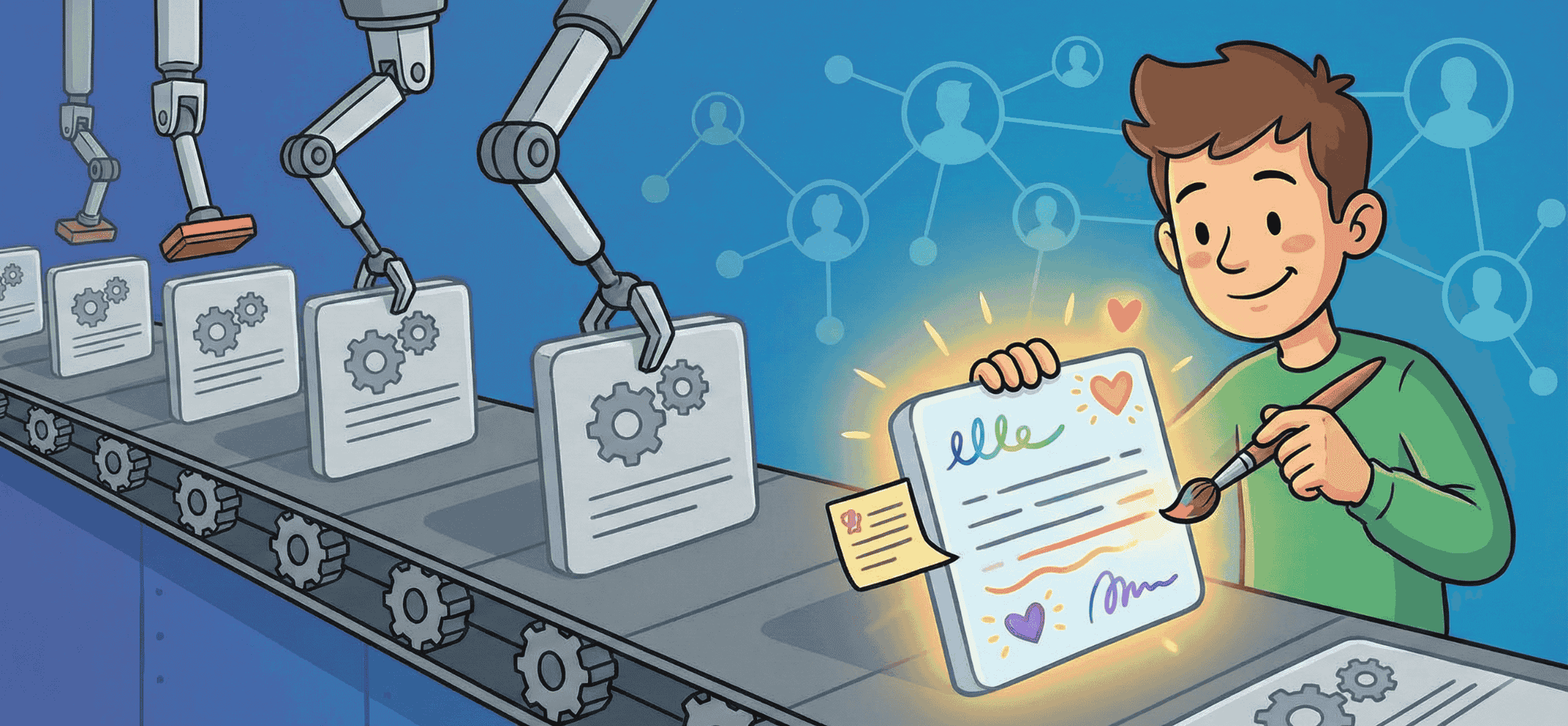
Scalable personalisation on LinkedIn means combining a consistent structure with genuine profile hooks. By making smart use of AI or templates, you can test variants without messages ever feeling generic.
How an AI copilot like Elvatix helps with personal LinkedIn outreach
Human control, AI suggestions
Elvatix works as a copilot inside LinkedIn Recruiter. You choose the goal and which candidate to approach. The tool suggests text based on profile information. You decide whether it fits, adjust it if needed, and send it yourself. That keeps you in full control of tone and timing.
Testing and learning which phrasing works
Because you can generate several versions per profile, it becomes much easier to test which approach performs best. You'll see which kind of LinkedIn message example for recruiters gets the most replies. That lets you continuously refine your approach to LinkedIn recruiter outreach.
Read the success story on LinkedIn outreach at Vibe Group to see how this plays out in practice.
Working with Elvatix in LinkedIn Recruiter: from candidate list to message
The tool runs entirely inside your own LinkedIn Recruiter environment, so you stay in your familiar workflow. From a candidate list, you can:
- select and review profiles;
- generate a draft InMail or connection request per profile, or in bulk;
- adjust messages directly and send them manually.
This way of working saves time and boosts consistency across your communication, making scalable personalisation on LinkedIn realistic for any team.
LinkedIn limits, integration and responsible outreach
LinkedIn applies limits on the number of messages you can send per day. That's exactly why deliberate, responsible recruiter outreach matters. With Elvatix, you send every message yourself, so you stay within LinkedIn's requirements while keeping full control of the process.
Our integration with LinkedIn Recruiter means you never have to switch between tools. You do everything in one place, which avoids duplicate work and lowers your risk of a block.
Building further towards a scalable, personal approach on LinkedIn
Approaching candidates on LinkedIn works better when you keep it personal and keep improving systematically. The combination of sharp preparation, a well-thought-out message and the right tools helps you sustain that at scale.
Elvatix helps here as an AI copilot for recruiters. You get fast suggestions, stay in control yourself, and keep learning from the results of your messages. That makes it easier to reach more candidates without the quality of the interaction dropping.
Want to talk through your LinkedIn approach? We're happy to think it through with you based on your team, audience and workflow.
Frequently asked questions about approaching candidates on LinkedIn
What's better: a connection request first, or straight to an InMail?
That depends on your goal. A connection request is low-pressure if you want to grow your network or approach passive candidates. An InMail suits situations where you want to put something forward directly, such as a vacancy or a collaboration.
How often can I approach someone via LinkedIn?
LinkedIn sets limits based on your account type. Stick to 1 to 2 messages per candidate, with enough of a gap between them. Respect a "no", or no reply at all, to avoid reputational damage.
How do I create a personal LinkedIn message at scale?
Use a consistent structure in your messages and adjust one profile hook each time: something from someone's work, skills or activity. With an AI tool for LinkedIn recruitment like Elvatix, you can generate variants quickly and fine-tune tone and context yourself.
How does an AI copilot help with LinkedIn recruiter outreach?
A copilot like Elvatix offers suggestions based on profile data and your goal. You choose the final wording and when to send it. That way you work faster, stay personal, and learn from your response data at the same time.
Write a personal message right here
Enter a name or LinkedIn URL and get a personalised message within 30 seconds. No account needed.
Approach smarter with a cadence?
Build out your cadence with Elvatix copy for every step, so replies climb on LinkedIn.