LinkedIn outreach templates: how to use them without sounding impersonal
LinkedIn outreach templates that save time and still feel personal. With smart hooks and an AI copilot that cuts writing time in half to help teams scale.
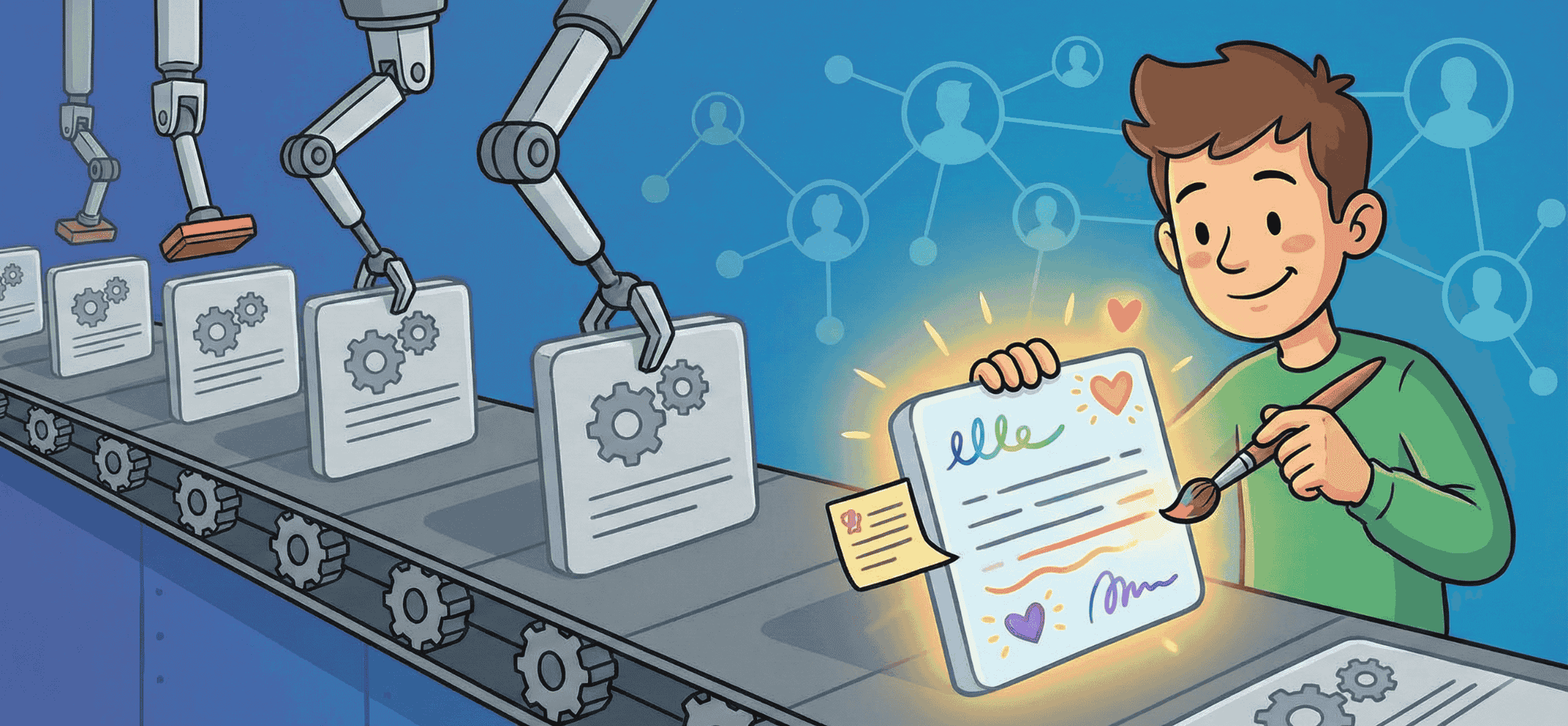
Use templates only as a framework. The Icebreaker, Value Prop and Call to Action within your framework must be different every time.
LinkedIn outreach templates help recruiters send personal messages faster, at scale. They give you a steady tone and structure when approaching candidates through a connection request, InMail or follow-up. A good template saves time, and makes it easier to work together as a team. At the same time, it's important that a message doesn't feel impersonal or mass-produced. That's why many professionals work with a flexible setup that still leaves room for profile-specific details. Tools such as an AI copilot can help you produce personal variants quickly, without losing your grip on tone and content.
- Templates are fixed formats for LinkedIn messages, with room for personalisation.
- Good templates combine speed with a tone that fits your candidates.
- One sharp hook makes your message far stronger than a generic line.
- AI copilots such as Elvatix support personalisation within your own workflow.
- Templates help teams stay consistent in tone, style and brand feel.
What recruiters actually mean by LinkedIn outreach templates
Templates as fixed text for connections, InMails and follow-ups
LinkedIn outreach templates are pre-defined formats for commonly used messages. Think of connection requests, a first InMail message, or a follow-up when someone hasn't replied yet. The structure stays the same, but you adjust parts per profile. A template like this gives you speed, and saves you from having to rethink structure or wording every single time.
Why recruitment teams work with templates
Recruitment teams choose templates because they save time and create a recognisable writing style. New colleagues quickly get a feel for how the team communicates. Working with a fixed setup also makes it easier to judge what works well and what could be better. On top of that, templates lower the barrier to getting started with outreach, especially when things are busy or you're filling several roles at once.
Structure of a basic message: from opening to call-to-action
A good LinkedIn message always follows a logical structure. You usually start with a short introduction, followed by one or two profile-specific sentences as a hook. Then you explain why you're reaching out: the context or the role. You close with one concrete question. Think of: "Would you be open to a quick chat?" or "Can I call you briefly about this?" That keeps your message tight and clear.
The benefits and pitfalls of LinkedIn outreach templates in practice
Time saved, consistency, and faster onboarding for new colleagues
For active recruiters, outreach templates are indispensable. They mean you never have to start from a blank screen. That speeds up your work, and increases your pace when you're filling several vacancies at once. Within a team, they make it easier to align on tone and approach. New colleagues can get straight to work with proven copy, which speeds up their onboarding.
Why candidates spot mass messages quickly
Active LinkedIn users are often approached with similar messages. In popular sectors, phrases like "I saw your profile" or "This role fits your experience" stand out through sheer repetition. Candidates quickly notice whether a message was genuinely written for them. Recognisable templates with no personal input feel like mass communication. That makes someone less likely to reply.
How generic lines drag down your response and acceptance rate
Generic opening lines with no follow-through, such as "Your profile caught my eye", often have little effect. If nothing profile-specific follows, candidates assume you haven't actually read their information. That makes them trust your intent less. The solution isn't to avoid templates altogether, but to always combine them with personal details that genuinely say something about the other person.
How to build strong LinkedIn outreach templates without becoming impersonal
The difference between templates for connection requests and InMails
A connection request on LinkedIn is short and low-key. One clear hook, or one clear reason, is often enough. With an InMail you have a little more room to explain. Even so, it's still important to get to the point quickly. A follow-up message builds on that first point of contact. Refer briefly back to your earlier message, and offer a new angle if useful, without explaining everything all over again.
Leaving room for profile-specific personalisation
A good template has open spaces for personal sentences. You can start with a fixed introduction, then add a detail that's specific to this profile. Think of a recent role change, or a shared skill. If you work with Elvatix, you can load your own templates and instructions into Elvatix. That lets you write with focus within a fixed structure, one that automatically fills in personal details per profile.
One clear message and question per message
Limit every message to one goal. Do you want to introduce yourself? Are you looking for someone for a specific role? Be clear about that. Avoid broad explanations, or asking several questions at once. That makes it easier for the reader to decide whether and how they want to reply.
Write a personal message right here
Enter a name or LinkedIn URL and get a personalised message within 30 seconds. No account needed.
Personal hooks: how to turn LinkedIn outreach templates into real conversations
What a personal hook is, and where to find one in a profile
A hook is a detail from someone's profile that shows you've actually looked. Examples include: a recent promotion, a project that fits your vacancy, or a specific programming language that also comes up in the role. A reference like that shows genuine interest in their background. That increases the chance of a conversation.
Examples of strong hooks for technical, commercial and other profiles
With developers, it works well to pick up on a technology or programming language they use. With sales professionals, a shared client segment or market can be relevant. For other profiles, a link to their studies or certifications often works well. One sharp hook is usually more effective than several vague compliments.
How to keep your tone informal but professional for your candidates
Many candidates expect a direct, easy-to-follow tone. Skip the over-the-top compliments, and stay professional. It helps to write the way you'd normally talk during an introductory conversation. That way a message feels personal, but not put on. Write short, friendly and clear, with no sales talk.
How to combine LinkedIn outreach templates with a copilot like Elvatix
From base template to a personal variant per candidate
An AI copilot such as Elvatix uses your base template as a starting point, and fills it out with profile information. Think of job title, skills or recent career moves. Based on that, the tool suggests a personal variant. You stay responsible for tone and final editing yourself. That way you keep working faster, while still writing personally.
Working within your existing LinkedIn Recruiter workflow
Elvatix works directly inside LinkedIn Recruiter and Recruiter Lite. You don't need to open a separate program. While you're looking at a candidate's profile, you automatically get a suggested text. Read more about the integration with LinkedIn Recruiter here. That way you keep your speed, without changing your way of working.
Working together as a team: the same frame, your own writing style
This setup works well for recruitment teams. Together, you agree which blocks stay fixed, such as the introduction or tone of voice. Each recruiter then adjusts the text with their own words and profile-specific details. That way you keep consistency and brand feel, while messages still feel like someone's own work. In this Vibe Group case study, you can see how one recruitment team improved their approach this way.
From templates to better conversations with candidates
When sticking to your template makes sense
During busy periods, or with new team members, templates provide structure. They make sure you don't forget any important elements, and let you send messages faster. If you follow clear guidelines on which parts stay fixed and where personalisation belongs, the message stays relevant and fitting.
When to deliberately deviate from the template
With audiences used to a lot of standard messages, a different approach often works better. Deliberately choose a different order, or a different tone. Or open with something unexpected. The moment someone replies, drop the template and move into real interaction. What matters then is what they send back, not what you'd planned in advance.
Next step if you want to improve your outreach messages
Take a critical look at your current LinkedIn outreach templates. Do you have the right variant for every message type? Are you leaving enough room for personalisation? Then try working with an AI tool that helps you write, without taking your choices away from you. What matters is that you add or adjust the personal hook yourself. In the end, success isn't about the number of messages sent, but the number of good conversations that come out of it. Got questions about your templates, or curious how your approach could improve? Get in touch with us.
Frequently asked questions about LinkedIn outreach templates
What makes a good LinkedIn outreach template?
Good templates have a fixed structure, but leave room for personal input. They contain an opening, a profile-specific hook, a short explanation and a concrete question.
When do you use a connection request, and when an InMail?
A connection request on LinkedIn is short, and suits a first point of contact. You'll often use InMails when you want to share more context already, or when someone falls outside your network.
How do I build in enough personalisation in a template?
Deliberately leave room open in your template for profile-specific sentences. Focus on one detail that shows you've read the profile, such as a recent project or a specific skill.
What does an AI copilot like Elvatix do with my templates?
The copilot uses your formats to suggest a personal variant per profile. You decide what you keep. That helps you work faster, without sending generic messages.
Do templates also help with teamwork in recruitment?
Yes, templates make it easier to write consistently as a team. They provide structure during onboarding, and keep your brand recognisable in the tone of your messages.
Write a personal message right here
Enter a name or LinkedIn URL and get a personalised message within 30 seconds. No account needed.
Load frameworks fast?
Set up your perfect templates in Elvatix and the AI fills each one in with the candidate's unique angle.