Choosing Recruitment Software: ATS, CRM and Sourcing Tools
Choosing recruitment software for your team? Compare ATS and CRM requirements, integrations and workflows, and sidestep the most expensive mistakes.

The perfect recruitment system doesn't exist. Choose based on workflows: 80% of teams get by fine with integrations for LinkedIn, email and HR.
Choosing recruitment software starts with mapping your current hiring process, before you look at a single vendor. Work out which steps you actually need, where the bottlenecks sit, and what kind of software fits that reality. Only then do you move on to features, integrations and extras like a recruitment CRM or a LinkedIn connection. The right choice depends heavily on your volumes, your team, the channels you use and how you work with hiring managers.
In this article you’ll find a structured way to reach a well-founded choice, and the pitfalls to avoid along the way.
- Don’t start by comparing systems, start by analysing your own process
- Look for must-haves like candidate management, strong search and basic reporting
- Think about integrations with tools such as email, HR software and LinkedIn
- Test the system with real vacancies and real users before you roll it out
- Agree clear rules for admin rights, workflows and data retention
What choosing a recruitment system actually means in practice
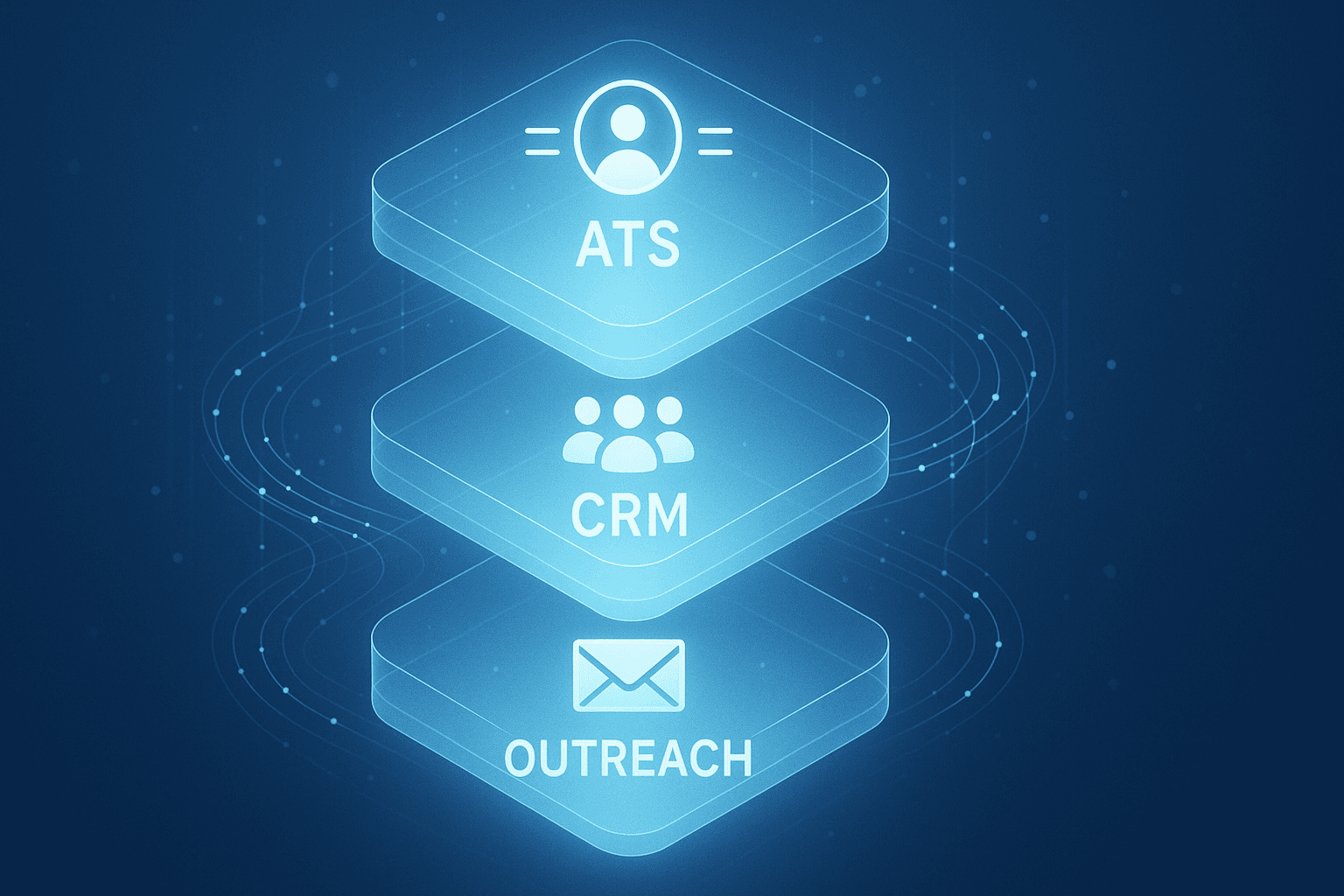
A recruitment system is usually an Applicant Tracking System (ATS). This is software that manages applications and brings structure to your hiring process. You use it to post vacancies, track applicants, log communication and collaborate with colleagues and hiring managers. Many teams add a recruitment CRM on top once they’re actively building relationships or searching the same talent pool repeatedly.
The difference is straightforward. An ATS mainly supports what happens after someone applies: streamlining tasks, gathering input, and managing status and planning. A CRM earns its keep with sourcing and engagement earlier in the process, think approaching candidates on LinkedIn, logging their availability, and building contact over a longer period.
Worth knowing: an ATS organises your process, but it doesn’t automatically produce more applications. For hard-to-find profiles, you’ll still need dedicated tooling for active outreach.
Choosing a recruitment system starts with your own process and team
Map your current hiring process
Before comparing recruitment software, it pays to describe your existing process step by step. Start from the moment a vacancy is created and end at onboarding. Note down the tasks, who’s involved, and which systems or tools are currently in use.
That gives you a sharp picture of which steps are actually needed and where the friction sits. Many processes still carry unnecessary baggage, like loose spreadsheets, manual emails or duplicate data entry. Mapping it out helps you spot what you genuinely need from a new system, and avoid paying for features you don’t.
Which steps are really needed, and which aren’t any more?
Look critically at every step. Are all the approvals still relevant? Are templates still being used and kept up to date? Is communication with candidates consistent? This tells you where to automate and where things simply need to stay simple.
Corporate teams versus agencies
Corporate recruitment usually involves multiple stakeholders, specific IT requirements and longer timelines. Working at an agency, by contrast, demands speed, strong search skills and juggling several processes at once. That has a real impact on which recruitment software suits you. It’s worth reading the specific considerations for corporate recruiters working with LinkedIn as well.
Choosing a recruitment system with a clear set of requirements
Must-haves when choosing an ATS
An effective Applicant Tracking System offers a set of basic capabilities you’ll need in any case:
- Candidate management per vacancy, with clear statuses and tasks
- Publishing vacancies to your website and job boards
- Search across all candidates, including notes
- Reporting on time-to-fill, channel performance and drop-off points
- Integrations with email and HR tools
Nice-to-haves, and when you need a recruitment CRM
Do you regularly deal with recurring vacancies or hard-to-find talent pools? Then a recruitment CRM is worth having. This is additional software for tracking candidates, keeping contact history, and planning your follow-up. It’s often used alongside your ATS, for example for campaigns, mutual matches or seasonal peaks.
- Automated reminders and status emails
- Managing talent pools with scheduled follow-up
- Connection with LinkedIn or similar search tools
No-gos: what’s better avoided
Some features look useful on paper but end up making your process unnecessarily slow or complicated:
- Mandatory steps and approvals that add no real value
- Cluttered interfaces that need constant explaining
- No connection to your existing email, HR system or scheduling tools
- Costs that are disproportionate to your number of hires or team size
Tip: Elvatix gets more out of every InMail credit. Higher response rates, lower cost per contact.
See how →Choosing a recruitment system based on functionality, integrations and ease of use
Candidate management and workflows without unnecessary complexity
You want to work fast and stay on top of things: no ten clicks for a status change, no unnecessary email for every update. Smart workflows help here, such as automatic alerts for inactive candidates or overview lists of open tasks. The simpler it is to use, the more likely people actually use it.
Integrations with HR, email and LinkedIn Recruiter
Look closely at how the system connects to your existing software stack. Can it pull data from your calendar automatically, or log sent emails against a candidate’s file? Is there a link to your HR system for handover after a hire? And how does it work alongside LinkedIn integrations and your other tools to keep communication and status up to date?
Candidate experience and working with hiring managers
A good hiring process is clear for candidates and workable for hiring managers. Candidates need to be able to apply easily and hear back quickly. Hiring managers need to be able to give feedback without constant back-and-forth emails. Think standard task lists, central feedback moments and automatic reminders. That keeps everything organised without loose files or endless email threads.
Reporting and KPIs to steer by, without Excel
Recruitment software should give you visibility across your whole funnel. How long does a process take? Which channel produces the strongest candidates? Where do people drop out? Good reporting shows you this directly, without manual work, and gives you something solid to bring to team leads or leadership on what’s working and what needs attention.
Choosing a recruitment system: testing, implementing and making it stick
A realistic pilot with real vacancies
Don’t test in a demo environment alone. Set up a pilot with real vacancies, real users and clear criteria. Involve both recruiters and hiring managers. Track how much manual work disappears, what feels intuitive, and which parts cause confusion. Give it at least one or two weeks and compare your findings against the old system or your spreadsheet process.
Implementing the recruitment tool: data migration, permissions and training
Switching over involves more than just logging in. Think about standard messages, your permission structure, and what you do or don’t carry over from your old system. Decide who can edit what, set up formats properly, and give a short explanation per role. We help teams with this using templates and instructions for standard messages.
Governance: who manages workflows, templates and retention periods?
Good governance still matters after go-live. Who adjusts steps? Who manages permissions and access levels? And how do you stay on top of data protection rules such as GDPR retention periods and your deletion policy?
- Set up clear roles: admin, user, external reviewer
- Define clear retention periods and document your basis for them (consent or legitimate interest)
- Schedule an annual check on data, templates and unused accounts
The role of LinkedIn outreach, and how Elvatix can help
A good ATS helps you stay organised. But reaching out to strong candidates often happens outside the system, on LinkedIn. Many recruiters do this by hand. Writing personal InMails takes time, and follow-up quickly gets scattered.
Our service helps here. We support LinkedIn outreach by drafting messages, matching them to your tone, and getting them ready for review. That saves time, avoids sloppy mistakes, and gives teams control over quality. See the real-world example of a recruitment team that tightened up its LinkedIn communication.
A no-nonsense guide: choosing a system that fits your recruitment
Choosing a recruitment system takes more than a good demo or a feature checklist. Start with your own process. What genuinely needs to improve? Which steps do you want to cut or automate? Only then do you look for a system that matches. A small team needs different software than a team handling fifty vacancies a month.
Working a lot through LinkedIn? An ATS matters for keeping things organised, but you’ll also need solid support for your messages and outreach. Tooling like Elvatix helps teams reach out on LinkedIn faster, more consistently and more personally, without replacing your ATS.
Book a short call to see if our LinkedIn copilot fits the way your team works.
Write a personal message right here
Enter a name or LinkedIn URL and get a personalised message within 30 seconds. No account needed.
Integrate LinkedIn with your ATS?
Elvatix connects the power of personal AI messages directly to your existing recruitment workflow.