Recruitment agency software in 2025: requirements, tools and choices for your stack
Choosing recruitment agency software in 2025? Combine your ATS, CRM and outreach into one strong stack, with tips on compliance and candidate experience.
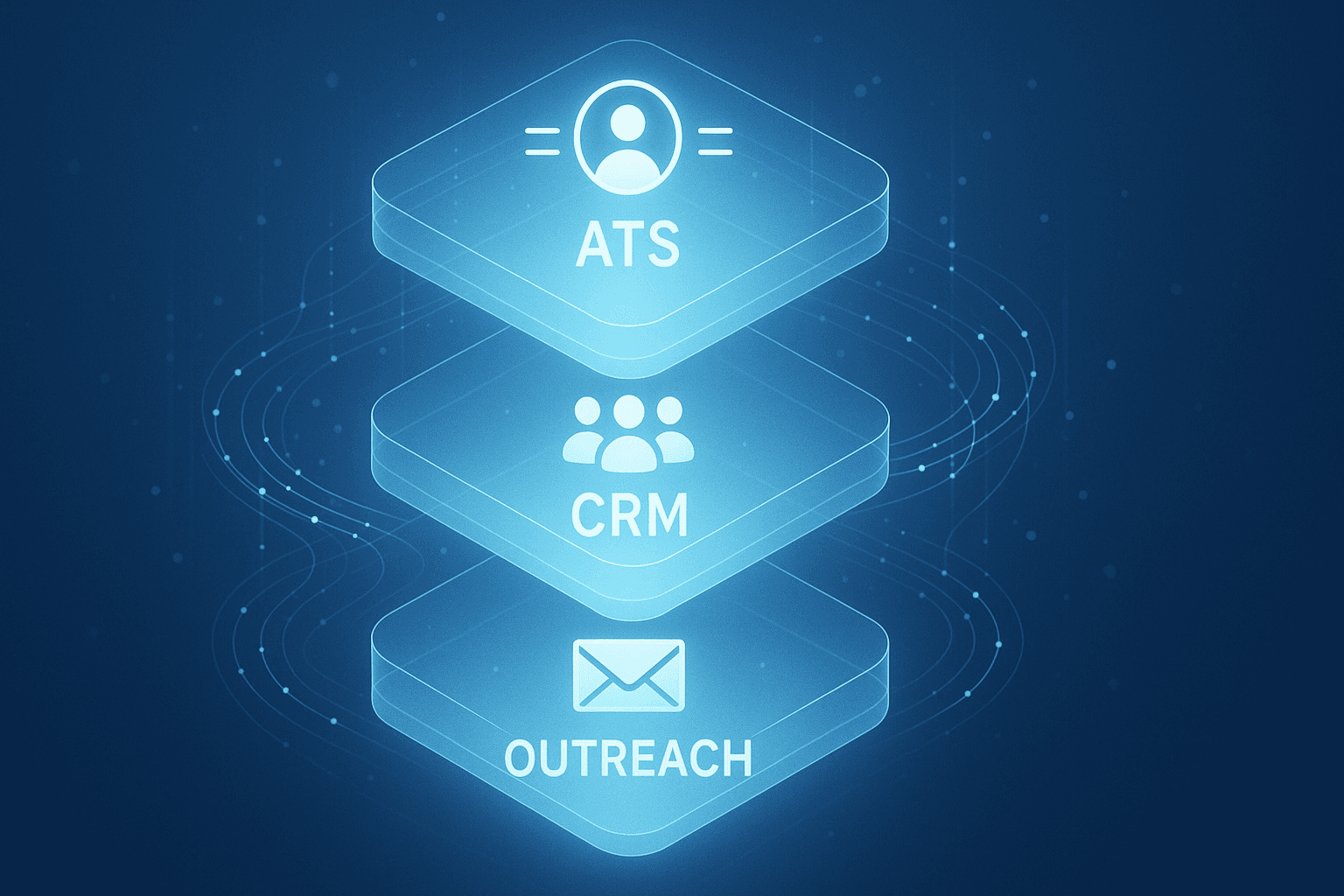
Fragmentation of your tool stack slows everything down. API integrations between messaging and your CRM/ATS are the absolute basics in 2025.
Recruitment software is software that lets recruiters manage vacancies, track candidates and start conversations faster. In 2025, users expect more from their tools: they need to handle data securely, follow the principles of the EU AI Act and work in line with UK GDPR. That's why recruiters increasingly combine an applicant tracking system (ATS), a recruitment CRM and smart outreach tools.
In this article, we explain how recruitment software works, what your obligations are in 2025, and how to base your choice on them.
- An ATS manages applications and vacancies, while a CRM helps you build relationships with candidates.
- LinkedIn remains the most important platform for sourcing and outreach, but only works effectively with personal messages.
- Automation shouldn't feel robotic. Human review and data minimisation are required under GDPR, and reflect the principles of the EU AI Act.
- Good recruitment software integrates with LinkedIn, calendars and your existing ATS or CRM.
- For the best results, combine your ATS and CRM with a smart outreach layer that works within the rules.
What counts as recruitment software?
Recruitment software covers the technical tools used for hiring and selection. The two main components are an applicant tracking system (ATS) and a recruitment CRM. The ATS is built for managing applications, vacancies and related documents. The recruitment CRM, meanwhile, is for managing relationships with candidates who are interesting but haven't applied yet.
A good ATS gives you an overview of how applications are progressing, including timelines, status updates and reporting. It also supports posting vacancies across different platforms. The recruitment CRM helps you keep track of touchpoints, such as conversations at careers fairs or previous responses to campaigns. This is how you build talent pools you can activate again later.
Common features within recruitment software include vacancy posting, candidate management, communication by email or templates, interview scheduling and reporting. Thanks to integrations with LinkedIn and calendar tools, you can switch between systems quickly and keep updates centralised. This creates a smooth flow from first contact through to placing the candidate.
LinkedIn as the core channel for sourcing and outreach
LinkedIn is the channel for active sourcing. Recruiters use LinkedIn InMails or connection requests here to approach candidates directly. InMails are suited to longer messages with more detailed context. Connection requests are shorter and more informal, but stand out when you use the right hook.
Many recruitment software platforms support this kind of outreach, for example with templates or integrations. However, automation without oversight is against LinkedIn's rules. Bots or bulk sending can lead to your account being restricted. That's why it's important to only apply automation with human input.
A control mechanism such as review-before-sending raises the quality of your outreach. It means you check every message before you send it, so the tone and timing are right. This approach works within LinkedIn's rules and gives the recipient a personal message that performs better in terms of response rate.
Elvatix's role within your recruitment stack
Our software is not an ATS or a CRM. Instead, we add a smart outreach layer that you use on top of LinkedIn. The solution is designed for teams who already use an ATS and a recruitment CRM and want better results through personal outreach.
You select multiple profiles on LinkedIn. Our software suggests a suitable message for each profile, based on job title, industry or profile activity. You then review and adjust each message manually, so you always send a checked message. This personal approach increases your response rate and avoids breaching the platform's rules.
We offer personalised InMails and connection requests that work within LinkedIn and meet the requirements of GDPR and the EU AI Act.
Write a personal message right here
Enter a name or LinkedIn URL and get a personalised message within 30 seconds. No account needed.
Avoiding compliance risks in 2025
New obligations apply within recruitment software from 2025 onwards. UK GDPR remains the leading framework, and if you're also sourcing from EU-based candidates, the EU AI Act adds further requirements on top of it. You're required to collect as little data as possible, tell people transparently why you're contacting them, and make all communication available for review and objection.
Only use data that's clearly visible on the candidate's profile, such as job title, employer or shared connections. Add a clear reason for reaching out in your message. Make sure your ATS and CRM support retention periods and that you can delete data on request.
The EU AI Act sets extra requirements around the use of AI, and its principles, human oversight, no manipulation, no hidden bias, are worth following even if you only recruit within the UK. If you use AI to generate messages, you need to guarantee human control over them. Manipulation, bias or opaque influence are not allowed. A review-before-sending layer helps you stay on the right side of the rules, keep quality high and avoid legal risk.
Why your stack needs to combine ATS, CRM and outreach
A complete recruitment stack consists of three parts: your ATS for managing applications, your CRM for building relationships and your outreach module for direct approaches. Combining these components lets you work faster and more precisely towards conversations.
You can approach a candidate from a talent pool (recorded in your CRM) with a personalised message on LinkedIn. If they respond positively, you automatically place them in your ATS for further follow-up. This integration shortens your time-to-hire while also delivering a better candidate experience.
Read here how integrations help protect both your speed and your compliance within LinkedIn. This way, you avoid data silos and can be confident the delivery logic is right everywhere in your stack.
KPIs and return: how do you measure the value?
If you want to know whether your recruitment software is working, look at the return across several levels. Alongside the number of placements, metrics around outreach also give you valuable information.
The number of candidates who give a substantive reply to your InMail.
How many connection requests are accepted.
Intake calls generated from outreach messages.
Average number of minutes for a personalised message.
By combining these results with statistics from your ATS, such as time-to-hire or drop-off points, you get a complete picture. In this case study, you can see how personalised outreach led to faster placements.
What works for whom? A segment-by-segment approach
Which system you need depends on the type of organisation you run:
- Recruitment agencies are after scale and speed, so they use templates and audience-specific hooks in their CRM and outreach modules.
- Corporate recruiters want consistency in tone of voice and alignment with hiring managers. Careful message review fits that need well.
- Staffing and secondment agencies need continuous follow-up, visibility across accounts and status synchronisation through the funnel.
See how agencies generate conversations faster thanks to shorter, better outreach messages with control over content and tone.
Best practices for effective LinkedIn outreach
Successful outreach starts with relevance. The first line needs to connect directly with the profile. Use a concrete hook such as sector, role or recent activity. Refer briefly to the role and close with a clear call-to-action. Keep messages short and personal, without repeating yourself or relying on templates.
Tips from the field:
- Start with a short connection request with a recognisable reason for reaching out.
- Vary your opening, message and CTA across InMails.
- Recognise behaviour through replies or profile activity and tailor your follow-up accordingly.
- Avoid repetition and an AI-sounding tone.
- Always carry out a review-before-sending check to stay in control.
Learn how variation and human review boost your response rate in this module full of tips and examples.
Choosing recruitment software in 2025: what to look for
The best recruitment software fits your process. Ask yourself whether you're focused on direct applications or active relationship management. Then check whether the software supports these use cases without any risk of a compliance breach.
When selecting, pay attention to:
- Vacancy posting, talent pool management or active search.
- User roles and permission management.
- Records with a retention policy that meets UK GDPR.
- Integrations with LinkedIn, email, calendars and your CRM/ATS.
- Options for data minimisation and review-before-sending.
Be critical of AI features: what data is being used, and does the sender stay in control?
Next step: assess your stack and test with purpose
Want better results from your sourcing and outreach? Start by mapping out your current stack: which ATS and CRM do you use, how much time does outreach cost per week, and what are your response figures?
Then test how a smart outreach layer speeds up your process. Pick a week where you send personal messages via LinkedIn, with variation and human review. Many recruiters see a difference in engagement and intake volume within just a few days.
Book a demo here and experience for yourself how your outreach improves with a personal, scalable approach.
Frequently asked questions about recruitment software
What's the difference between an ATS and a recruitment CRM?
You use an ATS to manage applications. A recruitment CRM focuses on maintaining relationships with candidates who aren't applying yet. Together, they create an efficient hiring process.
Is automated outreach on LinkedIn allowed?
Not if it happens without oversight. LinkedIn restricts tools that send messages automatically. That's why software with manual review is essential.
What does compliance mean under the EU AI Act?
You need to keep full control over your AI applications, be transparent about how you use them, and avoid manipulation. Every automatically generated message needs to be reviewable on its content. These principles apply directly under the EU AI Act if you source EU-based candidates, and are good practice for UK recruiters more broadly.
How do I make sure I comply with GDPR?
Stick to the principle of data minimisation, inform candidates correctly, and give them the ability to access or object to their data. Only keep the data that's necessary within the recruitment flow.
Which metrics help me measure the return on my outreach?
Look at reply rate, connection request acceptance rate, number of conversations per week and time per message. Classic ATS statistics such as time-to-hire also remain important.
Write a personal message right here
Enter a name or LinkedIn URL and get a personalised message within 30 seconds. No account needed.
Connect messaging to efficiency?
Elvatix is the missing link in your recruitment stack: AI messages straight from your existing workflow.