InMail open rates benchmarks 2026: what's realistic on LinkedIn for recruiters?
What are realistic InMail open rates in 2026? See benchmarks for open and reply rates, plus practical tips to improve your results on LinkedIn.
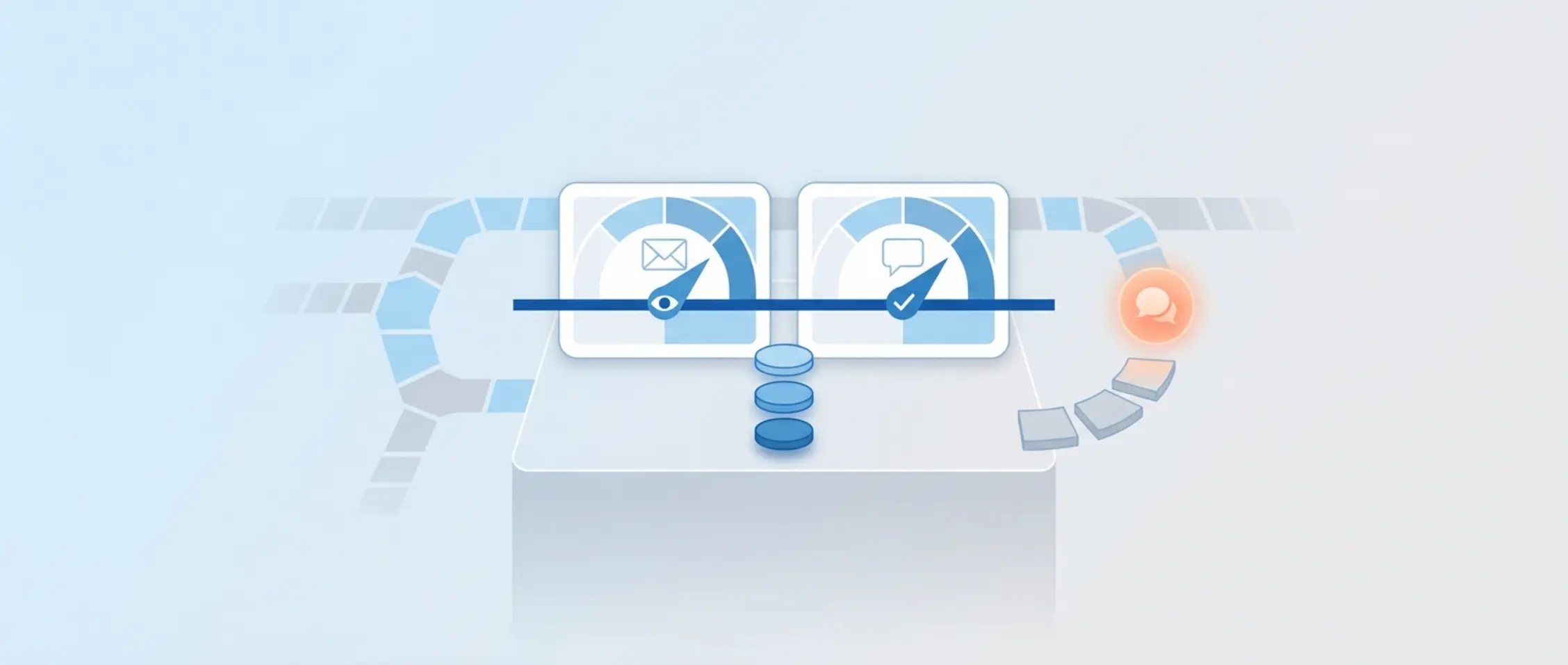
The average InMail open rate is stuck at 35%. The top 1% of recruiters achieve 80% activation with hyper-personalisation and the right subject lines.
A good open rate for InMail on LinkedIn in 2026 is usually between 30 and 60 per cent for Sponsored Messaging. For standard recruiter InMails, the open rate is harder to measure, so there you mainly track the reply rate instead. A realistic reply rate typically sits between 10 and 25 per cent, depending on your audience, timing and message quality. LinkedIn applies a minimum threshold of 13 per cent reply for recruiter InMails. If you fall below that, you can face limits on the number of messages you're allowed to send.
In this article, you'll learn what to pay attention to when assessing your results. We explain the difference between open and reply, give realistic InMail open rates benchmarks for 2026 per message type, and show you how to write better messages without spending unnecessary amounts of time.
- Recruiter InMails should be judged on reply rate; for Sponsored Messaging you look at the open rate.
- The average open rate for Sponsored Messaging is between 30 and 60 per cent.
- LinkedIn requires a minimum 13 per cent reply rate for recruiter InMails, otherwise you'll face limits.
- Short, relevant messages with good timing increase your response.
- Segmenting by audience helps you judge your own benchmark fairly.
Why InMail open rates benchmarks 2026 work differently from regular email
Many recruiters compare their figures with email marketing, but that gives a distorted picture. LinkedIn InMail works differently from email campaigns. You have two types: the standard recruiter InMail within LinkedIn Recruiter, and paid Sponsored Messaging via Message Ads or Conversation Ads. The first type is manual and personal. The second, you run as a campaign via LinkedIn Campaign Manager.
With email, you measure open rates using tracking pixels. On LinkedIn, that works differently. An open counts when someone clicks on the message, often without you seeing precise data on it. That's why it's important to view your figures in the context of the type of InMail you're sending.
InMail open rates benchmarks 2026 for recruiter InMails and Sponsored Messaging
Recruiter InMails: focus more on replies than on opens
The standard InMails you send from LinkedIn Recruiter are aimed at getting a reply, not necessarily an open. In many cases, you won't see the open rate at all. That's why it's smarter to track the reply rate for recruiter InMails instead. This metric tells you how many of your audience genuinely reply, regardless of whether they opened the message but didn't respond.
Sponsored Messaging open rate: ranges in 2026
If you work with Sponsored Messaging via Campaign Manager, the open rate is visible and more important. Here, you typically see ranges of 30 to 50 per cent for Message Ads and 40 to 60 per cent for Conversation Ads. The latter are more interactive and therefore usually score higher. Your open rate for Sponsored Messaging depends heavily on content, audience and timing.
Why a high LinkedIn InMail open rate doesn't mean interest yet
An open only means someone opened the message, not that they're interested. That only becomes clear once someone replies. So a high LinkedIn InMail open rate is worth nothing if you're not having conversations. Focus instead on replies and the conversations that come from them. Those give a far better picture of genuine engagement.
Linking InMail open rates benchmarks 2026 to reply rates and LinkedIn policy
Realistic InMail response rate benchmark in 2026
Most recruitment teams find their InMail response rate benchmark sits between 10 and 25 per cent. This varies by audience. IT professionals often reply less than people in sales or healthcare. With strong targeting, a clear subject line in your InMail and good timing, you sometimes see higher figures. Tracking averages alone doesn't work. Always look at your own results per segment.
LinkedIn Recruiter InMail policy: 13% response rate
LinkedIn applies a minimum threshold in its policy for recruiter InMails. Within a two-week period, given sufficient volume, you need to achieve at least 13 per cent reply. This is known as the LinkedIn Recruiter InMail policy 13% response rate. If you're structurally below this threshold, LinkedIn can limit your InMail credits. You then get less room to approach people.
From reply to conversation: what you actually want to measure
A reply isn't always positive. Candidates who reply 'no' still count as replies. That's why the number of conversations is a better KPI. Look at how many InMails lead to an intake or a call. That's the ultimate goal. Your recruiter InMail reply rate helps as a first step, but you only get real results once you turn it into conversations.
Write a personal message right here
Enter a name or LinkedIn URL and get a personalised message within 30 seconds. No account needed.
What influences your InMail open rates benchmarks 2026 the most in practice?
Sender, profile and trust
A candidate often decides whether a message is worth opening based on the sender. Make sure your LinkedIn profile looks trustworthy. Think of a clear job title, a good profile photo and a recognisable company. Candidates trust recruiters from organisations they know, or from agencies with a clear specialism, more quickly.
InMail subject line and first line
The subject line of your message and the first sentence determine whether someone clicks through. Use something recognisable from the profile, such as "Opportunity for a project manager in Manchester?" or "Experience with Java and AWS? We've got a match." Your subject line needs to be relevant, and your opening line needs to confirm that straight away. Avoid generic text, since that loses attention fast.
Timing, relevance and targeting by job title
Send your message at a sensible moment. Earlier in the week and the middle of the day usually works better than early Monday morning or Friday afternoon. Good targeting by job title makes sure your message matches someone's current role. This helps you avoid unnecessary declines. When targeting by job title and industry, also pay attention to the specific tool stack someone works with. This increases the chance of opens and replies.
Turning InMail open rates benchmarks 2026 into higher reply rates
Short InMail length and a clear reason for contact
The length of your InMail determines whether someone actually reads your message. Long text gets clicked away faster. Aim for around 400 to 500 characters, a maximum of 5 lines. Start with a trigger you saw in the profile, briefly explain your reason for contact, and close with a simple question. For example: "I see you have experience with Azure projects. Would you be open to a proper conversation about this next week?"
Good personalisation in InMail is more than just using someone's name. Name one specific profile detail that shows why you're reaching out. For example: "You spent three years working with .NET in a SaaS environment. This role fits that well." Work with a fixed structure, but adjust every first line. That way, it stays personal without costing much time.
Follow-up message timing and content
A candidate often only replies after a follow-up message. Send this between 3 and 7 days after the first InMail. In the follow-up, give new context or a different angle. For example: "Just checking you saw my previous message. The team is specifically looking for someone with your Kubernetes experience." Limit yourself to a maximum of two follow-ups, and add new information each time. Good timing on your follow-up messages really does make a difference to your response.
How to compare your InMail open rates benchmarks 2026 fairly
Segmenting by audience, seniority and industry
An open rate of 40 per cent says little without knowing who the message was meant for. Candidates in healthcare, engineering or sales respond differently to profiles in consulting. Seniority matters too. Junior profiles tend to be more active. Also take the type of organisation into account: a message from a scale-up scores differently than one from a large corporate. You can read more about this in our overview for corporate recruitment teams.
Measuring first InMail, follow-up and conversations separately
Check separately how much your first messages, your follow-ups and your replies actually deliver. How many conversations come out of replies? Work with your own measurement points per campaign. This builds a baseline that lets you improve structurally and set realistic goals.
A/B testing InMail: what's actually worth testing
An A/B test with InMail is effective when you deliberately test one element. For example, subject line A versus B. Or a short InMail versus a slightly longer variant. Don't change too much at once. Test with sufficient volume, and then compare the recruiter InMail reply rate per version. This shows you what works, so you can optimise based on evidence.
Working within InMail credits and LinkedIn limits without losing quality
What do InMail credits and LinkedIn outreach limits mean for your strategy?
LinkedIn works with InMail credits. If you send too many messages that don't get a reply, you'll face limits. This is known as LinkedIn outreach limits. So it's smart to build every InMail deliberately. Fewer messages, but of better quality, leads to better chances and a sustainable outreach capacity.
Quality checks for every InMail before you send
Check your messages before sending them. Ask yourself:
- Do I name a concrete profile detail near the top?
- Is the InMail short enough to read at a glance?
- Am I using clear language without buzzwords?
- Do I close with one clear follow-up question?
Avoid AI-sounding text that's too polished. Lines like "we're an innovative player with real impact" feel generic. Say instead: "Your work on X caught my attention, we're looking for someone for Y."
Organising personalisation at scale in your workflow
You can perfectly well organise personalisation in InMail within a fixed structure. Work with a reusable format, but adjust the opening lines per candidate. From our module making InMail messages more personal, we help you do this quickly and in a way that still feels human. You write with support, but always decide yourself when to send. That way, your inbox stays human and relevant.
InMail open rates benchmarks 2026 as a starting point: building your own baseline
From figures to concrete improvements
If you see that your open rate for Sponsored Messaging stays low on a specific campaign, look at the subject line or the audience. Is your recruiter InMail reply rate under 15 per cent? Then your offer might not be concrete enough. Take a look at this real-world example of how a recruitment team improved their results through better targeting and tone.
Teams, consistency and working from your LinkedIn flow
When multiple recruiters send messages, a fixed structure helps. Choose one approach for tone and format, and measure the result the same way. With a LinkedIn integration, you can manage this well within your existing workflow. This keeps you organised and shows you what works for your audience.
Benchmarks are useful, but your own audience is the real measure
Use InMail open rates benchmarks 2026 as a guideline and a starting point. But you measure your real success per audience, per role and per style. Test, repeat and improve. If you'd like support, or a demo to make your InMails scalable and personal at the same time, book a short demo with our team.
Frequently asked questions
What's a good LinkedIn InMail open rate in 2026?
An open rate for Sponsored Messaging is usually between 30 and 60 per cent. Conversation Ads tend to sit at the higher end.
What's a realistic InMail response rate benchmark for recruiters?
A recruiter InMail reply rate of 10 to 25 per cent is typical. Segmentation and a clear message help raise this.
What happens if my recruiter InMail reply rate falls below 13 per cent?
LinkedIn can then limit your InMail credits. Your outreach volume shrinks until your response improves.
How often can I send a follow-up message without it becoming spam?
Send a maximum of 1 or 2 follow-ups. Make sure you add something new each time, such as different timing, a different role or a different angle.
Write a personal message right here
Enter a name or LinkedIn URL and get a personalised message within 30 seconds. No account needed.
Score above the benchmark?
Beat the 2026 benchmarks. Elvatix delivers subject lines and intros that demonstrably convert better.