How to write an InMail subject line that gets opened
How to write an InMail subject line that actually gets opened: proven formats, profile hooks, and AI tips to boost your LinkedIn open rates.
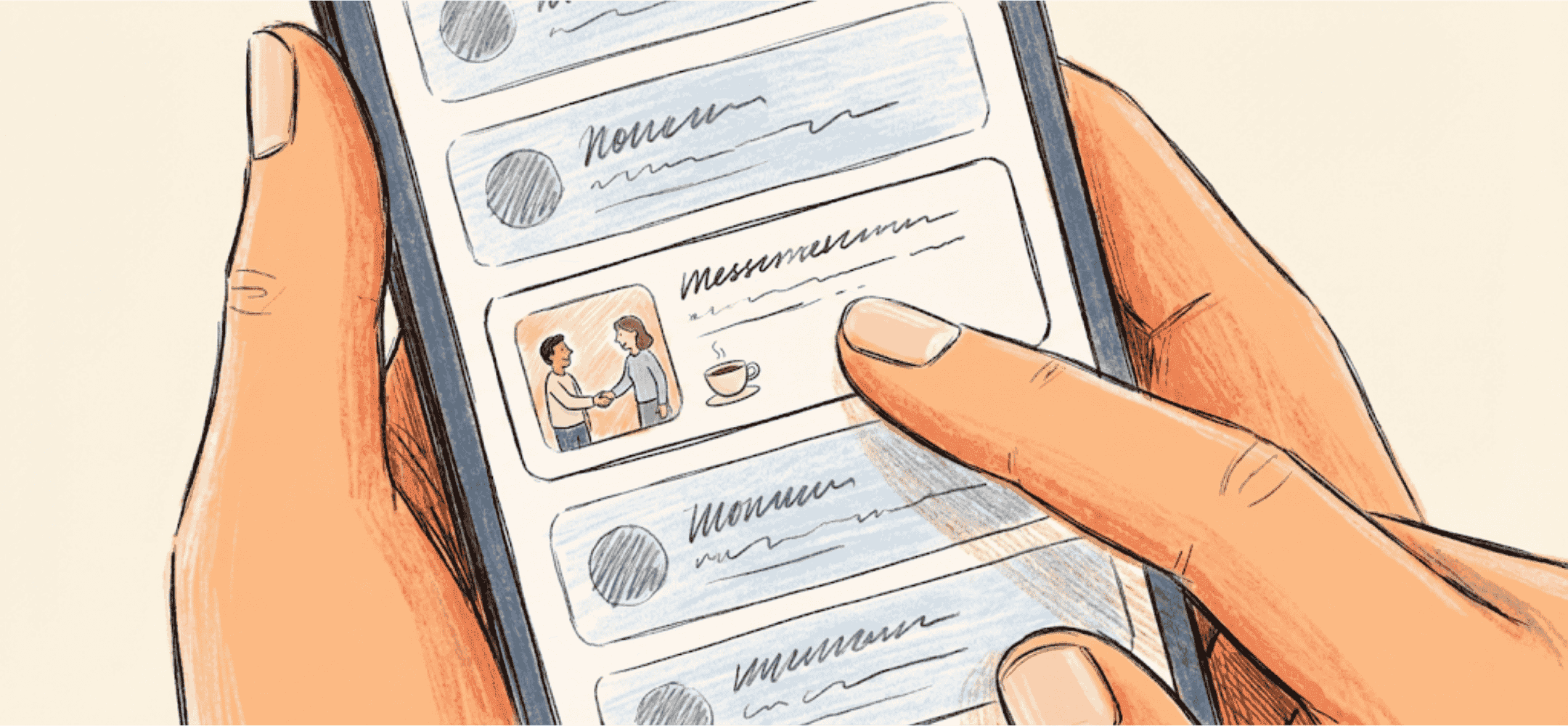
The first 40 characters decide everything in a mobile notification. Use a name drop, shared connections or a specific passion. No "New Challenge".
An InMail subject line that actually gets opened is short, honest, and refers directly to the recipient’s profile. Candidates usually see this line first, especially on mobile, where sometimes only the first 35 to 50 characters are visible. Put the key message right at the start. Think of a concrete hook, such as a specific skill or recent role. This guide shows you how to write, test, and improve subject lines like these.
- Start personally with a concrete hook, such as a project or a recent post.
- Keep it short and punchy: one topic at most, with no vague language or unnecessary capital letters.
- Put the most important keyword or hook right at the front, so it stays visible on mobile screens.
- Make sure the subject line flows naturally into the first line of your message, to build more trust.
- Use simple formats per audience and find out through A/B testing what works for your candidates.
Why an InMail subject line that gets opened matters so much
The subject line of a LinkedIn InMail determines whether the recipient opens your message at all. It’s the first text visible in the inbox, on both desktop and mobile. On a smartphone especially, you often only see 35 to 50 characters. Want someone to stop scrolling and click through? Then that line needs to grab attention immediately.
LinkedIn tracks how often your InMails get opened or ignored. This is reflected in your acceptance and decline ratio. A high response rate means more substantive replies and less wasted InMail credits. The same applies to a follow-up: it counts as a new message and therefore affects your score in LinkedIn Recruiter. Your subject line has a direct impact on your reach and credibility as a recruiter.
Ground rules for an InMail subject line that gets opened
A strong subject line is concise, concrete, and honest. You make a promise that you then deliver on in the message itself. So never write something purely as clickbait. Candidates see straight through that, and it costs you credibility.
Stick to these ground rules:
- One clear topic: avoid long sentences or multiple hooks.
- Write plainly: no excessive use of capital letters, emojis, or phrases like "amazing opportunity".
- Be specific: avoid phrases like "great opportunity" without further explanation.
- Highlight something from the profile: the subject line should feel like it was written specifically for this person.
- Make sure the first line of the message follows on logically from the subject.
Ask yourself three questions when writing the subject line: Why am I sending this now? What’s the content? What do I want the other person to do?
Profile information as a hook for an InMail subject line that gets opened
A profile-based hook is a specific detail from the LinkedIn profile that you use as your opener. This makes the subject line personal, without costing you huge amounts of time. It shows you’ve genuinely looked into the other person. This is the opposite of standard bulk InMails, where everyone receives exactly the same message.
Use, for example:
- A recent job change or notable career move.
- A tool, certification, or skill that’s rare in the field.
- An article the person wrote or shared themselves.
- Their location in relation to hybrid working options.
- A completed project explicitly mentioned on the profile.
Examples of subject lines with profile hooks are:
- “Quick question about your Kubernetes project at [company]”
- “Just started in SRE. Time to get settled in?”
- “Read your post about CI/CD – fancy a quick chat?”
A detail like that sparks curiosity because it touches on someone’s work, pride, or recent activity. That makes the message feel less like recruitment and more like a genuine note to one person.
Write a personal message right here
Enter a name or LinkedIn URL and get a personalised message within 30 seconds. No account needed.
Formats and examples for an InMail subject line that gets opened
With fixed formats, you don’t need to reinvent the wheel every time. You’ll discover faster what works, and you can easily vary it from there. Combine the format with an element from the profile for more context and recognition.
Formats you can use straight away:
- “Quick question about [tool/topic]”
- “Does [role] fit your experience in [industry]?”
- “Fancy a quick chat about [topic]”
- “What you did with [technology] caught my eye”
Examples per audience, with context:
Junior profiles:
- “Graduation on the horizon. Something to build towards?” – Plays on availability.
- “You, frontend and Leeds – got a quick idea to run past you?” – Combination of location and field.
Mid-level/senior specialists:
- “4 years at a scale-up. Time to focus on SRE?” – Names the career rhythm.
- “Your work with Terraform – worth a quick chat?” – Focused on a specific tool.
Management and leads:
- “Building a team around an API platform?” – Shows the strategic nature of the role.
- “As a lead with DevOps knowledge: this will sound familiar” – Combines role and technical content.
These examples work because they’re recognisable and use a concrete hook. They’re written for one candidate, not for the masses.
Mistakes and pitfalls with an InMail subject line that gets opened
Some InMails barely get opened because the subject line is too vague, shouty, or misleading. This lowers your response rate, and if that keeps happening, your reach in LinkedIn Recruiter drops. Avoiding spammy subject lines is therefore essential for your reputation.
Pitfalls you’re better off avoiding:
- “Senior developer wanted!!” – Too generic and too busy.
- “Perfect match at [company]” – Without explanation or substance.
- “GET IN TOUCH ASAP” – Comes across as pushy or untrustworthy.
- “Unique opportunity for you” – No substance, pure sales talk.
- Sentences that are too long – Get cut off on mobile and look messy.
Be honest, too: don’t put "quick question" in the subject if you then launch into a five-paragraph pitch. Candidates might click, but the trust is gone straight away.
A/B testing an InMail subject line that gets opened
What lands with one audience doesn’t necessarily work for another. That’s why A/B testing InMail subject lines is a smart move. It shows you what actually triggers your candidates. It doesn’t have to be complicated: come up with two to three variants, send them, and see which performs best.
Here’s how to approach it:
- Choose a specific type of candidate, such as mid-level DevOps specialists.
- Write two versions: one with a profile-based hook and one without.
- Use each version for a few days and make sure the split is even.
- Check the statistics in LinkedIn Recruiter for opens, acceptances, and substantive replies.
Want to create and label variants more efficiently? Read more about our InMails module. That way you test systematically and keep a clear overview.
AI-assisted InMails and writing better subject lines at scale
With large-scale outreach, you don’t want to send generic templates, but you also don’t want to type everything by hand. AI can help generate better subject lines at scale. It’s still crucial to check the suggestions, otherwise the message sounds generic or robotic, which lowers your chance of it being opened.
We support this in our workflow. You select multiple candidates and receive a suggestion per profile for both the subject line and the opening line. These are tailored to the profile, and you can quickly fine-tune them yourself. You stay in control of tone and content. Read more about our InMails module and how it helps you with faster, personal outreach that never feels like spam.
Your routine for an InMail subject line that gets opened, day after day
Strong subject lines aren’t a matter of templates or one fixed winning formula. You need to build them into your regular workflow. That way you stay fast and still personal. These steps help:
- Open the profile and quickly scan for standout details.
- Choose one specific hook: a project, a new role, or a recent post.
- Write a short subject line that reflects that point.
- Check that the first line of your InMail follows on logically.
- Label your message by hook type or audience, so you build up data.
Working directly in LinkedIn? Then our LinkedIn integration helps you do this efficiently, without unnecessary mouse clicks. If you work in a team, it helps if everyone uses the same formats and approach. That way you avoid noise and a 'spammy' impression, especially at agencies working at volume. Read too how our approach for agencies contributes to a consistent, scalable way of working.
Practical summary and next step
An effective InMail subject line is concise, honest, and tied to the profile. You place the hook as early as possible in the sentence, because the text gets cut off on mobile. A fixed routine and simple formats help you get this right consistently. Small tests give you insight, and AI can speed things up where it fits.
Curious how other teams approach this? In this case study with Manpower, you’ll read how they improved this step by step. Want to explore together what this could mean for your team? Get in touch. Then we’ll discuss how you and your team can send messages that actually get opened.
Frequently asked questions about InMail subject lines
How long can a LinkedIn InMail subject line be?
LinkedIn allows around 200 characters, but on mobile, often only the first 35 to 50 characters are visible. So put the key message right at the start.
What should I put in the subject line?
Choose one clear topic or hook that fits the profile. For example, a tool someone uses, a recent role change, or a post that person has shared.
How do I test different InMail subject lines?
Create two to three variants for the same audience. Use them in separate periods and analyse the number of opens, acceptances, and replies per line.
Write a personal message right here
Enter a name or LinkedIn URL and get a personalised message within 30 seconds. No account needed.
Subject lines that trigger a click?
Elvatix generates compelling, honest subject lines that get opened 3x more often.