What do 1st, 2nd and 3rd mean on LinkedIn, and how do you use these connection degrees for recruitment
What do 1st, 2nd and 3rd+ degree mean on LinkedIn? See how connection degrees work, and how recruiters approach each type of contact effectively.
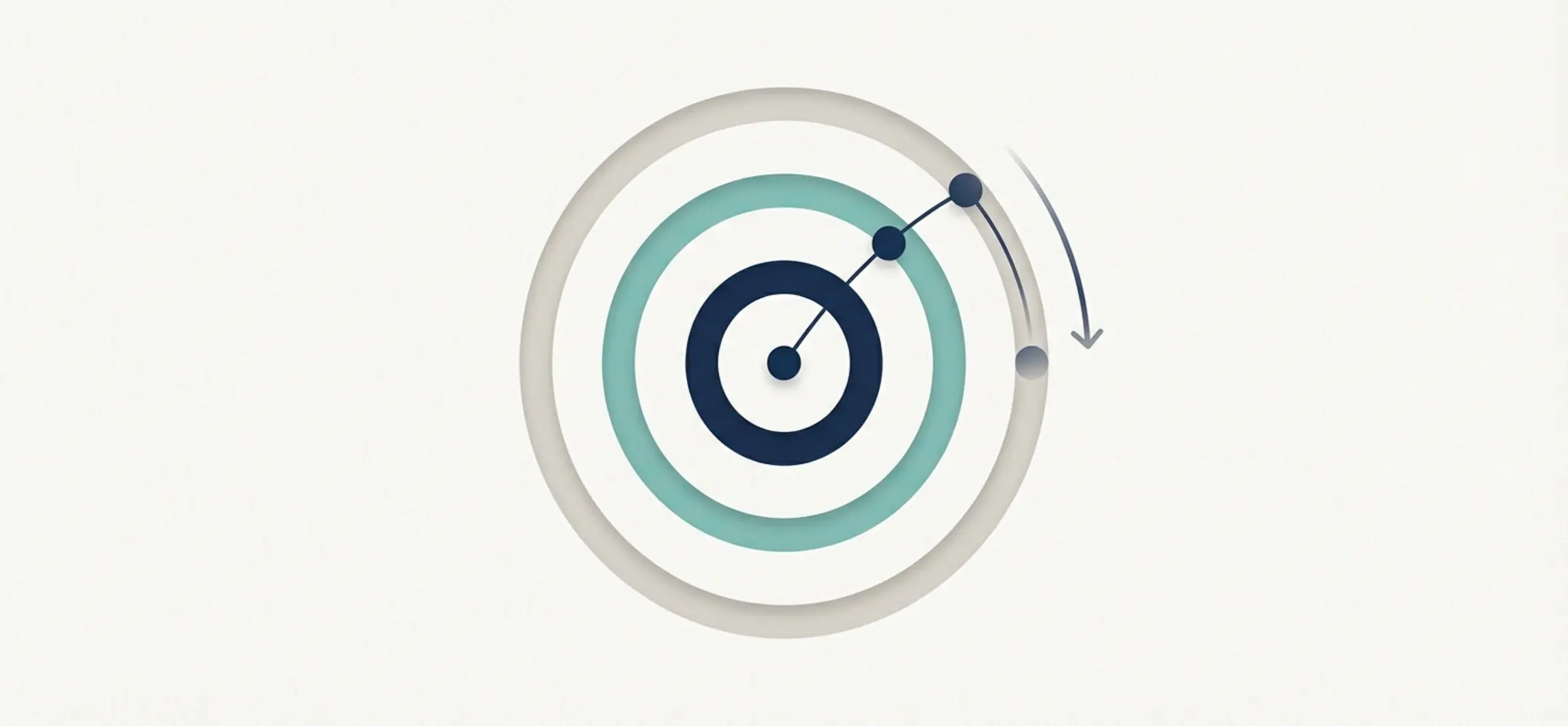
The degree of connection dictates your approach. 1st degree is warm (DM). 2nd/3rd degree requires connection requests with network context or InMails.
The labels 1st, 2nd, 3rd and 3rd+ on LinkedIn tell you how someone is connected to you. A 1st-degree connection is directly connected to you, a 2nd-degree connection is someone who reaches your network through a mutual connection, and a 3rd-degree or 3rd+ connection sits further out in the network. These connection degrees determine what you can see and which contact options you have, especially when you want to reach out to candidates on LinkedIn.
For recruiters, this matters a great deal. It tells you whether you can simply message someone, or whether you first need a connection request or an InMail. In this article, we explain exactly what connection degrees mean, and how to use them to your advantage.
- You can message a 1st-degree connection on LinkedIn directly, without an invitation.
- You can approach 2nd-degree connections with a personal connection request, or through a mutual connection.
- 3rd-degree and 3rd+ connections often call for an InMail or a solid introduction.
- The connection degree helps you choose the right tone, length and channel for your message.
- Writing something short and personal increases your chance of acceptance or a reply.
What do 1st, 2nd and 3rd mean on LinkedIn for your network structure?
LinkedIn works with connection degrees. These show how close someone sits to you within the network. That says nothing about someone's professional value, but everything about which contact options are open to you.
Here's an overview of how the degrees work:
- Degree: Degree
- Meaning: Meaning
- Real-world example: Real-world example
- 1st degree: You're directly connected, you have this person as a connection
- 2nd degree: Connected through your connection, you both know someone directly
- 3rd degree: Connected through two intermediate steps, connected via-via, no direct link
- 3rd+: Outside the reach of your network, limited visibility, often just a name with no details
This is also known as LinkedIn's connection degrees. It affects how much profile information you can see, and which buttons are available, such as "Message", "Connect" or "Send InMail".
What do 1st, 2nd and 3rd mean on LinkedIn when reaching out to candidates?
When you're reaching out to candidates on LinkedIn, it's worth checking the connection degree first. It tells you not just how far apart you are, but also how "warm" the contact will feel to the person receiving it. It determines whether you can message directly, need to send an invitation, or need an InMail to reach someone outside your network.
With a 1st-degree connection, you can send a message straight away. This direct option is available on free accounts and in LinkedIn Recruiter alike. For 2nd and 3rd-degree connections, the free version usually requires you to send a connection request first.
Working with LinkedIn Recruiter? Then you can also reach someone outside your network with an InMail. This is useful when your target audience falls outside your direct connections.
What do 1st, 2nd and 3rd mean on LinkedIn for how you approach 1st-degree connections?
A 1st-degree connection on LinkedIn means you can message them straight away. This lowers the barrier, but a good message still matters. Keep it short and clear, even though you can already reach out directly. Briefly mention how you know each other, or why you want to share something.
For recruiters, this structure usually works well:
- Hook: a recognisable point, such as "we both worked at [company]" or "great that we're already connected".
- Reason: why you're reaching out right now.
- Ask: one short, clear step, like a call or checking whether someone's open to it.
Example:
"Hi [name], good to already be connected through [company]. I see you've got experience in [sector]. Fancy a quick chat this week about an interesting opportunity?"
Build it this way, and you increase your chance of a reply without it feeling like a sales pitch.
What do 1st, 2nd and 3rd mean on LinkedIn when you want to approach 2nd-degree connections?
A 2nd-degree connection on LinkedIn means you share one or more mutual connections. That makes it feel slightly more familiar than reaching out cold. You'll usually start here with a connection request. Keep the invitation message short and relevant.
Examples:
"Hi [name], I came across your profile through [mutual connection]. Would be good to connect."
Or:
"We're in a similar field. Thought it'd be good to link up."
Always give some context. Mention a mutual connection or a shared sector, for example. You'll find more tips for short, relevant connection requests here.
You can also ask a connection for an introduction, but that only works if you genuinely know that connection. A short, polite question is enough:
"Hi [connection], I noticed you're connected with [person]. I think our paths overlap. Do you think a quick introduction would make sense?"
What do 1st, 2nd and 3rd mean on LinkedIn for 3rd-degree and 3rd+ connections?
A 3rd-degree connection on LinkedIn is someone who sits even further from your network. The 3rd+ label on LinkedIn means the person falls outside your visible connections. Often you'll only see their name and job title, unless they have an Open Profile or use extra settings.
Your options with this group are:
- Send a short connection request: keep it light and mention something concrete, such as their field.
- InMail outside your network: possible with LinkedIn Recruiter. The message will land somewhat "colder", though.
- Message via an Open Profile on LinkedIn: sometimes you can message for free if the other person has set this up themselves.
Example InMail:
"Hello [name], your experience in [industry] caught my eye. Are you still working with [tool/company]? I'd love to hear if you're open to a short conversation."
You'll find more tips in our guide to personal InMails within LinkedIn Recruiter. This case study on less time writing and more conversations also shows how you can still get results with colder contacts.
How do you use LinkedIn connection degrees as a "tone dial" for your messages?
The connection degree helps you adjust the tone, length and content of your message. The further someone sits from you in the network, the more carefully you should open. First impressions carry extra weight with 2nd and 3rd-degree connections.
- With 1st-degree connections, you can be direct about your intent. Feel free to ask for a conversation.
- With 2nd-degree connections, start with a short invitation. Wait for acceptance before giving more context.
- With 3rd-degree or 3rd+ connections, keep it more open. Don't ask for too much at once, but invite them warmly towards contact.
A handy structure for any message:
- Hook: what do you have in common, or what prompted this?
- Reason: why you're reaching out now.
- Ask: just one, and make it clear. For example, "Fancy a quick call?" or "Is the role open to a conversation?"
This approach keeps your messages human and respectful, with a better chance of a reply.
Practical examples for reaching out to candidates on LinkedIn, by connection degree
1st-degree connection on LinkedIn
Message:
"Hello [name], I can see some real overlap in our background at [company]. I'm working on a role that could be a great fit. Time for a quick call this week?"
2nd-degree connection on LinkedIn
Connection request:
"Hi [name], great to see your profile through [mutual connection]. Might be a good time to connect."
After acceptance:
"Thanks for accepting. I think a role in [field] could suit your background well. Fancy a quick chat about it?"
3rd-degree or 3rd+ on LinkedIn
InMail:
"Hello [name], I came across your profile in [field]. Would a short introduction be of interest? I'd love to hear from you."
These messages stay concise and relevant. They match the distance involved, while leaving room for the other person to respond.
Frequently asked questions about what 1st, 2nd and 3rd mean on LinkedIn, and how to make contact
How do I turn a 2nd-degree connection into a 1st-degree connection on LinkedIn?
Visit their profile and click "Connect". Add a short, personal reason, such as a mutual connection or role.
What's the benefit of a 1st-degree connection on LinkedIn for recruiters?
You can communicate directly, see more of the profile, and follow-up contact runs faster and more smoothly.
When should I choose an InMail outside my network instead of a connection request?
For harder-to-reach profiles, or when you want to make contact without a waiting period. For example, with senior professionals or people outside your network. An InMail then works better than an invitation.
How do I use mutual connections without it feeling forced?
Only mention a mutual connection if you genuinely know that person. A line like "I saw your profile through [name], which caught my interest" is often enough.
How do I increase the chance that my connection request gets accepted?
Send a short, friendly message. Mention something you have in common, and don't ask a demanding question. Keep it informal.
Want to talk more about how LinkedIn connection degrees can help you with better outreach? Get in touch. We're happy to think along about tone, your approach, or the tools that can support you.
Targeted messages per degree?
Elvatix detects the subtle language nuances. A 2nd-degree connection via someone gets a completely different message.