What does 'Actively Recruiting' mean on LinkedIn?
Discover what the actively recruiting badge on LinkedIn really means, how you earn it as a recruiter, and why candidates respond to it more often.
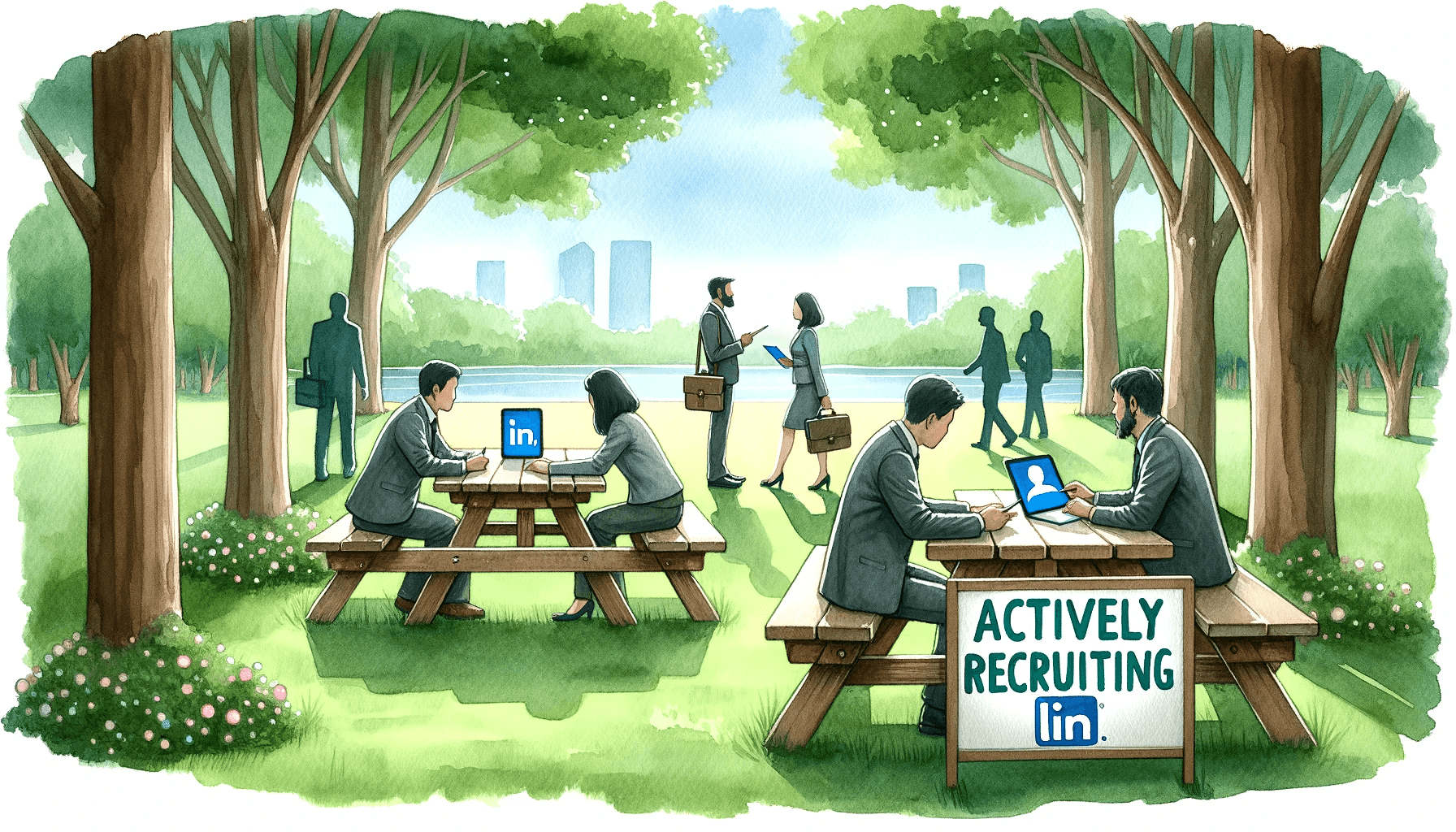
The "Actively Recruiting" tag is a magnet for inbound, but inbound is often noisy. You still need precision outbound to secure the 1% top performers.
Scroll through LinkedIn vacancies and you'll see a green badge on some of them reading "Actively Recruiting". But what does that actually mean? And how do you, as a recruiter, get that badge on your own vacancies? In this article, we explain how the badge works, what candidates think of it, and how it helps you bring in more applications.
What is the actively recruiting badge?
The "Actively Recruiting" badge is a green label that LinkedIn automatically shows on vacancies in the search results. It signals to candidates that the recruiter or hiring manager is actively working the vacancy: reviewing applications, replying to messages and assessing candidates.
The badge shows up as a small green label under or next to the vacancy title in LinkedIn's search results. Every LinkedIn user can see it, whether they have a free or a Premium account.
Important: the badge isn't a manual setting. LinkedIn awards it automatically based on your activity as a recruiter. There's no toggle for it in your settings.
How do you earn the badge as a recruiter?
LinkedIn's algorithm decides which vacancies get the badge. The main factors are:
- Actively reviewing applications - log in daily and review incoming applications. LinkedIn measures how consistently you do this.
- Responding to candidates - even a quick rejection keeps your activity score up. Not responding works against you.
- Updating the vacancy - small edits to skills or the description signal that the vacancy is current.
- Posting a paid vacancy - free, shared vacancies don't qualify for the badge. You need a Job Slot or a Promoted posting.
- Setting screening questions - this shows LinkedIn that you're actively filtering and managing the pipeline.
If you stop engaging, or leave the vacancy unattended for several days, LinkedIn can remove the badge again. If a vacancy has been without the badge for more than 30 days, your best move is to close it and repost.
Why the badge matters
The badge has a measurable effect on your results:
- Up to 2x more applications - according to LinkedIn, vacancies with the badge receive up to twice as many applications as those without.
- Higher click-through rate - the green label visually draws attention in search results, which leads to more clicks.
- More candidate trust - candidates see the badge as confirmation that the role is genuinely open, not a ghost vacancy.
- Faster expectations - candidates expect a quicker reply, which puts healthy pressure on your response time.
This is especially true in the Dutch market, where candidates have grown increasingly wary of ghost vacancies: the badge works as a trust signal. Jobseekers actively use it to filter out which vacancies are worth their time.
The difference with the #Hiring badge
Many recruiters confuse the "Actively Recruiting" badge with the "#Hiring" badge. These are two different things:
| Feature | Actively recruiting | #Hiring badge |
|---|---|---|
| Where it's visible | On the vacancy in search results | On your personal profile photo |
| Who controls it | LinkedIn's algorithm (automatic) | You (manual toggle) |
| Purpose | Shows that a specific vacancy is being actively managed | Shows that your company is hiring |
| Requirements | Active paid vacancy plus recruiter engagement | Any employee can turn it on if there are open vacancies |
| Impact | Increases CTR and applications on the vacancy | Increases visibility of your profile and employer branding |
The ideal approach is combining both: the #Hiring badge on your profile for visibility, and active engagement to earn the Actively Recruiting badge on your vacancies.
Related LinkedIn features for recruiters
The Actively Recruiting badge doesn't stand alone. LinkedIn offers several features that together shape your vacancy's visibility:
- Easy Apply - lets candidates apply in one or two clicks, without leaving LinkedIn. Increases applications up to 4x compared with external redirects.
- Job Slots - paid vacancies that stay active until you close them. You can swap them between roles.
- Promoted Jobs - pay-per-click ads that show your vacancy to targeted candidates in their feed and search results.
- LinkedIn Recruiter - the full sourcing platform, with InMail credits, advanced filters and pipeline management.
10 tips to make the most of the badge
- 1. Review applications daily - consistency matters more than doing everything at once.
- 2. Respond within 24 hours - vacancies where recruiters respond within a day see 30 percent higher completion rates.
- 3. Use screening questions - this filters immediately and shows LinkedIn you're actively managing the vacancy.
- 4. Combine it with Easy Apply - more volume means more candidates to engage with, which strengthens the badge.
- 5. Stay active on your profile - share content, comment on posts, post about the role. Profile activity feeds the algorithm.
- 6. Add the #Hiring frame - this strengthens your visibility as a recruiter and extends your reach.
- 7. Update your vacancy copy - a small edit every 1 to 2 weeks keeps the vacancy fresh.
- 8. Repost after 30 days - if the badge doesn't appear, close the vacancy and post it again.
- 9. Use personal outreach - combine the vacancy with direct messages to promising candidates.
- 10. Monitor it in Recruiter analytics - compare the performance of vacancies with and without the badge.
What candidates think of it
From a candidate's perspective, the badge is an important filter. Jobseekers in the Netherlands report that they:
- Apply sooner to vacancies with the badge, because it signals that someone is genuinely on the other end.
- Feel more confident they'll get a response, whether that's an invitation or a rejection.
- Use the badge to avoid ghost vacancies, particularly at agencies that keep the same roles permanently listed online.
This also means the badge creates an expectation. If you have the badge but don't respond quickly, it works against you. Candidates expect a fast, personal follow-up.
Summary
The Actively Recruiting badge is an automatic signal from LinkedIn that lets candidates know you're actively working a vacancy. You earn the badge by reviewing applications daily, responding quickly, and keeping your vacancy current. The result: up to twice as many applications, and more trust from candidates.
Combine the badge with personal connection requests and targeted InMails for a complete recruitment strategy that reaches both passive and active candidates.
Combine inbound flags with sharp outbound?
While the tag draws the crowd, use Elvatix to snipe the exact talent you want with personalised direct messages.