How to optimise your LinkedIn profile as a recruiter so candidates reply faster
Optimise your LinkedIn profile as a recruiter so more candidates reply. Practical tips for your headline, About section and professional presence.
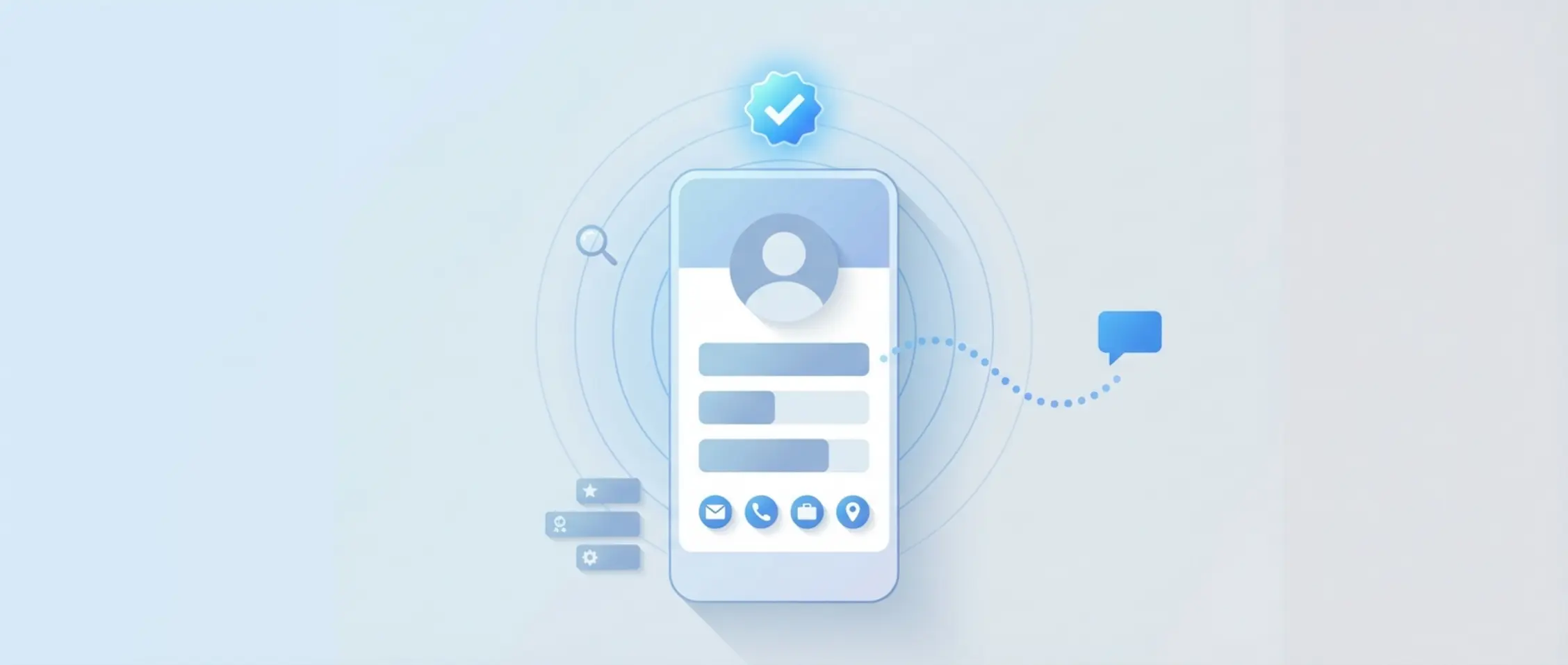
If your own recruiter profile is empty or reads like a sales pitch, candidates will ignore your outreach. Add value through your banner and headline.
A strong LinkedIn profile helps recruiters get more replies to their messages. Candidates usually check who you are before they respond. If your profile makes it clear who you recruit for, how you work and how to reach you, you come across as more trustworthy. That, in turn, increases the chance of a reply.
In this article, you'll learn how to optimise your LinkedIn profile as a recruiter. You'll get practical tips for every part of your profile, from your photo to your summary. We also explain how your profile and your messages should line up for a consistent, professional presence.
- Candidates reply faster when your profile feels recognisable and human
- A strong recruiter headline includes your niche, target group and region
- The About section is the heart of your profile, write it like a real conversation
- Skills, recommendations and activity make your profile more credible
- Profile and messages together create a consistent experience
1. Why optimising your LinkedIn profile as a recruiter leads to more replies
Recruiters use LinkedIn differently from job seekers. Your profile doesn't need to convince anyone to work somewhere; it needs to make clear straight away who you help, for which roles, and how you work. Candidates often decide whether to reply to a message based on your profile. A stronger first impression means more replies.
1.1 How candidates actually use your profile
When you send an InMail or a connection request, candidates usually check your photo, headline and summary first. They want to know whether you're professional, understand their sector, and are easy to reach. If that's clear right away, you increase the chance of a reply.
1.2 The difference between a "complete" profile and a clear one
LinkedIn gives a profile All-Star status once every section is filled in. That helps with visibility, but it says nothing about the quality of your profile text. Clarity and relevance matter more. Choose short, clear descriptions that say something specific about your work as a recruiter.
2. First impressions: photo, banner, the #Hiring frame and contact details
The visual parts of your profile are the first thing people see. They often decide whether someone reads on. Keep these elements professional, calm and fitting for your role as a recruiter.
2.1 A profile photo and banner that fit you and your organisation
Use a good-quality photo with a calm background and an open, friendly expression. That builds trust. Choose a banner in the style of your employer or sector, such as a team photo or a neutral company design.
2.2 The #Hiring frame and other visible signals
The #Hiring frame shows that you're actively recruiting. That can be useful, as long as it fits your tone. Check with your team whether this suits the way you work, since some candidates find it too commercial.
2.3 Contact details and a custom URL for a quick, low-friction reply
Make it easy for people to get in touch. Add your email address and, if relevant, a phone number. Customise your LinkedIn URL to something logical, such as linkedin.com/in/firstnamelastname. This also makes you look more professional.
3. A recruiter headline that makes clear who you are, straight away
Your recruiter headline is often the first thing people read. "Recruiter at [company name]" alone says very little. Add your sector, target group and region instead. That way, a candidate can see at a glance whether your profile is relevant to them.
Example: "Recruiter | Finance & Risk | Greater London | Mid to senior level".
Avoid vague words like "passionate" or "people person". Be specific and write in plain language.
Tip: Elvatix gets more out of every InMail credit. Higher response rates, lower cost per contact.
See how →4. Optimising your LinkedIn profile as a recruiter starts with a strong About section
Your LinkedIn summary (About) is a chance to make your profile personal and approachable. Write as if you're speaking to one candidate. Explain what you do, who for, how you work, and when someone can best get in touch.
4.1 Who you are and who you work with
Start with a short introduction. For example: "I've worked as a recruiter in healthcare since 2019, focusing on nurses and specialists."
4.2 The roles you fill and what candidates can expect
Mention the types of roles you usually recruit for and briefly explain how you work. For example: "I move quickly, always give proper feedback, and work closely with hiring managers."
4.3 How and when someone can best reach you
Close with an invitation to get in touch. For example: "You can reach me easily by email or with a connection request. I usually reply within one working day."
5. Experience, skills and endorsements: proof that you do what you say
A clear LinkedIn profile as a recruiter should also show your track record. The Experience section shows what you do and who you work with. Skills and endorsements show what you're good at and which skills your colleagues associate with you.
5.1 An Experience section with clear roles and processes
Describe your role in plain language and mention sectors, seniority levels or processes. For example: end-to-end recruitment for logistics roles across the North West. Show that you work closely with both candidates and hiring managers.
5.2 Skills and endorsements that strengthen your credibility
Only add skills you genuinely use, such as sourcing, interview technique, employer branding or stakeholder management. Ask colleagues or candidates you've worked well with to endorse you for those skills.
6. Using recommendations and the Featured section to build candidate trust
Recommendations on your profile provide social proof. Using the Featured section also helps you showcase specific examples of your work. Together, they make your profile even more credible.
6.1 Who to ask for a recommendation, and how
Ask people you've worked with recently for a short recommendation. Briefly explain what you'd like them to focus on, such as how you communicate with candidates or handle feedback.
6.2 What to put in the Featured section as a recruiter
In the Featured section, you can highlight a post explaining how you work with candidates, or an update about a role describing what people can expect. It gives candidates a glimpse of your approach.
7. Optimising your LinkedIn profile as a recruiter also means being easier to find
Beyond making a good impression, being easy to find matters too. Make sure candidates can find your profile easily. Use recognisable keywords that match the roles you recruit for.
7.1 Getting to All-Star status with the right focus
A profile that LinkedIn marks as All-Star ranks better in search results. Fill in every section, but keep it relevant. Leave out side jobs or qualifications that say nothing about your current focus as a recruiter.
7.2 Using job title and skill keywords strategically
Use common job titles in your headline, summary and work experience, so "controller" rather than internal shorthand. Terms like "administrative assistant", "data engineer" or "customer service" also help if that's your target group.
7.3 What LinkedIn recruiter verification can add
LinkedIn offers extra verification options, such as confirming your work email with known employers. Where this is available, it shows you genuinely work for that organisation, which strengthens trust.
8. Representing your employer and team consistently through your profile
Your profile isn't just yours. For candidates, it's also a calling card for your employer. That makes team consistency important, especially when several recruiters work for the same organisation.
8.1 Your profile as a calling card for your employer
Use banners, terminology and a tone that fit your organisation. Talk to marketing or HR about how you want to come across. This strengthens your employer branding through your recruiter profile.
8.2 Agreeing standards within the recruitment team
Agree as a team how you address candidates. Think about message length, tone of voice, and what you do and don't share on LinkedIn. Our page on challenges and solutions for corporate recruiters has practical guidance on this.
9. Optimising your LinkedIn profile as a recruiter also means smart choices around privacy and visibility
Your profile needs to be visible enough to build trust, but not everything has to be public. Take a deliberate look at your LinkedIn privacy and visibility settings.
9.1 What information you want visible to everyone
Set your photo, name, headline, work experience and contact details so everyone can see them. Consider switching off "People Also Viewed" so attention stays on your own profile.
9.2 Activity and posts: what candidates pick up on
Candidates can see what you post or like. Use that space to show how you work. Share something small once a month that reflects your approach.
10. Content and activity on LinkedIn: showing how you work as a recruiter
Small pieces of content show what sets you apart as a recruiter. You don't need to be a writer for this. One short post a month is enough to stay visible and recognisable.
10.1 Low-effort content for busy recruiters
Think of a short update about a new role, a post about giving feedback, or a message about how many candidates you've spoken to. Keep it factual and human.
10.2 Examples of posts that build trust
Examples that work well: "Spoke to 4 people today and called every one of them back within 24 hours" or "Here's what the process looks like when you apply for this role with us:". It shows your approach and makes you approachable.
11. From optimising your LinkedIn profile to messages that match it
Your profile and your messages belong together. If your About section has a warm tone, keep that same style in your InMails or invitations.
11.1 The basics of a candidate-friendly message
Be short and clear. Say why you're reaching out, which role it's about, and what someone can expect. Skip the vague compliment and give a specific, relevant detail instead.
11.2 Templates and instructions for speed and your own tone
With our templates and instructions for your LinkedIn messages, you keep messages personal and efficient. You tailor them per target group without starting from scratch every time.
11.3 How an AI copilot in LinkedIn Recruiter can follow your tone
Our AI copilot helps you write InMails, invitations and follow-ups in your own tone within LinkedIn Recruiter. You always stay in control of the message. See how it works in our AI copilot integration for LinkedIn.
12. Measuring results and adjusting after optimising your LinkedIn profile
A good profile keeps evolving. Take ten minutes every quarter to tweak something. Small improvements add up to better results over time.
12.1 Simple KPIs for your profile and outreach
- Number of profile views per month
- Percentage of connection requests accepted
- Reply rate on your InMails within seven days
You'll find more tips in our case study on higher response rates and time saved on outreach.
12.2 Common mistakes in recruiter profiles
- Vague or internal job titles
- No target group named in the headline or About section
- No contact details to be found
- No recent activity visible on the profile
12.3 Small, regular updates that make a big difference
Update your headline whenever your focus changes. Add new skills to your profile. Refresh your About section after changes in sector or target group.
13. Seven steps to look noticeably more professional as a recruiter by tomorrow
- Update your headline with your target group, sector and region
- Write an About section as if you're speaking to one candidate
- Choose a calm profile photo and a clear banner
- Add your contact details and make your URL logical
- Only show skills and endorsements that are relevant
- Ask for one recommendation this week
- Revisit an old message and make the tone a bit more personal
Want to talk through your LinkedIn approach with us? We're happy to think it through with you, straightforward and practical.
Write a personal message right here
Enter a name or LinkedIn URL and get a personalised message within 30 seconds. No account needed.
Is your personal brand sorted?
A strong profile combined with top-class InMails from Elvatix is the winning formula for outreach that converts.