Why Don’t Candidates Reply on LinkedIn? What You Can Actually Do About It
Why don’t candidates reply on LinkedIn? Improve your response rate with better timing, the right tone and smart follow-ups for personal messages.
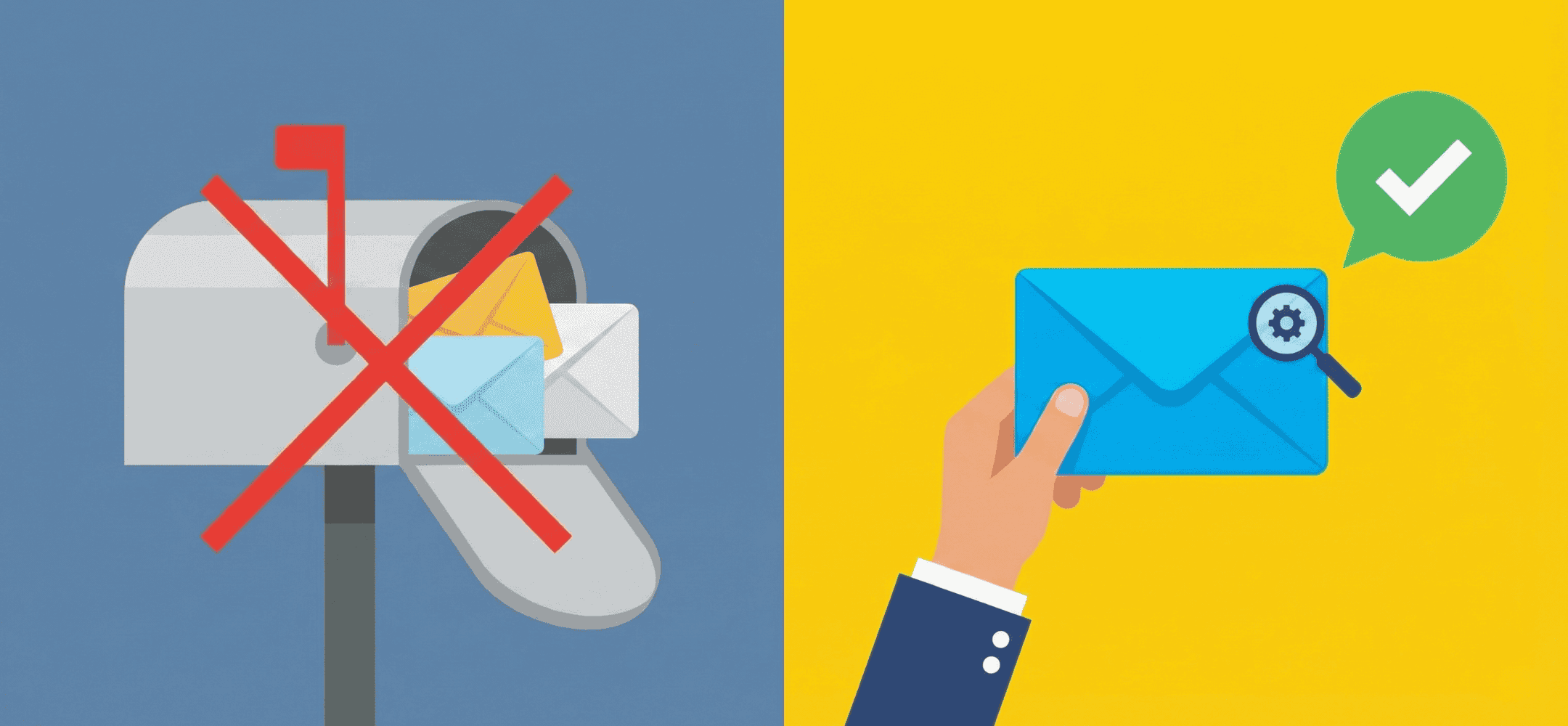
The top 3 reasons: your message is mass-copy, assumes it's about your needs rather than theirs, or lacks any sense of matching salary or USP.
Candidates often don’t reply to LinkedIn messages because of bad timing, too little personal content, or a tone that feels untrustworthy. They scan messages quickly on their phone and decide within a few seconds not to respond. A message that works has one concrete profile hook, a calm tone and one clear, small question, and that combination boosts your chance of a reply. In this article, you’ll see why candidates so often don’t reply on LinkedIn, and what you can practically do about it.
- Candidates reply faster when your message has one profile hook and sounds human.
- Too much information, follow-ups sent too soon, or salesy language all hold back response.
- Good personalisation doesn’t need a paragraph, one sentence can be enough.
- The right call to action for recruiters is small, concrete and easy to answer.
- With a copilot, you work faster while keeping your own tone and style.
Why don’t candidates reply on LinkedIn: the full picture of timing, relevance and trust
How candidates really see your message on LinkedIn
Many candidates glance at LinkedIn messages briefly, often on their phone. If your InMail or connection request doesn’t immediately show something recognisable from their profile, they scroll past. Candidates spot a mass message or a salesy tone quickly. A standard message without a profile hook feels distant. As a result, no reply comes, even when the role is a good fit.
The role of timing: the working day, personal life and other ongoing conversations
A candidate doesn’t always fail to reply because they aren’t interested. Someone in the middle of other applications, or overloaded at work or at home, simply has no room to reply properly. This explains why candidates so often don’t reply on LinkedIn, even when the message was carefully written. Aligning message timing better with working weeks or busy periods in the sector can quietly cut down on silence.
Relevance and trust as the basis for every reply
People are more likely to reply to messages that feel genuine and specific. One signal from the profile, such as a recent move or a unique combination of skills, already makes a difference. Trust builds when your communication stays human, calm and factual. This directly improves the candidate experience and lifts your LinkedIn InMail response rate.
Why don’t candidates reply on LinkedIn even when they open your message?
Sender and subject: the first filter
First impressions count. Candidates notice your name, job title and how the opening lines sound. If you come across as rushed or purely focused on filling the role, trust drops immediately. A recruiter’s tone of voice plays a bigger role here than you might think.
Examples of opening lines that work and don’t work
Bad: “I have a unique opportunity that I think is a perfect fit for you.” Better: “Your experience with migration projects in a SAP environment stood out to me for a tech role with a lot of client contact.” This approach shows that you’ve actually read someone’s profile, and it heads off the sense of recruitment ghosting before it starts.
Spotting personal outreach in one glance
Candidates can tell the difference between a personal message and an automatically generated one. One relevant sentence is often enough to stand out. If you’re working at high volume, it helps to make InMails more personal within your own LinkedIn flow, so your messages stay quick yet still personal.
Why don’t candidates reply on LinkedIn when you share so much information?
What goes wrong with vacancy-led messages
When your message opens with the job title, location and terms, it quickly comes across as a standard pitch. That raises the barrier to reply. The candidate is flooded with details before they even understand why you’re approaching them. A profile-led approach usually works better.
Finding and using profile hooks
Relevant hooks are often small: an unusual qualification, a sideways move on the CV, or specific experience from a side job. By making this recognisable, you show genuine interest. Even a limited profile offers hooks that let your interest come through.
One hook, one reason, one question: how to keep it light
A strong structure is: mention a profile hook, give a reason why you’re approaching this person specifically today, then ask a small question. For example: “Could I suggest one role where that project at X would come in really useful?” Candidates appreciate this kind of light, clear call to action from recruiters. It lowers the barrier to making a decision in the moment.
Write a personal message right here
Enter a name or LinkedIn URL and get a personalised message within 30 seconds. No account needed.
Why don’t candidates reply on LinkedIn when your tone and call to action are unclear?
Words that come across as too commercial
Terms like “once-in-a-lifetime opportunity”, “golden ticket” or “competitive salary” sound like sales talk. Candidates struggle with that. They feel distance rather than connection. A calmer approach works better: mention a substantive point and connect it to their profile. Skip the flair and focus on clarity.
Matching tone to seniority and scarcity
The scarcer or more experienced the candidate, the more important a modest, substantive approach becomes. A senior developer is more likely to reply to a short message that leaves room for ‘no’ than to a sales pitch full of perks. This builds trust without putting pressure on the relationship. This tone also fits better with a sustainable candidate experience.
Small, concrete calls to action that actually invite a reply
Instead of vague requests like “let me know your thoughts” or “curious to hear your take”, it works better to offer precise choices. Think of: “Shall I send you a short summary of the role?” or “Could I give you a quick call on Wednesday if that suits you?” Small questions make replying easy. This prevents a candidate from not replying simply because it’s unclear what you actually mean.
Why don’t candidates reply on LinkedIn to follow-ups, and how do you avoid irritation?
Recruitment ghosting: what might be behind the silence
Many recruiters call it recruitment ghosting when no one replies to their follow-up. But it’s often not a deliberate brush-off. Candidate A is juggling four processes at once, candidate B is still on the fence, and candidate C has just got back from holiday. That’s why the timing of your messages and the form your follow-up takes are essential.
Examples of follow-ups that cause irritation
Repeats with no new content trigger resistance. Lines like “Let me know where I stand” emphasise your need, not their situation. Following up with new value is far more effective. Form and tone decide whether you come across as persistent or pushy.
LinkedIn follow-up messages with new content and gentle pressure
A follow-up works better if it adds something. For example, an extra detail: “Just to add: this role offers hybrid working and internal coaching.” This shows that you continue to take the profile seriously. Want to manage the timing and tone of your follow-up better? It helps to follow up properly with smart reminders and automate that, while keeping your own style.
Testing messages, sharpening your target audience and using a copilot on LinkedIn
Testing message variants per audience
Improving response starts with insight. Teams that actively test messages learn quickly what works. You could, for example, A/B test opening lines: does it work better to start straight in on the project, or to name a profile hook first? This lets you fine-tune content and balance for your audience. Regularly testing message variants delivers concrete results and cuts down on trial and error.
Lifting response through better audience targeting
A low response to LinkedIn invitations or messages sometimes comes down to the role simply not matching the profile. Candidates don’t reply, simply because the position isn’t a fit. By defining your target audience more sharply, you not only raise your success rate but also limit the loss of InMail credits and other limits.
How a copilot on LinkedIn helps without losing your tone
At high volumes, personalising stays difficult. A copilot helps you spot profile signals faster, suggest text, and tie LinkedIn follow-up messages back to earlier messages in substance. That way, you work quickly while keeping your own tone of voice. This is valuable for recruiters at agencies with a lot of LinkedIn outreach. Want to see how other teams apply this approach? Take a look at a real-world example of a team already doing this.
Checklist: how to write LinkedIn messages candidates actually reply to
- Does this message sound like it was sent to one specific person?
- Do I mention at least one recognisable signal from the profile?
- Is there one clear reason for reaching out at this specific moment?
- Am I asking a small, easy question that’s quick to answer?
- Is the tone human, without over-the-top sales language?
- Does this message fit the candidate’s experience and profile?
- Does it contain only relevant information, rather than a block of pitch?
- Do I know exactly when and how I’ll follow up if there’s no reply?
- Have I tested whether a different variant might work better?
- Would I open this message myself if I were in the candidate’s shoes?
Frequently asked questions about candidates who don’t reply on LinkedIn
What if a candidate doesn’t reply to my InMail?
Give it a bit of time and send a follow-up after a few days with a new hook or extra context. Often, someone is mid-conversation elsewhere or distracted by other priorities. Don’t just repeat your earlier message; add something that fits their profile.
How often can I follow up on LinkedIn without causing irritation?
Two to three messages in total is a safe limit. Make sure every follow-up offers something new: an added benefit, a different angle, or a good moment to reach out. Respect silence once there’s no longer a reason to keep going.
Not sure about the tone, timing or content of your messages? Or looking for an approach that stays scalable and personal at the same time? Get in touch. We’re happy to think through your candidate experience with you, and how small changes can lift your LinkedIn response rate.
Write a personal message right here
Enter a name or LinkedIn URL and get a personalised message within 30 seconds. No account needed.
Turn radio silence into replies?
Elvatix takes a critical look at your approach: you send more frequent, better asynchronous hooks, so candidates actually reply.