What recruitment software do you actually need in 2026?
What recruitment software do you actually need? See how an ATS, CRM, outreach tools and analytics fit together into one working stack for 2026.
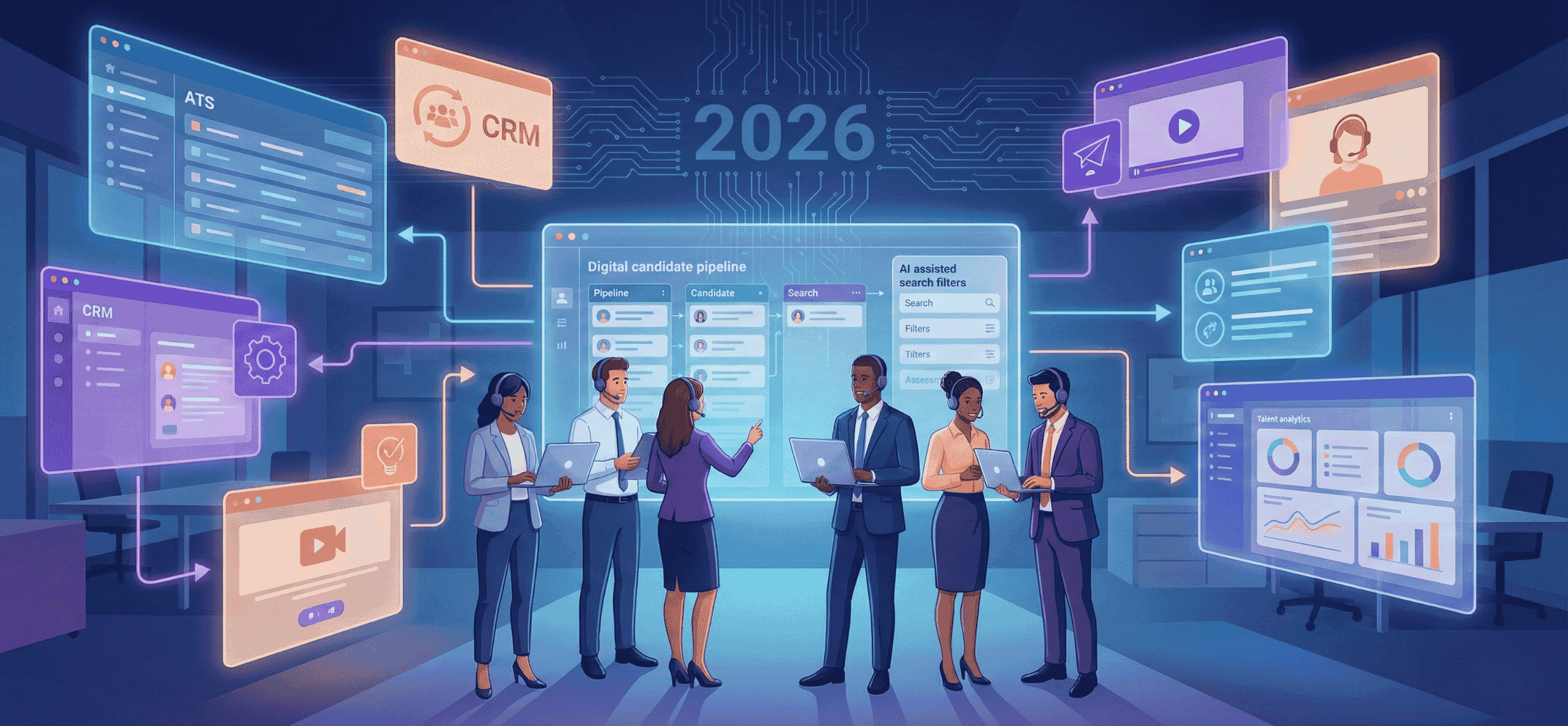
Recruitment & selection demands smooth workflows, CRM features and LinkedIn plug-ins. Integrations are shaping the market in 2026.
Recruitment software is an umbrella term for tools that help you find, select and hire candidates. So there isn't one perfect tool, but several categories that each support part of the recruitment process. A good mix of systems gives you more overview, better communication and faster decisions. That's why it's important to first understand what's out there and what your team or organisation actually needs.
In this article, we explain the different types of software available, what to look out for, and how to build a smart combination heading into 2026.
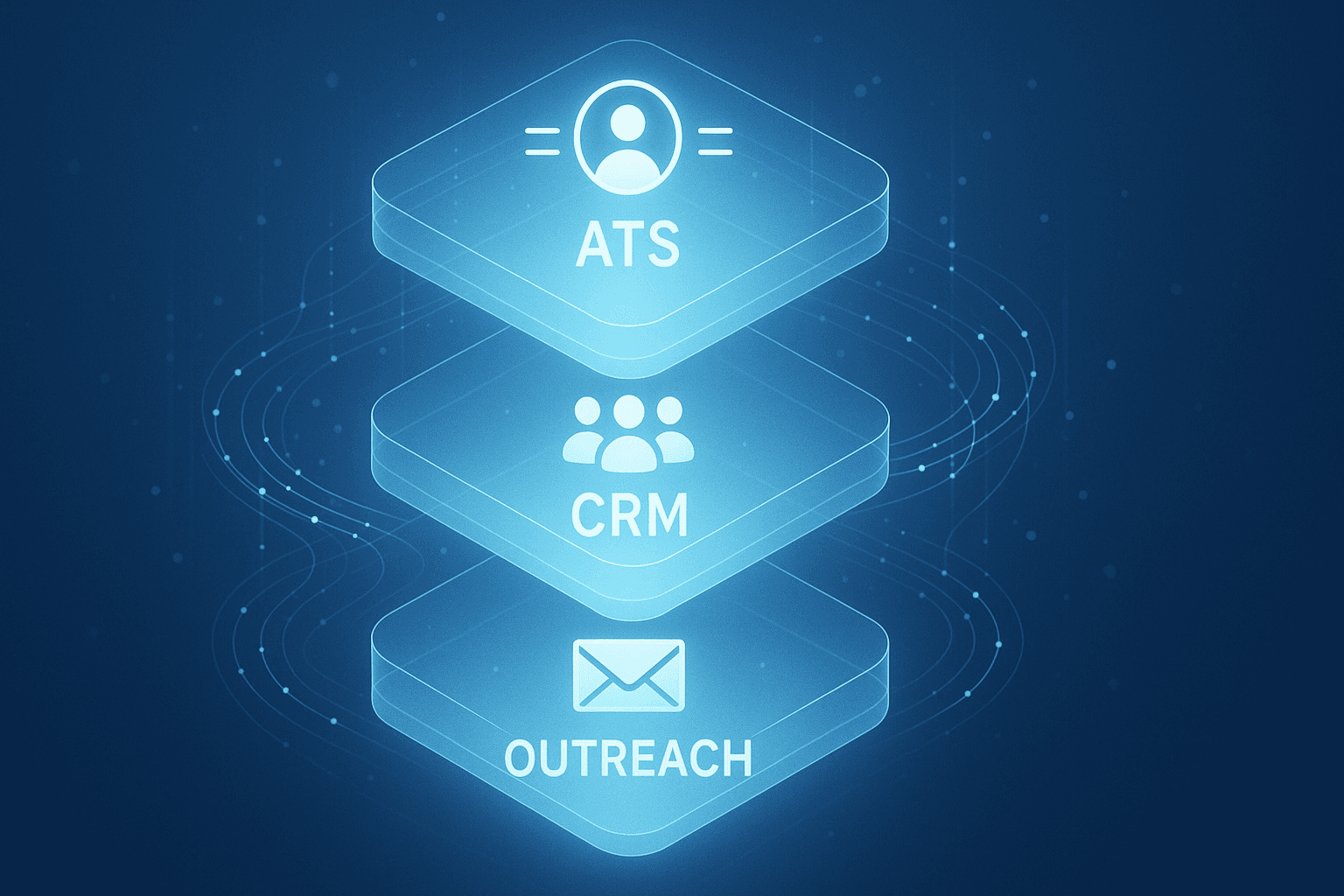
- Recruitment software always consists of several tools, such as an ATS, CRM, outreach tool and analytics tools.
- You choose the right tools by first getting clear on your pain points and goals.
- For LinkedIn recruitment, a specialised outreach tool such as a copilot can be a real help.
- Don't pick an all-in-one solution if separate tools work better together for your situation.
- Pay attention to ease of use, adoption and integrations with the systems you already work in, such as LinkedIn or Teams.
1. What exactly do we mean by recruitment software?
The term recruitment software refers to a collection of digital tools that together support your recruitment process. So it's not about one system, but several parts working together. Think of software for managing vacancies, sourcing candidates, sending messages and scheduling interviews. Within recruitment there are broadly three main phases: finding candidates, selecting them and hiring them. Different types of tools exist for each phase, and together they form one well-functioning stack.
2. How recruitment software fits the three phases of recruitment
Each phase of the recruitment process needs different digital support. By splitting up the process, you can see more clearly where smart software adds value:
- Finding candidates: sourcing and search tools, LinkedIn, Boolean search, alert systems and outreach software.
- Selecting: ATS (applicant tracking system), interview scheduling tools and assessment software.
- Hiring: communication, scheduling software, document handling and reporting dashboards.
A well-designed process uses several systems that complement each other. This avoids unnecessary overlap and helps you work more efficiently.
3. Why an ATS is often the heart of your recruitment software
An ATS (applicant tracking system) is the system where you track vacancies, process applications and manage your pipeline. For recruiters, this is often the central part of the software stack. You track progress per candidate, set statuses such as "first interview scheduled", and log conversations and notes. You can also set reminders and trigger automated emails. This gives you a grip on ongoing processes, stops things being forgotten, and helps you collaborate better as a team.
3.1 What does an ATS do in your day-to-day work?
An ATS helps recruiters with things like:
- Managing vacancies and applications, by role and by stage in the process.
- Visibility into the candidate pipeline and which next steps are needed.
- Automatic emails or reminders to candidates or colleagues.
- Logging communication, with an eye on privacy and case file building.
What an ATS doesn't do well, though, is build personal contact via LinkedIn or other channels. Specific tools are needed for that, such as outreach software.
Tip: Elvatix gets more out of every InMail credit. Higher response rates, lower cost per contact.
See how →4. Recruitment CRM as an addition to your recruitment software
A recruitment CRM (customer relationship management) is designed to log contact history and relationships. Where an ATS is mainly about vacancies and applications, a CRM is about maintaining contact with candidates or clients, even when there's no concrete vacancy yet. You log conversations, signals, interests and actions there, so you keep relationships warm and can approach them more easily later.
4.1 When do you really need a separate recruitment CRM?
A CRM matters most when you work with long-term relationships or multiple clients. Think of these situations:
- You have lots of contacts without a direct vacancy, but still want to keep track of them.
- You're actively building talent pools or communities.
- You also need to track client data or leads, for example as an agency.
For agencies, a CRM is almost indispensable alongside an ATS. You can read more about how this works in practice for recruitment agencies and how the two systems work together.
5. Sourcing and search tools: finding better candidates for your vacancies
If you want to look beyond your own database or network, you use sourcing or search tools. These help you find profiles in CV databases, social media, job boards and other sources. You work with filters, search queries or so-called Boolean search. These tools also send alerts for new matches and help you search proactively. They're essential in the first phase of the recruitment process and stop you staying dependent on a single channel, such as LinkedIn.
6. Outreach and engagement within recruitment software
Outreach software makes it easier to send messages to candidates. This often happens via email or LinkedIn. With these tools you can create templates, send personalised messages and schedule automatic follow-ups. Especially if you send a lot of messages a day via LinkedIn Recruiter, a tool like this can save time and keep communication consistent.
6.1 How a LinkedIn copilot makes your outreach smarter
Elvatix is a concrete example of this. It's an AI copilot you use as a Chrome extension within LinkedIn Recruiter Seat or Lite. You get suggestions for InMails and connection requests based on profile signals, without having to work in a separate platform. As a recruiter, you always keep control: the texts are editable and aimed at human contact. You can also set reminders and work with templates. Take a look at our modules for InMails, connection requests, reminders and templates to see how this makes your work easier.
7. Interview scheduling and video interviews in your software stack
Tools that let candidates book their own interviews save time and remove unnecessary email back-and-forth. Candidates pick an available slot via a link, which automatically lands in your calendar. Some systems also offer video calls, so you can arrange everything in one place. This lowers the barrier for candidates and speeds up your selection process.
8. Assessment tools: fairer, more objective selection
Assessment software helps you get objective information about a candidate. Think of tests for cognitive ability, personality or role-play exercises. The results complement the CV or interview and lead to a better-founded decision. AI can play a role in processing the data here, but the judgement remains with you as a recruiter or with the team.
9. Talent analytics and dashboards on top of your recruitment software
If you want to improve, you need to be able to measure. Analytics tools map out how well your recruitment process is working. Think of figures on time-to-hire, drop-off per stage, channel performance or conversions. These tools often combine data from your ATS, CRM and other systems. They make reporting to management or clients a lot simpler, and are becoming increasingly important heading into 2026.
10. Recruitment software in 2026: AI, automation and GDPR
AI helps recruiters by offering text suggestions, grouping candidates and planning follow-ups. Think of automatic InMail texts, profile analysis or structured pipelines. It's important, though, that AI never makes the final decision. Use AI as support, not as a replacement. Also pay close attention to privacy legislation. Check where data is stored and whether tools request access to, for example, your LinkedIn account. Transparency and control remain essential, especially towards candidates.
11. Get clear on your problems first, then choose recruitment software
Before you choose a tool, it's smart to work out exactly what you're running into. Only then do you decide what kind of solution is needed. A few examples:
- You're losing overview: then a good ATS or an interview scheduler will help.
- You're missing structured contact: then a recruitment CRM helps.
- Candidates aren't responding: then you can get more out of outreach tools or a LinkedIn copilot.
- Selection is too subjective right now: then assessment tools provide extra evidence.
- You struggle to report or steer: then analytics and dashboards are useful.
So don't start with the tool, start with the problem you want to solve.
12. Best-of-breed stacks: how to combine different recruitment software
Many recruiters don't work with one complete package, but put together their own "best-of-breed" stack. At the core there's usually an ATS, supplemented with a CRM, outreach tool and analytics tool. This way you choose what fits best for each part. It's important that these tools work well together. That keeps you efficient. As a LinkedIn copilot, Elvatix is designed as a light layer within LinkedIn Recruiter, without you having to work in a separate system.
12.1 Avoid a sprawl of separate tools
Too many separate systems can actually cause confusion. Data becomes scattered, workflows stutter, and the team doesn't know where to look. Good integrations with your ATS or CRM are therefore essential. Also look at where you already spend most of your time working. For many recruiters, that's LinkedIn. In how our integration with LinkedIn Recruiter Seat and Lite works, you can read how you keep working directly from LinkedIn while still getting extra support.
13. How agencies build their recruitment software stack
Recruitment agencies often have different needs from internal teams. They work with larger volumes, multiple clients and a wider funnel. That's why they usually combine a scalable ATS with a recruitment CRM and a specialist outreach tool. This lets them move quickly with both clients and candidates. See how this works in practice for recruitment agencies to see how it all comes together.
13.1 Case in point: an outreach module combined with an ATS and CRM
At agencies such as Vibe Group, Elvatix is part of the daily stack. They use it to send faster, more personal messages via LinkedIn. The combination of ATS, CRM and outreach tool means candidates and clients don't fall out of view. In the case study with Vibe Group, you can read how this works in practice and what time savings and response improvements it delivers.
14. Your next step: the right mix of recruitment software for 2026
The best choice depends on your practice. Software should make your work easier, not more complicated. So take a close look at your usage, your team and your existing tools. A good stack strengthens human contact, speeds up processes and increases response rates. Specialist add-ons such as a LinkedIn copilot can make just the difference, especially if you work a lot from LinkedIn.
Want to talk it through, or do you have questions about what's possible? Feel free to get in touch.
Write a personal message right here
Enter a name or LinkedIn URL and get a personalised message within 30 seconds. No account needed.
Want to link your ATS and sourcing seamlessly?
Elvatix is your frontend accelerator, boosting outbound results so you bring more strong profiles into your recruitment systems.